

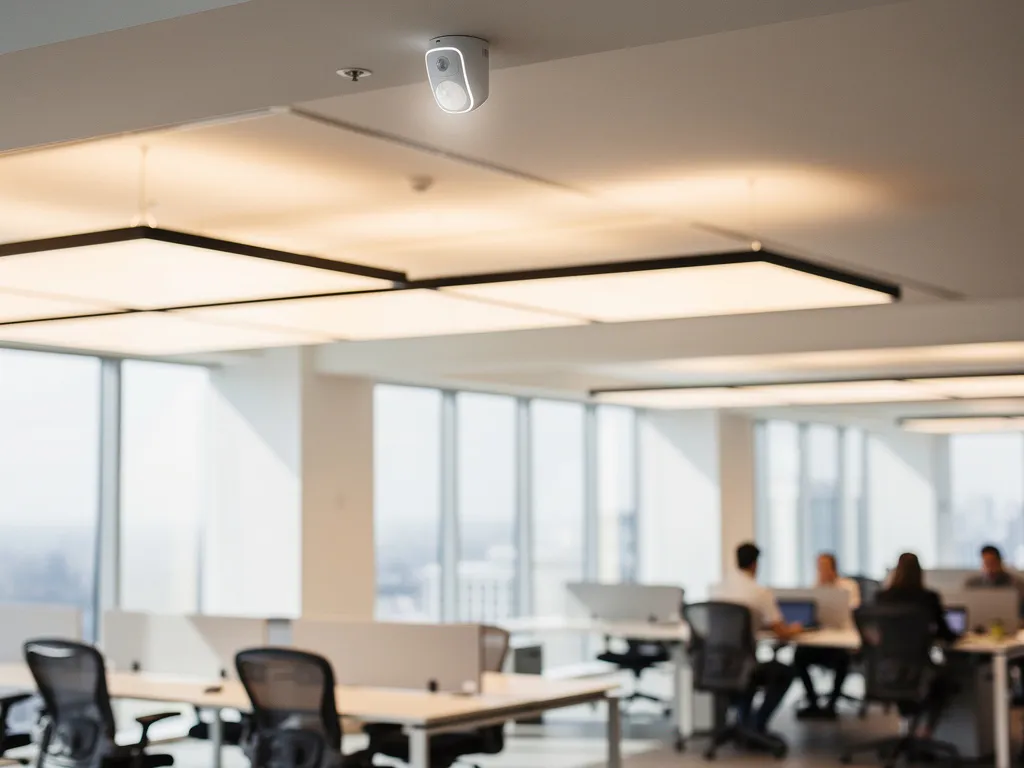
Modern office buildings are evolving into smart work environments where technology optimizes comfort and efficiency. Automated lighting control is an essential part of this intelligent office automation: sensors and software ensure optimal lighting without the need for manual operation.
This smart office technology not only delivers energy savings of up to 90%, but also improves employee comfort by automatically adjusting lighting based on natural light and occupancy. From simple motion sensors to advanced systems that adapt to the daily rhythm, there are solutions for every office environment.
What is automated lighting control in office buildings?
Automated lighting control is a system that automatically manages office lighting using sensors, timers, and software, without the need for manual operation. The system detects occupancy, measures light levels, and adjusts the lighting accordingly.
These intelligent systems consist of various components that work together. Motion sensors detect when employees enter or leave a room. Light sensors measure the amount of natural light and adjust the artificial lighting to maintain consistent light levels. Central control software coordinates all components and can be programmed for various scenarios.
Modern systems go beyond simple on/off switches. They can dim gradually, adjust the color temperature throughout the day from warm to cool light, and control different zones independently. This creates optimal working conditions that align with natural circadian rhythms and specific task requirements.
What are the benefits of automatic lighting for offices?
Automatic office lighting delivers energy savings of up to 90%, enhances employee comfort through optimal lighting levels, and reduces maintenance costs through smart monitoring of lights and systems.
The energy savings result from the fact that lights are only turned on when necessary and automatically dim when there is sufficient natural light. For an average office building, this translates to hundreds of euros in savings per month on electricity costs. In addition, intelligent use significantly extends the lifespan of LED lighting.
Employee comfort is enhanced by consistent light levels that reduce eye strain and promote concentration. Systems that adjust color temperature help regulate the circadian rhythm, contributing to better sleep and overall well-being. Studies show that employees in spaces with optimized lighting are more productive and have lower absenteeism rates.
On the operational side, automated systems provide real-time insight into energy consumption and lamp status. Administrators can quickly identify and replace faulty lamps before they fail completely, which reduces maintenance costs and prevents downtime.
What types of lighting automation are available?
There are four main categories of lighting automation: motion sensors for on/off control, daylight sensors for automatic dimming, programmed schedules, and fully integrated smart building systems with AI-driven optimization.
Motion sensors
This basic solution automatically turns on the lights when motion is detected and turns them off after a configurable period of inactivity. Suitable for meeting rooms, restrooms, and less frequently used areas. Modern PIR sensors have a range of up to 12 meters and can distinguish between different motion patterns.
Daylight sensors
These sensors measure the amount of natural light entering the room and automatically adjust the artificial lighting to maintain consistent light levels. Ideal for workstations near windows, where natural light varies throughout the day. Advanced systems can control lighting individually for each workstation.
Time-controlled systems
Scheduled timers turn on the lights at set times, either by zone or throughout the entire building. Can be combined with other sensors for maximum efficiency. Suitable for offices with fixed working hours and predictable usage patterns.
Integrated smart building solutions
These advanced systems integrate lighting with climate control, security, and other building systems. AI algorithms learn usage patterns and automatically optimize them for comfort and energy efficiency. Ideal for large office buildings with complex needs.
How do you choose the right lighting automation system?
The choice of the right system depends on the size of the building, usage patterns, the budget, and the desired level of integration. Start by analyzing current energy costs and user needs to determine the most cost-effective solution.
For small offices up to 500 m², motion sensors combined with daylight sensors are often sufficient. These systems cost between €50 and €150 per room and have a payback period of 1 to 2 years. They are easy to install and require minimal maintenance.
Medium-sized offices (500–2,000 m²) benefit from zone-based systems with central control. These solutions cost between €5,000 and €15,000, but offer more sophisticated control and greater energy savings. They can support different lighting scenarios for meeting areas, workstations, and common areas.
Large office buildings benefit from full smart building integration. Although the initial investment is higher (€20,000–€50,000+), these systems offer the best ROI by optimizing all building systems. They also support future expansions and technology upgrades.
Also consider compatibility with existing systems, scalability for future growth, and the availability of local technical support for installation and maintenance.
How much does it cost to automate office lighting?
Lighting automation costs between €30 and €200 per workstation, depending on the complexity of the system. Simple motion sensors start at around €50 per room, while complete smart building solutions can cost between €150 and €500 per workstation.
The base costs include hardware (sensors, dimmers, controllers), software (operating system, apps), installation by certified electricians, and configuration. For a standard office with 50 workstations, the total investment for a mid-range system ranges from €2,500 to €7,500.
Key cost factors include the type of sensors (motion, light, presence), the desired functions (dimming, color temperature, scheduling), the level of integration with other systems, and the complexity of the existing wiring. Older buildings may require additional wiring work.
The payback period ranges from 1 to 4 years due to energy savings. An office that spends €3,000 annually on lighting can save up to €2,400 through automation. In addition, these systems reduce maintenance costs through predictive maintenance and extend the lifespan of LED lighting.
Financing options such as leasing or energy performance contracts can spread the initial investment over several years, with monthly savings covering the costs.
How do you install automated lighting control, step by step?
The installation of automated lighting control begins with an energy audit and a design, followed by hardware installation by certified electricians, software configuration, and extensive testing before the system becomes operational.
Step 1 involves a thorough analysis of the current lighting system, usage patterns, and energy consumption. Professionals determine the optimal sensor locations, the necessary cabling, and integration requirements. This phase takes 1 to 2 weeks for medium-sized offices.
Step 2 involves the physical installation of sensors, dimmers, controllers, and any new wiring. This work must be performed by NEN 1010-certified electricians to ensure safety and insurance coverage. Installation typically takes place outside of business hours so as not to disrupt operations.
Step 3 involves software configuration, during which zones are defined, lighting scenarios are programmed, and user interfaces are set up. Modern systems offer intuitive apps for smartphones and computers, making it easy to adjust settings.
Step 4 is a comprehensive testing phase, during which all sensors, automatic functions, and manual overrides are checked. Employees receive training on how to use the new system and on troubleshooting. A 2- to 4-week trial period allows users to familiarize themselves with the system and provide feedback for fine-tuning.
How Wout Monseurs Helps with Smart Office Automation
We offer comprehensive Smart Office solutions that integrate automated lighting control with other smart office technologies. Our expertise in project design combines traditional office design with advanced automation to create optimal work environments.
Our Smart Office services include:
- Customized energy audit and system design
- Installation by NEN 1010-certified electricians
- Integration with climate control and security systems
- User training and ongoing technical support
- Monitoring and optimization for maximum energy savings
With over 60 years of experience in office solutions, we understand how technology can improve employee productivity and well-being. From simple motion sensors to fully integrated smart building systems, we provide solutions that perfectly match your business needs and budget.
Discover how smart lighting control can transform your office. Contact us for a no-obligation energy audit and advice on the options available for your workplace.
Frequently asked questions
Can I install an automated lighting control system in a rental office?
Yes, but you need the landlord’s permission for permanent installations. Consider wireless systems or plug-and-play solutions that don’t require any changes to the wiring. Many landlords allow installations because they increase the property’s value and reduce energy costs.
What happens if the sensors malfunction or the system fails?
Modern systems have built-in backup functions and can be controlled manually via wall switches or apps. If a sensor malfunctions, the lighting usually remains in its last known state or switches to a safe mode. Preventive maintenance and monitoring help detect problems early on.
How can I prevent the lights from constantly turning on and off in busy office spaces?
Adjust the sensitivity and delay settings of motion sensors. In open-plan offices, use occupancy sensors instead of motion sensors—these can detect even small movements, such as typing. Divide large spaces into zones and use different settings for each area to prevent flickering.
Can employees still adjust the automatic lighting manually?
Yes, most systems allow for manual override via wall panels, smartphone apps, or computer software. Employees can temporarily adjust light levels for specific tasks. After a configurable period, the system automatically reverts to the programmed settings.
Is automated lighting control compatible with all types of light bulbs?
LED lighting works best because it is dimmable and has a long lifespan. Older fluorescent lighting may have limited functionality and may require special dimmers. When renovating, it is recommended to switch to LED right away for optimal performance and savings.
How long will it take for employees to get used to the new system?
Most employees get used to automated lighting within 1–2 weeks. Provide clear instructions on manual operation and set the system to conservative settings during the first few weeks. Gather feedback and adjust settings based on user experiences to ensure optimal acceptance.
What maintenance is required for lighting automation systems?
Perform a semi-annual inspection of sensors (to remove dust), software updates, and batteries in wireless components. Check the calibration of light sensors annually and test all functions. Most systems offer self-diagnostics and automatically alert you when maintenance is required.