

Modern offices face the challenge of managing their resources efficiently while maximizing flexibility and productivity. Intelligent office automation offers a solution by automatically allocating resources such as workstations, meeting rooms, and equipment based on real-time data and user needs.
From smart booking systems to automated office settings: technology is transforming the way organizations manage their office space and facilities. This digital revolution makes it possible to optimize the use of resources without manual intervention.
What is resource allocation automation in offices?
Office resource allocation automation involves using smart technology to automatically assign workstations, meeting rooms, and office equipment to employees based on their needs, preferences, and availability. This system eliminates manual scheduling and ensures optimal use of space.
The system uses sensors, software, and algorithms to collect real-time data on space utilization, occupancy, and user preferences. When an employee enters the office, the system can automatically assign a suitable workspace and configure it according to personal preferences, such as desk height, lighting, and temperature.
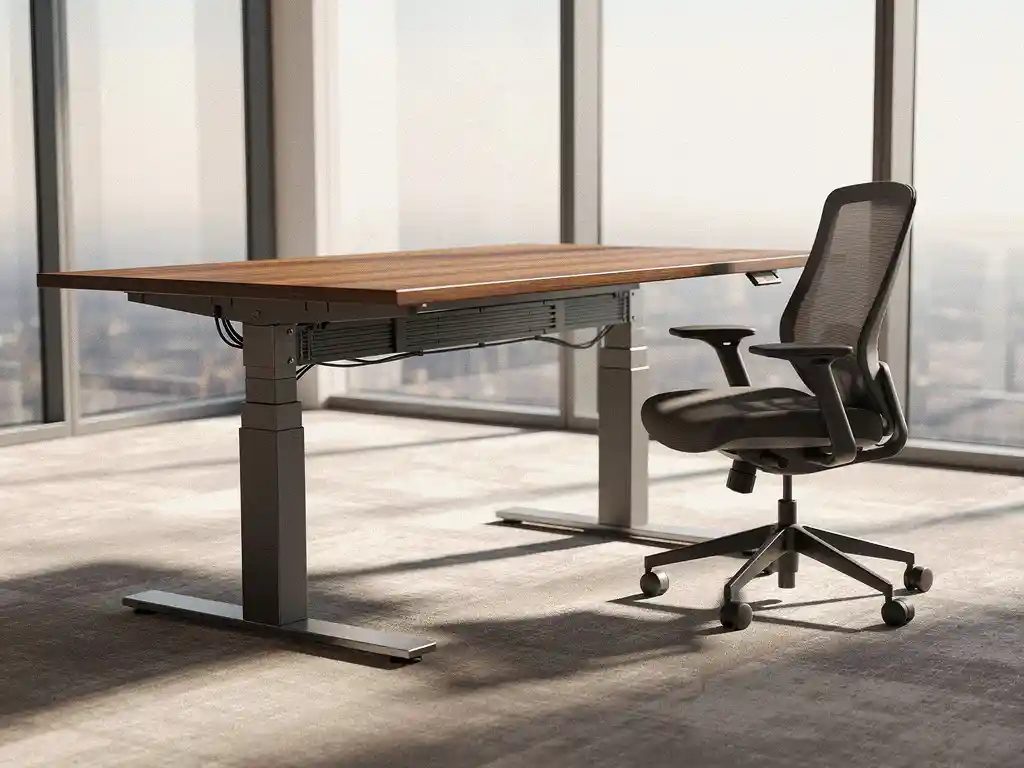
Smart Office technology plays a central role in this by integrating various components. Desk booking tools make it possible to reserve workspaces with a single click via a smartphone or computer. Sensors detect when spaces are occupied or available, while automated systems adjust desks to individual ergonomic settings.
This intelligent allocation extends to all office resources: from flexible workspaces and meeting rooms to printers and technical equipment. The result is a seamless work experience that allows employees to focus on their tasks rather than on searching for available resources.
What are the benefits of automated resource allocation for businesses?
Automated resource allocation increases space efficiency by 20–40%, significantly reduces operational costs, and improves the employee experience by eliminating wait times and the time spent searching for available resources. Companies also gain better data insights to support strategic decision-making.
The cost savings are evident at various levels. By optimizing space utilization, organizations require less office space, resulting in lower rent and energy costs. Automated systems also reduce the administrative burden on facility managers, allowing them to focus on strategic tasks.
Operational benefits
Flexible workspaces are utilized to their full potential because the system provides real-time insight into occupancy rates. This prevents underutilized spaces and makes it possible to reduce office space without compromising the employee experience. The clean-desk policy is automatically supported by personal lockers linked to workspace reservations.
The technology helps create a better work environment by eliminating frustrations. Employees no longer have to search for open workstations or wait for available meeting rooms. The system ensures that everything is ready when they arrive, including the correct desk settings and technical equipment.
Strategic value
Data analytics tools provide facility managers with valuable insights into usage patterns, peak hours, and space preferences. This information supports decisions regarding office layout, investments in new facilities, and the optimization of workplace strategies for hybrid work.
A modern, technologically advanced work environment plays a key role in retaining talent. Especially in times of a tight labor market, organizations can set themselves apart by offering a seamless, automated work experience that meets the expectations of today’s employees.
How do you choose the right resource allocation system?
To choose the right resource allocation system, you should first identify your specific needs and objectives, then evaluate systems based on scalability, integration capabilities, and user-friendliness, and finally select a solution that grows with your organization and integrates seamlessly with your existing IT infrastructure.
Start with a thorough analysis of your current situation. How many workstations do you have? What are the usage patterns? What challenges are employees currently facing? This basic information will help you define the desired features and measure future success.
Technical considerations
Evaluate systems based on their technical capabilities and compatibility. Can the system integrate with existing software such as Microsoft Teams, Google Workspace, or your HR system? Are APIs available for future expansions? Does the platform support various devices and operating systems?
Scalability is crucial, especially for growing organizations. The chosen system must be able to scale without requiring major reimplementations. Also consider maintenance and update requirements, as well as the security of user data and compliance with privacy laws.
User experience and adoption
Even the best technology fails if users don’t adopt it. That’s why you should test the user-friendliness of different interfaces. Can employees book workspaces intuitively? Is the mobile app responsive and fast? How difficult is it for new users to understand the system?
Involve key stakeholders in the selection process: facility managers, IT administrators, and end users. Their input on functionality, manageability, and user experience is essential for a successful implementation and widespread acceptance within the organization.
What steps are necessary for successful implementation?
Successful implementation requires a phased approach: start with a pilot project in a limited area, train key users and facility managers, gradually roll out the system to other departments, and continuously monitor performance to optimize the system. Change management and user training are critical success factors.
Implementation begins with thorough preparation. Form a project team with representatives from IT, facilities management, HR, and end users. This team will define the scope, timeline, and success metrics for the project. Ensure clear communication about the benefits and changes employees can expect.
Technical installation and configuration
Start with the technical infrastructure: install sensors, configure network equipment, and integrate the system with existing IT environments. Thoroughly test all functionalities before granting users access. Ensure you have backup systems and troubleshooting procedures in place to address any technical issues.
Configure the system to match your organizational structure: define user roles, set up booking rules, and customize the interface to match your brand identity. Import existing data on workspaces, employees, and departments to ensure a seamless transition.
Training and Change Management
Develop a comprehensive training plan for different user groups. Facility managers require different training than end users. Organize hands-on workshops, create instructional videos, and provide clear documentation. Designate “super users” who can assist colleagues with the initial steps.
Communicate proactively about the benefits and expectations. Explain how the system will improve their workday and what new opportunities it offers. Gather feedback during the rollout and adapt the system based on user experiences to accelerate adoption.
How do you measure the success of automated resource allocation?
Success is measured by monitoring Key Performance Indicators (KPIs), such as space utilization rates, user satisfaction, cost savings per square meter, and the number of manual interventions. Dashboard reports provide real-time insight into system performance, and ROI calculations demonstrate the financial impact.
Establish a baseline before implementing the system. Measure current occupancy rates, search times for workstations, and facility management costs. This data will serve as the benchmark for measuring improvements after implementation.
Operational measurement values
Monitor space occupancy on a daily basis and identify patterns in peak hours, popular workspaces, and underutilized areas. Track the number of automatic assignments versus manual interventions to assess system efficiency. Also measure the average time between booking and use to gain insight into scheduling accuracy.
Analyze user behavior: Which workspaces are reserved most often? How many no-shows are there? How often do users change their reservations? This data helps optimize workspace layouts and reservation policies.
Financial and strategic impact
Calculate the Return on Investment (ROI) by comparing cost savings with implementation costs. Include reduced rental costs resulting from optimal use of space, lower energy costs, and savings on facility management time. Also take into account indirect benefits, such as increased productivity and employee satisfaction.
Use employee satisfaction surveys to measure the impact on the employee experience. Questions about ease of use, time savings, and workplace satisfaction provide insight into the qualitative benefits. These soft metrics are often just as valuable as hard financial figures when it comes to justifying the investment.
How Wout Monseurs Helps with Smart Office Automation
We offer comprehensive Smart Office solutions that seamlessly integrate automated resource allocation into your office environment. With over 60 years of experience, we combine traditional expertise with cutting-edge technology to deliver optimal workplace automation.
Our services include:
- Implementation of desk booking tools for automatic workspace reservation
- Installation of sensors and IoT technology for real-time room monitoring
- Configuration of desks that automatically adjust to personal preferences
- Integration with existing IT systems and conferencing solutions
- Training and change management for successful adoption
- Ongoing support and system optimization
As a full-service project design firm, we ensure that the technology fits seamlessly with your office design and corporate culture. From the initial consultation to final delivery, we guide you through every step of your digital transformation.
Discover how smart office automation can help your organization. Contact us for a no-obligation consultation about the possibilities for your office.
Frequently asked questions
How long does it take to fully implement an automated resource allocation system?
A full implementation typically takes 3–6 months, depending on the size of your office and the complexity of the desired features. We always start with a 2–4-week pilot project to test and customize the system before rolling it out to the entire office.
What happens if the system goes down? Will employees still be able to work?
Modern systems have built-in backup capabilities and can continue to operate offline. In the event of a system failure, employees can still access their workstations using manual procedures, and all data is synchronized as soon as the system is back online. We always ensure redundancy in critical components.
How does the system handle employee privacy and data protection?
All systems comply with GDPR regulations and store only necessary data, such as workspace reservations and anonymous occupancy data. Personal preferences are stored in encrypted form, and employees have full control over their data. Location tracking is optional and can be disabled.
Can employees still choose a workspace on the spot without reserving it in advance?
Yes, most systems support both scheduled reservations and walk-in check-ins. Using the mobile app, employees can see which workspaces are available on-site and check in immediately. The system also always reserves a certain percentage of workspaces for walk-in use.
What are the typical costs associated with implementing such a system?
The costs range from €50 to €150 per workstation for the initial setup, plus monthly license fees of €5 to €15 per user. The investment typically pays for itself within 12 to 18 months through savings on office space and increased efficiency. We always provide a customized ROI calculation tailored to your specific situation.
How do you ensure that older employees are also able to use the system effectively?
We offer comprehensive, customized training for various user groups and provide an intuitive interface that is accessible even to less tech-savvy employees. In addition, we assign "digital buddies" to assist colleagues, and we offer ongoing support via phone and email.
Can the system also help optimize cleaning and maintenance tasks?
Absolutely. The system automatically generates cleaning schedules based on actual space usage, which can reduce cleaning costs by 15–25%. Maintenance teams receive notifications when equipment has actually been used and requires maintenance, rather than based on fixed schedules.