

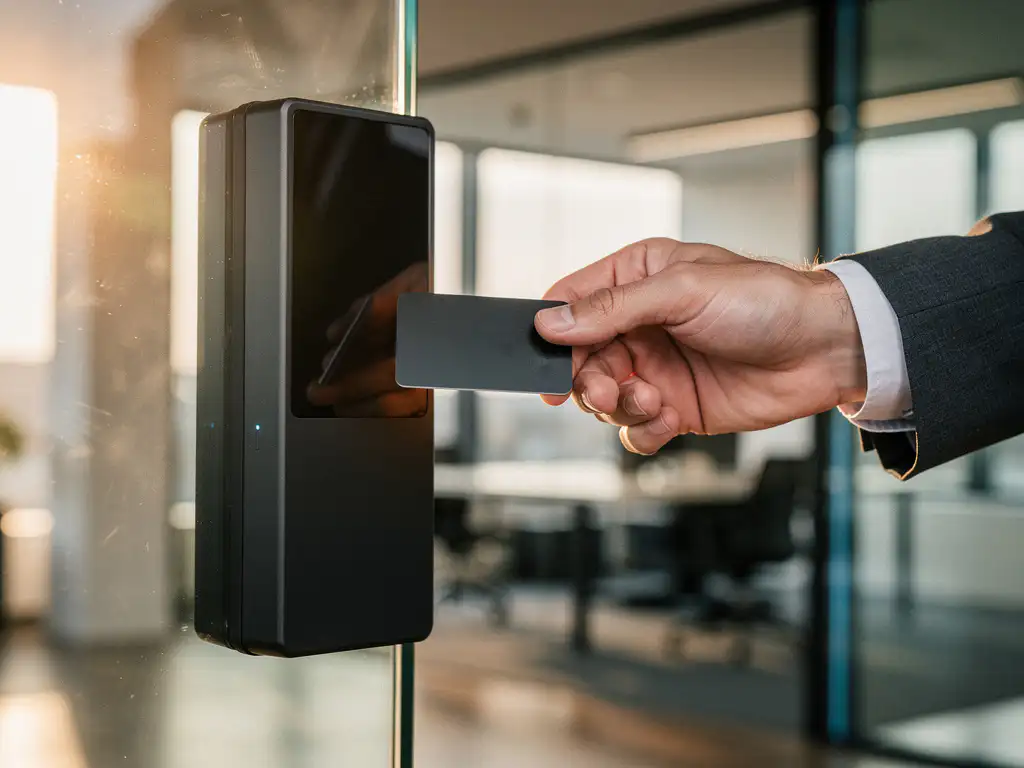
Modern workplaces are rapidly transforming into intelligent environments where technology seamlessly meets human needs. Automated access control forms the backbone of this digital transformation, with traditional keys and access cards giving way to advanced systems that combine security, efficiency, and ease of use.
For Dutch companies seeking smart office automation, access control offers much more than just security. It creates a seamless work experience that allows employees to effortlessly access their workspaces, while organizations retain full control over who has access, when, and where. This technological advancement aligns perfectly with the growing demand for flexible workspaces and hybrid work.
What is automated access control for workplaces?
Automated access control is a digital security system that automatically determines who is granted access to specific workstations, buildings, or areas, without manual intervention. The system uses technologies such as RFID badges, biometric scanners, mobile apps, or facial recognition to verify identities and grant access.
These systems go beyond traditional lock-and-key solutions by offering real-time monitoring, detailed access logs, and flexible authorization management. Modern access control systems integrate with other smart office technologies, such as workspace booking systems and climate control, to create a fully automated work experience.
The main advantage lies in the combination of enhanced security and an improved user experience. Employees no longer need to carry physical keys, administrators can adjust access rights immediately, and organizations gain valuable insights into space utilization and occupancy patterns.
What types of automatic access systems are available?
There are five main categories of automatic access systems, each offering specific benefits for different office environments: card-based systems, biometric solutions, mobile access, smart locks, and integrated platforms.
Map-based systems
RFID badges and proximity cards are the most commonly used solution in Dutch offices. Employees hold their badge up to a reader, and the system grants access within milliseconds. These systems are reliable, cost-effective, and easy to manage for large organizations.
Biometric access control
Fingerprint scanners, facial recognition, and iris scanners offer the highest level of security by using unique physical characteristics. This technology eliminates the risk of lost badges or shared access codes, but requires a higher investment and careful consideration of privacy issues.
Mobile access solutions
Smartphone apps turn phones into digital keys via Bluetooth, NFC, or QR codes. This solution is a perfect fit for the modern workplace, where employees always have their phones with them. Mobile access also supports temporary access for visitors and remote workers.
Smart locks
Electronic locks with Wi-Fi connectivity can be managed and programmed remotely. They are ideal for smaller offices or specific areas such as meeting rooms, where administrators can change access codes without being physically present.
How do you choose the right access control system for your office?
Selecting the right access control system starts with a thorough analysis of your security needs, office size, budget, and future expansion plans. Various factors determine which technology is best suited to your specific situation.
For small offices with fewer than 50 employees, smart locks or simple card readers are often sufficient. Medium-sized organizations benefit from integrated systems that combine access control with workplace management. Large companies typically require more complex solutions with centralized management platforms and comprehensive reporting capabilities.
Determine the security level
Organizations that handle sensitive information or have strict compliance requirements need biometric systems or multi-factor authentication. Standard office environments can make do with card-based systems, provided they are combined with other security measures such as video surveillance.
Evaluate integration options
Modern access control systems must integrate seamlessly with existing IT infrastructure, HR systems, and smart office technologies. Systems that integrate with workspace booking tools and automated desk assignments maximize the return on investment in intelligent office automation.
Prioritizing user-friendliness
Even the best system is useless if employees don’t want to use it. Choose solutions with intuitive interfaces, fast authentication, and a minimal learning curve. Test different options with a representative group of users before making a final decision.
How much does it cost to implement automated access control?
The cost of automated access control ranges from €2,000 to €50,000, depending on the system’s complexity, the number of access points, and the technology chosen. Basic systems for small offices start at around €2,000, while enterprise solutions for large organizations can cost between €20,000 and €50,000.
Hardware typically accounts for 40–60% of the total investment. Card readers cost €150–€500 each, biometric scanners €300–€1,500, and central controllers €1,000–€5,000. Software licenses range from €50–€200 per user per year, depending on functionality and support.
Ongoing costs
In addition to the initial investment, you should factor in annual maintenance costs of 10–20% of the hardware investment. Software updates, technical support, and the replacement of badges or cards are the main ongoing expenses.
Return on investment
Access control systems often pay for themselves through fewer security incidents, more efficient facility management, and detailed reporting on space utilization. On average, organizations report cost savings of 15–25% on security and facility expenses within two years.
How do you implement access control without disrupting operations?
Successful implementation of access control requires careful phased planning, during which existing systems continue to operate in parallel until the new solution is fully operational. A phased approach minimizes risks and ensures business continuity.
Start with a pilot project in a limited area, such as a specific floor or department. This will allow you to test the system, train employees, and resolve any issues before rolling it out to the entire office. Keep existing access methods available as a backup during the transition period.
Implementation steps
- Preparation: Identify all access points, define user groups, and draw up a detailed project plan.
- Infrastructure: Install cabling, network equipment, and central controllers outside of business hours.
- Hardware installation: Install card readers and other equipment on weekends or in the evenings.
- System software: Configure user accounts, access rights, and integrations with existing systems.
- Testing: Conduct comprehensive testing using various user scenarios.
- Training: Organize training sessions for employees and administrators.
- Go-live: Activate the new system with 24/7 support available.
Communication and Change Management
Transparent communication is crucial for successful adoption. Inform employees early on about the benefits, the timeline, and what is expected of them. Designate superusers who can support their colleagues during the transition, and actively gather feedback to further optimize the process.
How Wout Monseurs Helps with Intelligent Access Control
We seamlessly integrate automated access control into our Smart Office solutions as part of a comprehensive office environment. Our expertise in intelligent workplace technology enables us to link access systems with workspace booking tools, automatic desk adjustments, and other smart office solutions.
Our services include:
- A thorough analysis of your security needs and office layout
- Selection and integration of the most suitable access control system
- Integration with existing IT infrastructure and office layout
- Full project coordination without disrupting operations
- Training of employees and administrators
- Ongoing support and system maintenance
With over 60 years of experience in office solutions, we understand that technology should serve people, not the other way around. Contact us for a no-obligation consultation on how intelligent access control can transform your office into a secure, efficient, and future-ready work environment.
Frequently asked questions
How long does it typically take to install an access control system?
A standard implementation takes 4–8 weeks, depending on the size of the office and the complexity of the system. Small offices can be up and running within 2–3 weeks, while large organizations with multiple locations may need 8–12 weeks. The phased approach ensures that your business operations are not disrupted.
What happens if the system fails or the power goes out?
Modern access control systems feature built-in emergency power supplies and fail-safe mechanisms. In the event of a power outage, battery backup systems continue to operate for 8 to 24 hours. In addition, administrators can use manual override codes or activate mechanical emergency keys to ensure access during outages.
Can employees gain access if they forget their badge?
Yes, there are several backup options available. Mobile access apps on smartphones serve as digital backup keys. In addition, administrators can generate temporary access codes or issue visitor badges. Biometric systems completely eliminate this problem because fingerprints or facial recognition are always available.
What about privacy and GDPR compliance in access control?
Access control systems must comply with GDPR regulations through data minimization, purpose limitation, and transparency. Biometric data is stored locally in encrypted form, access logs contain only necessary information, and employees have the right to access their data. We provide comprehensive compliance documentation and privacy impact assessments.
Can I integrate the access control system with my existing HR system?
Yes, modern access control systems support API integrations with popular HR platforms such as AFAS, Exact, and SAP. This automates the creation of user accounts, synchronizes personnel changes, and ensures automatic deactivation upon termination. The integration saves administrators a lot of manual work and prevents security risks.
What reports and insights does an access control system provide?
The system generates detailed reports on occupancy patterns, space utilization, peak hours, and security incidents. This data helps optimize office layout, energy management, and cleaning schedules. Real-time dashboards display current occupancy by floor or room, which is particularly valuable for hybrid work models and COVID-19 protocols.
How does the system scale as my business grows?
Cloud-based access control systems automatically scale to meet your growing needs. You can easily add new users, access points, and locations without needing to upgrade your hardware. Modular systems allow you to add features such as visitor management, parking control, or workspace reservations later on as your needs change.