

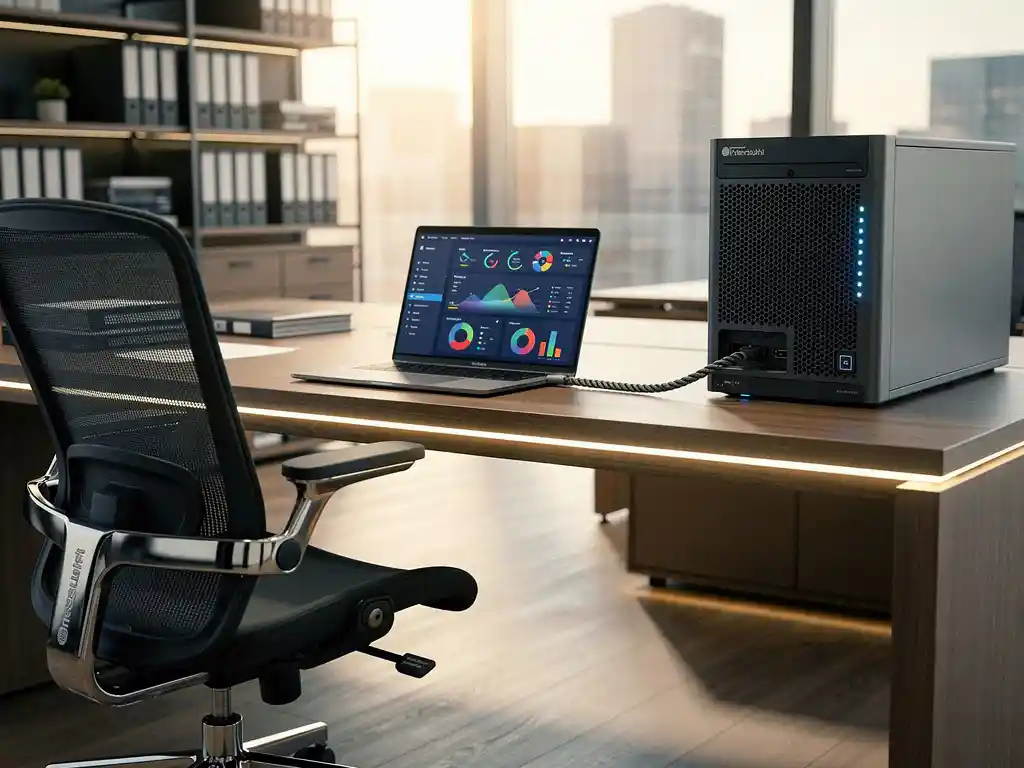
The integration of smart office technology with ERP systems is transforming modern offices into intelligent, data-driven work environments. This combination directly links physical workplace functions—such as desk reservations, climate control, and space management—with business processes, giving organizations real-time insight into facility costs and operational efficiency.
For companies looking to optimize their office solutions, smart office-ERP integration offers the ability to seamlessly link workplace data with financial planning, human resources, and facilities management. This article explores the practical aspects of this integration and the steps required for a successful implementation.
What is smart office integration with ERP systems?
Smart office integration with ERP systems involves connecting intelligent office technologies—such as sensors, booking systems, and automated equipment—to Enterprise Resource Planning software. This integration enables two-way data exchange between physical workplace environments and business management systems.
The integration comprises various technological components that work together to create an integrated ecosystem. IoT sensors collect real-time data on space utilization, energy consumption, and device status. This information is automatically transmitted to the ERP system for analysis and reporting.
Key components of smart office ERP integration include workspace booking systems directly linked to HR databases, climate control that responds to occupancy data, and automated billing for facility services. This integration creates a seamless flow of information between workspace management and business operations.
What are the benefits of smart office ERP integration?
Smart office-ERP integration offers organizations improved cost control, increased operational efficiency, and data-driven decision-making regarding workplace optimization. Companies gain real-time insight into facility expenses and can automatically generate invoices for workplace-related costs.
A key benefit is the automation of administrative processes. Workstation bookings are automatically linked to cost centers, energy consumption is directly allocated to departments, and maintenance costs are tracked in real time. This eliminates manual data entry and significantly reduces administrative errors.
The integration also enhances the employee experience through personalized workspace settings that are automatically applied based on ERP profile data. Employees can save their preferences for desk height, lighting, and temperature in the system, after which these settings are automatically adjusted when they enter their reserved workspace.
In facility management, valuable insights are gained by combining usage data with financial information. Organizations can pinpoint exactly which spaces are underutilized, which investments yield the best return, and how workplace costs relate to productivity.
How do you choose the right smart office technology for ERP integration?
The decision to adopt smart office technology begins with identifying existing ERP systems and their integration capabilities via APIs or standard protocols. Compatibility with popular ERP platforms, such as SAP, Microsoft Dynamics, or Oracle, is essential for seamless data exchange.
Assess which smart office features are most relevant to your organization. For companies with many remote workers, desk booking systems are a priority, while organizations with high energy costs benefit most from intelligent climate control and lighting systems.
Technical considerations
Ensure scalability by choosing technologies that can grow alongside your organization. Cloud-based solutions typically offer more flexibility than on-premises systems and require less IT maintenance.
Security considerations are crucial when selecting smart office technology. All data exchanges between smart office systems and ERP software must comply with corporate security standards and privacy regulations, such as the GDPR.
User-friendliness and adoption
Choose intuitive interfaces that require minimal training. Employees should be able to easily reserve workspaces via smartphone apps or web portals, without complex procedures that hinder adoption.
Test the user experience before full implementation. Pilot programs with a limited group of users help identify and resolve potential issues before an organization-wide rollout takes place.
What are the steps involved in implementing smart office ERP integration?
Successful smart office ERP integration follows a phased approach that begins with a thorough analysis of existing systems and concludes with full operational integration. The implementation consists of five main phases: preparation, system selection, technical integration, testing, and rollout.
Start by conducting a comprehensive review of your current ERP functionalities and identify which modules are suitable for integration with smart office systems. Determine which data flows are necessary and what security requirements apply to external integrations.
Phase 1: Preparation and Planning
Assemble a project team consisting of representatives from IT, facilities management, finance, and end users. This team will define the project objectives, budget, and timeline for implementation.
Conduct a gap analysis to determine what changes are needed to existing systems. Document all desired integration points and define success metrics for the project.
Phase 2: Technical Implementation
Configure API connections between smart office platforms and ERP systems. Test all data flows in a controlled environment before using production data.
Implement security protocols for all external connections and ensure encrypted data transmission. Set up monitoring to continuously monitor system performance and data flows.
Phase 3: Training and Rollout
Develop training materials for various user groups, from end users to system administrators. Organize hands-on workshops to gain practical experience with new features.
Start with a pilot in a limited number of areas or departments. Gather user feedback and adjust configurations based on real-world experience before rolling out the system organization-wide.
How Wout Monseurs Helps with Smart Office ERP Integration
We offer comprehensive smart office solutions that integrate seamlessly with existing ERP systems, from initial design through full implementation and maintenance. Our smart office technology includes advanced desk booking systems, intelligent climate control, and real-time monitoring that connect directly to your business systems.
Our expertise in project design combines traditional office design with modern technology integration. We provide a comprehensive package in which all smart office components are perfectly aligned with your ERP processes:
- Desk booking systems linked to employee databases
- Automatic cost allocation for workspace usage
- Real-time monitoring of energy consumption by department
- Integrated reporting in your existing ERP dashboard
- 24/7 technical support and system administration
With over 60 years of experience in office solutions, we understand that every organization faces unique integration challenges. Contact us for a personalized consultation on your smart office-ERP integration and discover how we can transform your workplace into an intelligent, data-driven ecosystem.
Frequently asked questions
How long does a typical smart office ERP integration take to implement?
A full implementation typically takes 3–6 months, depending on the complexity of your ERP system and the number of smart office features to be integrated. The pilot phase usually takes 4–6 weeks, followed by a phased rollout by department or floor to minimize risks.
What are the costs associated with smart office ERP integration?
The total investment consists of one-time implementation costs (€15,000–€50,000 for medium-sized offices) and ongoing license and maintenance costs (€50–€150 per workstation per year). The payback period is typically between 12 and 24 months, thanks to savings on energy costs and increased workplace efficiency.
What happens if my ERP system doesn't support standard APIs?
For older ERP systems without modern APIs, we can develop custom integration modules or implement middleware solutions that act as a bridge between systems. Alternatively, we can use CSV exports and automated data import procedures, although this offers less real-time functionality.
How is the privacy of employee data safeguarded during smart office integration?
All data collection is conducted in accordance with GDPR guidelines and with the explicit consent of employees. Personal preferences are stored anonymously, and location tracking is limited to workspace reservations. Employees have full control over their profile settings and can modify or delete them at any time.
Can I roll out the integration gradually to more office locations?
Yes, cloud-based smart office solutions are designed for multi-site deployment. Following a successful pilot at a single location, settings and configurations can be easily replicated across other sites. Centralized reporting provides visibility into all locations from a single ERP dashboard.
What training do my employees need for the new system?
Most smart office features are designed to be intuitive and require minimal training. A 30-minute introductory session per department is usually sufficient, supplemented by online tutorials and quick-reference guides. System administrators receive more extensive technical training lasting 1–2 days to cover configuration and troubleshooting.
What are the most common implementation issues, and how can I avoid them?
Common challenges include insufficient Wi-Fi coverage for IoT sensors, user resistance to change, and underestimating the complexity of ERP integrations. Avoid these issues by conducting a technical infrastructure audit in advance, involving users in the planning process early on, and allowing sufficient time for testing and fine-tuning.