

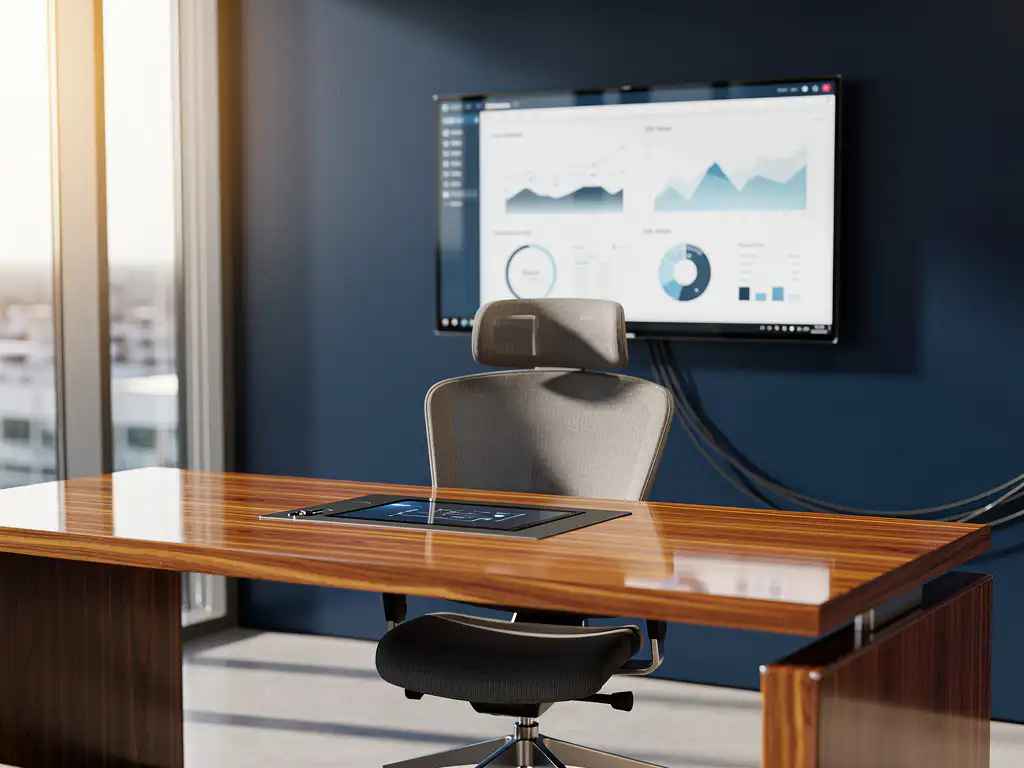
Smart office technology is revolutionizing the modern workplace by integrating intelligent systems that optimize the work experience. One of the most valuable developments is the integration of smart office solutions with HR systems, enabling companies to create a seamless digital work environment that benefits both employees and management.
This integration enables automated processes, better data insights, and a more personalized work experience. From automatic desk assignments to intelligent workspace management, the integration of smart office solutions with HR systems opens up new opportunities for efficiency and employee satisfaction.
What is smart office integration with HR systems?
Smart office integration with HR systems connects intelligent office technology with human resources management software, automatically synchronizing workplace data with employee profiles and HR processes. This integration enables personalized workplace experiences and automates administrative tasks.
The integration works through API connections between different systems. When an employee logs in via the HR system, their personal preferences are automatically transmitted to smart office equipment. This means that desks automatically adjust to the correct height, lighting is set according to personal preferences, and climate control is optimized for individual comfort.
Modern smart office technology can also link workspace reservations to staff schedules, automate attendance tracking, and provide real-time insights into space utilization. This data is fed directly back into the HR system for reporting and analysis.
What are the benefits of HR integration in smart offices?
HR integration in smart offices leads to increased employee satisfaction, streamlined administrative tasks, and valuable data insights for strategic decision-making. Employees enjoy a personalized work environment, while HR departments save time on manual processes.
A key benefit is the automatic adjustment of workstations to personal preferences. Using smart office technology, the desk automatically adjusts to the user’s preferences, ensuring optimal ergonomics from the moment they arrive. This directly contributes to employee well-being and productivity.
For HR departments, this integration means a significant reduction in administrative burdens. Attendance tracking, workspace management, and facilities reporting are automated. In addition, the collected data provides insights into work patterns, space utilization, and employee satisfaction, which helps in making data-driven decisions.
The integration also supports flexible working by linking workspace reservations to staff schedules. Employees can easily reserve workspaces via their smartphones, while managers gain real-time insight into office usage and capacity planning.
How does the technical integration between smart office and HR systems work?
The technical integration is achieved through API connections that enable real-time data exchange between HR software and smart office devices. Middleware platforms act as a connecting layer to allow different systems to communicate seamlessly and synchronize data.
The process begins with authentication via Single Sign-On (SSO) systems. When an employee logs in, their identity is verified and linked to their HR profile. This information is then used to retrieve personal settings and transmit them to connected devices in the workspace.
Cloud-based platforms play a crucial role in this integration. They serve as a central hub where data from various sources is collected, processed, and distributed. IoT sensors in the office collect real-time data on space utilization, environmental conditions, and device usage.
The technical architecture typically consists of three layers: the sensor layer (IoT devices), the platform layer (data processing and API management), and the application layer (HR software and user interfaces). This layered approach ensures scalability, security, and flexibility in implementation.
Which smart office features can be integrated with HR systems?
Workstation reservation systems, automatic desk adjustments, climate control, access control, and attendance tracking are the key smart office features that can be integrated with HR systems. These integrations create a fully personalized and automated work experience.
Desk booking tools make it possible to reserve workstations with a single click via a smartphone or computer. These systems can be linked to staff schedules so that workstations are automatically assigned based on planned attendance and team composition.
Automatic desk adjustments are among the most valuable integrations. When an employee logs in, the desk automatically adjusts to the correct height, the monitor is customized to personal preferences, and even the lighting is optimized for comfort.
Other key features include:
- Smart climate control that adapts to individual preferences
- Automated access control and security systems
- Smart meeting room booking linked to calendars
- Personal lockers that are automatically assigned
- Cafeteria systems that remember dietary preferences
How do you implement smart office HR integration step by step?
You can implement smart office HR integration in five steps: needs analysis and planning, system selection and architectural design, technical implementation and testing, user training and change management, and continuous monitoring and optimization. A phased approach minimizes risks and maximizes adoption.
Step one begins with a thorough analysis of current HR processes and workplace needs. Identify which processes can be automated and which smart office features add the most value. Set clear objectives for ROI, user satisfaction, and operational efficiency.
In step two, select the right technology stack. Choose HR systems and smart office platforms that offer native integration capabilities. Design a technical architecture that enables scalability and future expansions. Ensure adequate cybersecurity measures and compliance with privacy laws.
The implementation phase requires careful project coordination. Start with a pilot group to test the systems and gather feedback. Conduct thorough testing of all integrations before rolling out to the entire organization. Ensure you have adequate backup systems and fallback procedures in place.
Change management is crucial for successful adoption. Train employees on how to use new systems and clearly communicate the benefits. Continuously gather feedback and adjust processes as needed. Monitor performance indicators and optimize the systems based on usage data.
How Wout Monseurs Helps with Smart Office HR Integration
We offer comprehensive smart office solutions that integrate seamlessly with HR systems, from design through implementation to maintenance. Our expertise in both traditional office design and cutting-edge technology makes us the ideal partner for your digital transformation.
Our smart office services include:
- Smart booking systems for workspaces and meeting rooms
- Automatic desk adjustment based on personal preferences
- Integrated conference systems for hybrid work
- IoT sensors for space optimization and energy savings
- Cloud-based management platforms with real-time insights
With over 60 years of experience in office design, we combine traditional expertise with modern technology. Our family-owned business is known for its personalized service and long-term partnerships, which means we not only provide the technology but also ensure its successful implementation and ongoing support.
Discover how smart office HR integration can transform your workplace. Contact us for a no-obligation consultation and visit our Experience Center to see the possibilities for yourself.
Frequently asked questions
What are the costs of Smart Office HR integration, and what is the payback period?
Costs vary widely depending on the scope and complexity of the integration, but on average, you can expect to pay €2,000–5,000 per workstation for a complete smart office solution. The payback period is usually between 18 and 36 months due to savings on administrative costs, increased productivity, and optimized space utilization. A thorough ROI analysis beforehand helps in developing a business case.
How can you ensure that employees actually start using the new smart office technology?
Successful adoption requires a well-thought-out change management strategy. Start with a pilot group of enthusiastic early adopters, organize hands-on training sessions, and clearly communicate the personal benefits to employees. Ensure user-friendly interfaces and provide ongoing support during the first few months after implementation.
What privacy and security risks does HR integration with smart office systems entail?
The main risks include unauthorized access to employees’ personal data, tracking of employee behavior, and potential data breaches. Therefore, implement end-to-end encryption and role-based access control, and ensure GDPR compliance. Be transparent with employees about what data is collected and how it is used, and give them control over their privacy settings.
Can I also implement Smart Office HR integration with my existing, older HR system?
Yes, but this may require additional middleware or custom API development. Many older HR systems have limited integration capabilities, which means an intermediary layer is needed to translate and synchronize data. Consider a phased migration to a more modern HR platform or invest in a robust integration platform that can connect legacy systems.
How do you measure the success of your smart office HR integration after implementation?
Monitor KPIs such as employee satisfaction scores, time spent on administrative tasks, space utilization rates, and energy consumption. Conduct regular user surveys and track adoption rates for various features. Key metrics also include a reduction in IT help desk tickets, improved meeting room utilization, and increased productivity metrics.
What happens if smart office technology fails—will employees still be able to access their workstations?
A well-designed smart office implementation always includes fallback procedures and offline capabilities. Essential functions such as access control and basic workplace functionality must continue to operate without an internet connection. Ensure you have redundant systems, local backups, and manual override options. Communicate clear procedures to employees for emergency situations.
How do you integrate smart office technology into a hybrid work environment where people work both from home and in the office?
Hybrid integration requires cloud-based solutions that work seamlessly across home and office environments. Implement unified communication tools, ensure that personal settings sync across locations, and use mobile apps for workspace management. Also consider hot-desking solutions that automatically assign workspaces based on scheduled office attendance.