

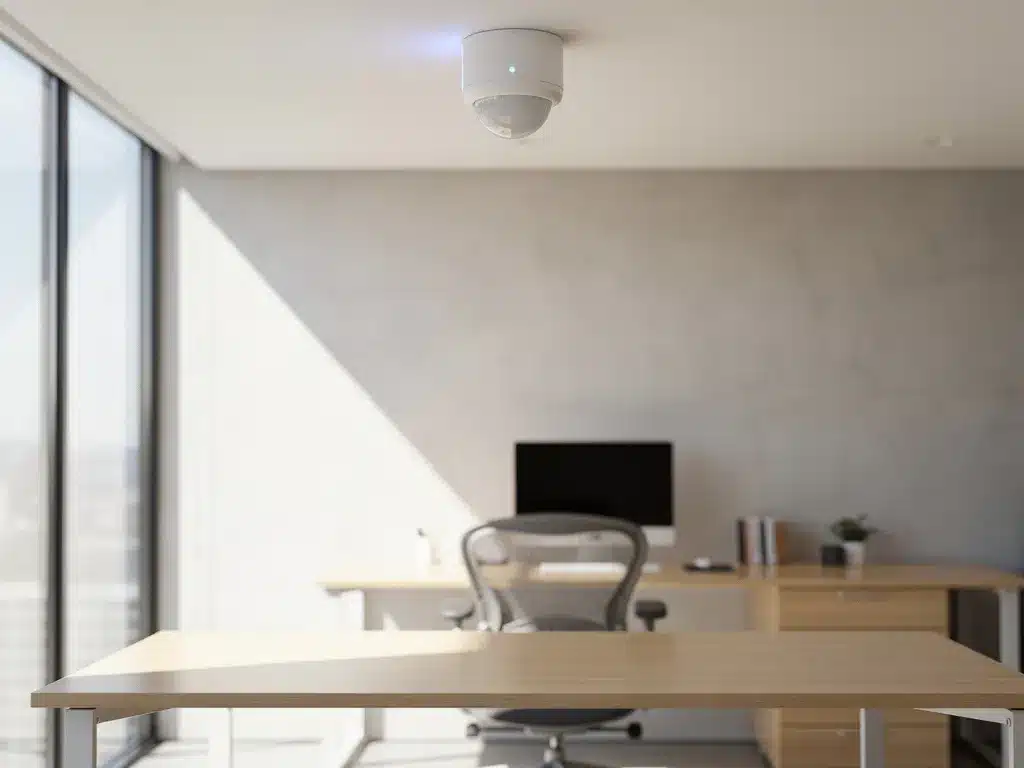
Modern office spaces are rapidly evolving into smart work environments that automatically adapt to employees’ needs. Smart sensor technology for office environments plays a crucial role in this by collecting real-time data on space utilization, air quality, temperature, and lighting. These advanced systems not only help organizations save energy but also boost employee productivity and well-being.
For companies considering upgrading their office space with smart technology, many questions arise regarding the right choice of sensors, installation costs, and practical implementation. In this article, we answer the most frequently asked questions about selecting and implementing smart sensors for office environments.
What are sensors, and why do you need them in your office space?
Sensors are electronic devices that measure physical environmental factors such as motion, temperature, air quality, and noise levels, and transmit this data to a central system. In office environments, they serve as the eyes and ears of Smart Office systems, enabling spaces to respond intelligently to the presence and needs of employees.
The need for sensors in modern offices is driven by several factors. First, they optimize energy consumption by activating lighting and climate control only when spaces are actually in use. This can result in energy savings of up to 90% for lighting systems. Second, they improve employee comfort by automatically adjusting temperature, air quality, and lighting based on real-time conditions.
In addition, sensors provide valuable insights into space utilization, which is essential for organizations implementing flexible workspaces. By monitoring which workspaces are used and when, companies can optimize their office layout and reduce costs associated with underutilized spaces.
What types of sensors are available for office spaces?
Various types of sensors are available for office environments, each with specific functions: motion sensors for automatic lighting and occupancy detection, temperature and humidity sensors for climate control, air quality sensors for CO2 monitoring, noise sensors for acoustic management, and light sensors for automatic lighting adjustment.
Motion sensors form the foundation of most smart office systems. They detect when employees enter or leave a room and automatically activate lighting, climate control, or other systems. PIR (Passive Infrared) sensors are the most common choice for general motion detection, while microwave sensors are more sensitive and can also detect motion behind obstacles.
Air quality sensors measure CO2 levels, particulate matter, and volatile organic compounds (VOCs). This data is crucial for maintaining a healthy work environment, as poor air quality directly affects concentration and productivity. Modern systems can automatically adjust ventilation systems when air quality standards are exceeded.
Acoustic sensors monitor noise levels and can be integrated with sound-absorbing systems. This is particularly valuable in open-plan offices, where acoustics have a significant impact on employee comfort and concentration.
How do you determine which sensors your office needs?
The choice of specific sensors depends on your office type, employee needs, and business objectives. Start by analyzing your current pain points: high energy costs indicate a need for motion and light sensors, complaints about air quality require CO2 monitoring, and concentration issues may justify the use of acoustic sensors.
For traditional offices with fixed workstations, basic motion sensors and temperature control are often sufficient. This setup optimizes energy consumption without introducing complex systems. Open-plan offices, on the other hand, benefit from a more comprehensive set of sensors—including acoustic and air quality monitoring—due to the higher density of employees.
Hybrid work environments with flexible workspaces require more advanced sensor systems. Occupancy sensors are essential for desk booking systems, while motion sensors help automatically adjust workspace preferences. Combine these with temperature and light sensors for optimal comfort.
When choosing a sensor, also consider future expansions. A modular system that can be expanded later offers more flexibility than a closed-system solution. Keep in mind compatibility with existing building management systems and the ability to integrate with other Smart Office technologies.
How much does it cost to install sensors in your office?
The cost of sensor installation varies widely depending on the type of sensors, the size of the office, and the complexity of the integration. Prices range from a few hundred euros for basic motion sensors to thousands of euros per room for complete Smart Office systems.
Basic motion and light sensors cost between 50 and 200 euros each, excluding installation. For an average office of 500 square meters, you can expect to need 10 to 20 sensors, which amounts to 500 to 4,000 euros in hardware costs. Professional installation adds another 30 to 50% to that total, depending on the complexity of the existing electrical system.
More advanced systems that monitor air quality and acoustics cost more, often between 200 and 800 euros per sensor. The total cost for a fully integrated Smart Office system can range from 50 to 150 euros per square meter of office space, including installation and configuration.
Don’t forget to factor the payback period into your calculations. Energy savings from smart lighting and climate control can reduce energy costs by 20 to 40%. For most offices, this translates to a payback period of 2 to 4 years, depending on current energy costs and usage patterns.
How do you install sensors in an existing office space?
The installation of sensors in existing office spaces begins with a thorough analysis of the current infrastructure, followed by the strategic placement of sensors, cabling or wireless configuration, and integration with existing building management systems.
The first step is to assess the electrical supply and network infrastructure. Wireless sensors are often the preferred choice in existing buildings because they require minimal changes to the infrastructure. They communicate via Wi-Fi, Zigbee, or LoRaWAN protocols and can be installed within a few hours without major renovations.
Proper placement is crucial for optimal performance. Motion sensors work best at a height of 2.5 to 3 meters, with an unobstructed view of the area being monitored. Temperature sensors should be kept away from direct sunlight and heat sources, while air quality sensors should be placed at breathing height for accurate measurements.
Once the physical installation is complete, the system is configured. This involves connecting sensors to the central management system, setting threshold values, and testing automatic responses. Professional installers ensure that all sensors communicate properly and are integrated with existing systems, such as lighting and HVAC.
What common mistakes should you avoid when choosing a sensor?
The most common mistakes made when selecting sensors include underestimating future needs, failing to adequately consider system compatibility, improper sensor placement, and disregarding employees’ privacy concerns.
A common mistake is choosing the cheapest option without considering future expansion possibilities. Proprietary systems that are incompatible with other brands limit future flexibility and can lead to higher costs when expanding. Therefore, opt for open standards and systems that integrate with your existing infrastructure.
Improper sensor placement leads to unreliable data and frustrated users. Motion sensors that are set too sensitively trigger systems unnecessarily, while sensors in blind spots fail to detect movement. Always have a professional determine the placement, taking into account the office layout, furniture arrangement, and usage patterns.
Privacy is an aspect that is often overlooked. Employees may feel uncomfortable with extensive monitoring of their movements and behavior. Be transparent about what data is collected, how it is used, and what privacy safeguards are in place. Involve employees in the implementation process and explain how sensors improve their comfort at work.
How Wout Monseurs is helping with smart sensors for office environments
We offer comprehensive Smart Office solutions that seamlessly integrate sensor technology into your office design. With over 60 years of experience, we combine traditional expertise with cutting-edge technology to create intelligent work environments that both save energy and maximize employee comfort.
Our Smart Office services include:
- Comprehensive analysis of your current office space and infrastructure
- Customized advice on selecting the right sensor based on your specific needs
- Professional installation and configuration of sensor systems
- Integration with existing lighting, climate control, and reservation systems
- Training your employees on how to use the new systems
- Ongoing support and maintenance for all Smart Office components
As a full-service project designer, we ensure that sensor technology seamlessly integrates with your office design and ergonomic requirements. From motion sensors for automatic lighting control to advanced air quality monitoring, we provide a comprehensive solution for your smart office. Contact us for a no-obligation consultation on the possibilities for your office space.
Frequently asked questions
How long does it take to get a sensor system fully operational?
Implementing a sensor system typically takes 2–4 weeks, depending on the size and complexity of the office. Wireless sensors can be installed within a few days, but full configuration and integration with existing systems takes longer. You should also allow an additional 1–2 weeks for testing and fine-tuning all settings.
Can sensors still work if the internet goes down?
Yes, most modern sensor systems have an offline mode in which basic functions such as lighting and temperature control continue to operate locally. The sensors temporarily store data and automatically synchronize once the internet connection is restored. For critical functions, we always recommend a backup internet connection.
What happens to my data and how is privacy guaranteed?
Sensor data is stored in encrypted form and does not contain any personally identifiable information—only anonymous usage patterns and environmental data. Most systems comply with GDPR requirements and offer local data storage options. Employees can always view what data is being collected and have the right to request its deletion.
Can existing sensors be upgraded with new features at a later date?
This depends on the system you choose. Modular systems based on open standards (such as Zigbee or LoRaWAN) can be easily expanded with new sensor types and features via software updates. Proprietary systems offer less flexibility, which is why we always recommend choosing future-proof solutions.
How often do sensors need maintenance, and how much does it cost?
Wireless sensors require minimal maintenance—usually just battery replacement every 2–5 years and periodic calibration. Annual maintenance costs range from 5–10% of the purchase price. Air quality sensors require more frequent calibration (every six months) than motion sensors, which often operate maintenance-free for years.
What kind of ROI can I expect from a sensor system?
The average ROI ranges from 15% to 30% per year, driven by energy savings, increased productivity, and optimal use of space. Energy costs often decrease by 20% to 40%, while improved air quality and lighting can boost employee satisfaction and productivity by 10% to 15%. The full investment typically pays for itself within 2 to 4 years.
Are there any specific requirements for the Wi-Fi infrastructure when using wireless sensors?
Wireless sensors require a stable network connection but consume little bandwidth. For offices, we recommend Wi-Fi 6 or a dedicated IoT network such as LoRaWAN. Ensure you have enough access points (1 per 200–300 square meters) and a professional network configuration to prevent interference.