

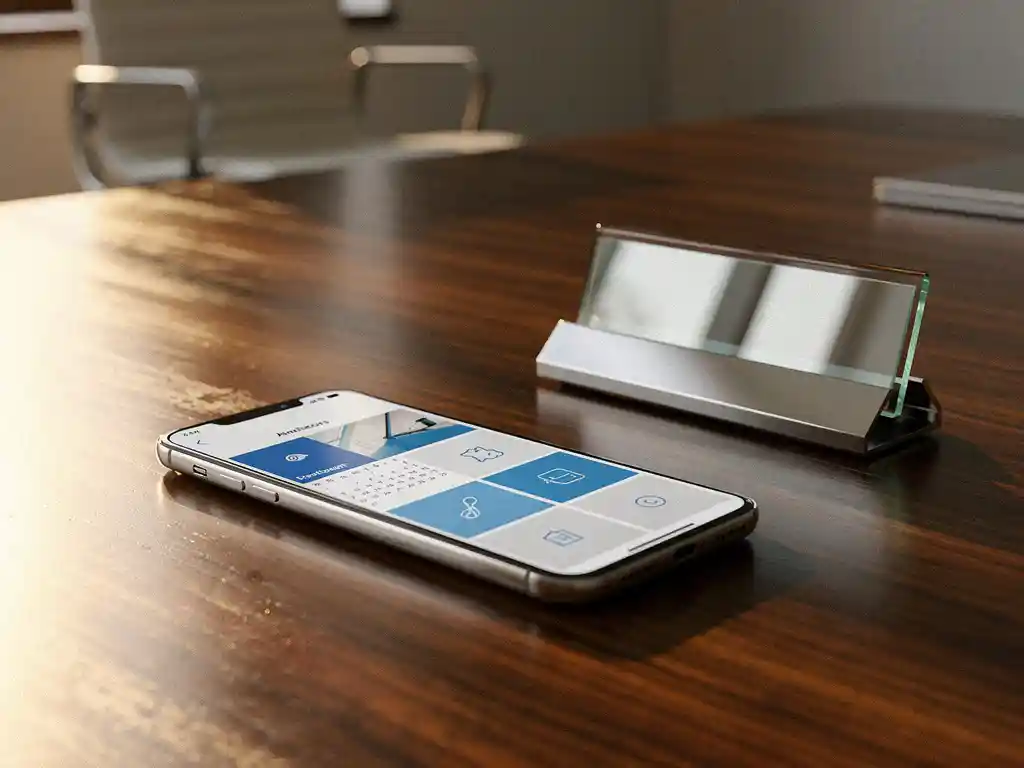
Modern offices are increasingly adopting flexible workspaces, allowing employees to choose where they want to work each day. An office desk booking system enables this flexibility by allowing workspaces to be reserved digitally. However, the system’s true power is realized when it integrates seamlessly with existing calendar systems.
By integrating desk booking with calendar systems such as Outlook, Google Calendar, or Teams, you create a seamless work experience where workspace reservations automatically appear in personal calendars. This eliminates duplicate administrative tasks and ensures that colleagues can immediately see where their teammates are working that day.
What is desk booking, and why do you integrate it with calendar systems?
Desk booking is a digital reservation system that allows employees to reserve workstations, meeting rooms, and other office facilities via an app or web portal. Integration with calendar systems automates this process and incorporates workspace information directly into existing workflows.
The benefits of calendar integration are significant. Employees no longer need to switch between different systems, as their workspace reservations automatically appear as appointments in their calendars. This prevents errors and improves planning. Teams can also immediately see where their colleagues are working, which promotes collaboration.
A modern Smart Office environment benefits greatly from this integration. When someone reserves a workspace, the system can automatically adjust personal preferences, such as desk height, lighting, and temperature. This automation fits perfectly with the clean desk policy adopted by many companies, under which workspaces are left empty at the end of the day.
Which calendar systems can be integrated with desk booking software?
Most modern desk booking systems support integration with Microsoft Outlook, Google Workspace, Apple Calendar, and Microsoft Teams. These platforms cover virtually all the business calendar systems used by Dutch companies.
Microsoft Outlook integration is by far the most widely used solution in Dutch offices. Through Exchange Server or Office 365, desk booking systems can communicate directly with Outlook calendars. Reservations appear as regular appointments, complete with location information and any attachments, such as floor plans.
Google Workspace offers similar capabilities through the Calendar API. Users can book workspaces that automatically sync with their Google Calendar. Teams that use Google Meet can even schedule hybrid meetings, where both the physical meeting room and the online meeting are automatically booked.
Modern systems also support two-way synchronization. This means that changes made in the calendar system are automatically reflected in the desk booking system, and vice versa. If someone cancels an appointment in Outlook, the reserved workspace automatically becomes available again.
How do you set up the technical integration between desk booking and calendars?
The technical implementation begins with configuring API access between the desk booking system and the calendar system. IT administrators must grant permission for data exchange and set up authentication protocols, such as OAuth 2.0, to ensure secure connections.
Microsoft Outlook integration requires an Exchange Server connection or Office 365 tenant configuration. The desk booking software is granted limited access to calendar data via the Microsoft Graph API. Administrators can specify exactly which information is shared and which privacy settings apply.
Google Workspace requires the creation of service accounts and API keys through the Google Cloud Console. The Calendar API must be enabled, and the appropriate scopes must be configured to allow read and write access to calendars. This process requires technical knowledge but is usually guided by the software vendor.
The configuration also includes setting the synchronization frequency, conflict resolution rules, and backup procedures. Many systems offer real-time synchronization, with changes taking effect within seconds. For larger organizations, it is important to set up load balancing and failover mechanisms.
What are the benefits of automated workspace booking?
Automated workspace booking increases office space utilization efficiency by 20–30% through smart allocation of available spaces and the elimination of manual processes. Employees save time every day and experience less frustration when searching for workspaces.
The greatest benefits are seen in improved space optimization. Organizations gain real-time insight into occupancy rates and can make data-driven decisions about office layout. This is particularly valuable in the era of hybrid work, when office usage fluctuates.
For employees, automation means a seamless work experience. They can reserve workstations while planning their workweek, with the system automatically taking into account team schedules and personal preferences. Colleagues can see each other’s locations, which encourages spontaneous collaboration.
Facility managers benefit from detailed reports on space utilization, energy consumption by zone, and maintenance needs. This data helps optimize cleaning schedules, climate control, and office layout adjustments. The system can even predict which spaces will be popular based on historical data and scheduled events.
How do you resolve common issues with desk booking integrations?
Synchronization issues are usually caused by network interruptions, API limits, or conflicting reservations. The solution lies in implementing robust error handling, retry mechanisms, and clear conflict resolution rules that automatically prevent duplicates.
A common problem is double bookings when employees schedule appointments both through the desk booking system and directly in their calendars. You can resolve this by designating one system as the “master” and setting up two-way synchronization with clear priority rules.
Performance issues can arise in large organizations with hundreds of concurrent users. Solutions include caching calendar data, asynchronous processing of updates, and load balancing across multiple API endpoints. Regular monitoring of response times helps identify issues early on.
Privacy and security concerns require careful configuration of data access. Implement role-based access controls, encryption of data in transit, and regular security audits. Employees should be able to control which calendar information is visible to colleagues, especially for personal appointments that overlap with work hours.
How Wout Monseurs Helps with Smart Office Technology
We offer comprehensive Smart Office solutions that integrate seamlessly with your existing IT infrastructure. Our expertise in desk booking systems and calendar integrations helps organizations successfully transition to flexible working.
Our Smart Office services include:
- Implementation of user-friendly desk booking tools with full calendar synchronization
- Configuring automatic desktop adjustments based on personal preferences
- Integration with existing Microsoft Outlook, Google Workspace, or Teams environments
- Training for employees and IT administrators to ensure optimal use
- Ongoing support and monitoring of system performance
With over 60 years of experience in office solutions, we combine traditional expertise with cutting-edge technology. Contact us for a no-obligation consultation on how Smart Office technology can help your organization transition to modern, flexible workspaces.
Frequently asked questions
How long does it take to integrate a desk booking system with our existing Outlook environment?
Technical implementation typically takes 2–4 weeks, depending on the complexity of your IT infrastructure and the number of users. The first week is spent on API configuration and testing, followed by a phased rollout by department. User training and fine-tuning of settings take another 1–2 weeks.
What happens if the desk booking system is temporarily offline? Can employees still use the workstations?
Modern systems include offline functionality and local caching. Existing reservations remain valid and are displayed via the mobile app. For new reservations, staff can use a contingency plan listing available workstations, which are automatically synchronized later once the connection is restored.
How can you prevent coworkers from seeing each other's personal calendar appointments when using desk booking integration?
Privacy settings are configured at the user level, so that only workspace reservations and office-related appointments are visible to colleagues. Personal appointments remain private, although the system does take booked time slots into account for workspace scheduling. Users retain full control over their privacy settings.
Can we combine desk booking with other Smart Office features, such as automatic lighting and climate control?
Yes, modern desk booking systems integrate seamlessly with IoT sensors and building management systems. When someone reserves a workspace, personal preferences for desk lighting, temperature, and even coffee preferences can be set automatically. This integration enhances comfort in the workplace and saves energy by keeping only occupied areas active.
What is the cost of a fully integrated desk booking and calendar system for a company with 100 employees?
Costs range from €15 to €35 per user per month, depending on the desired features and integrations. One-time implementation costs range from €5,000 to €15,000 for setup, training, and configuration. ROI is typically achieved within 6 to 12 months through improved space efficiency and productivity gains.
How does the system handle last-minute changes and no-shows for workspace reservations?
Advanced systems feature automatic no-show detection via IoT sensors or check-in requirements. Workstations that remain unoccupied 15–30 minutes after the reserved time automatically become available again. Users can modify reservations up to a few minutes before the start time, and colleagues receive immediate notifications about available spots.
What reports and insights do facility managers receive from the integrated system?
The system generates detailed dashboards showing occupancy rates by zone, the most popular workspaces, peak hours, and team collaboration patterns. Facility managers receive predictive analytics for capacity planning, energy consumption by area, and maintenance needs. This data helps inform data-driven decisions regarding office layout, cleaning schedules, and future expansions.