

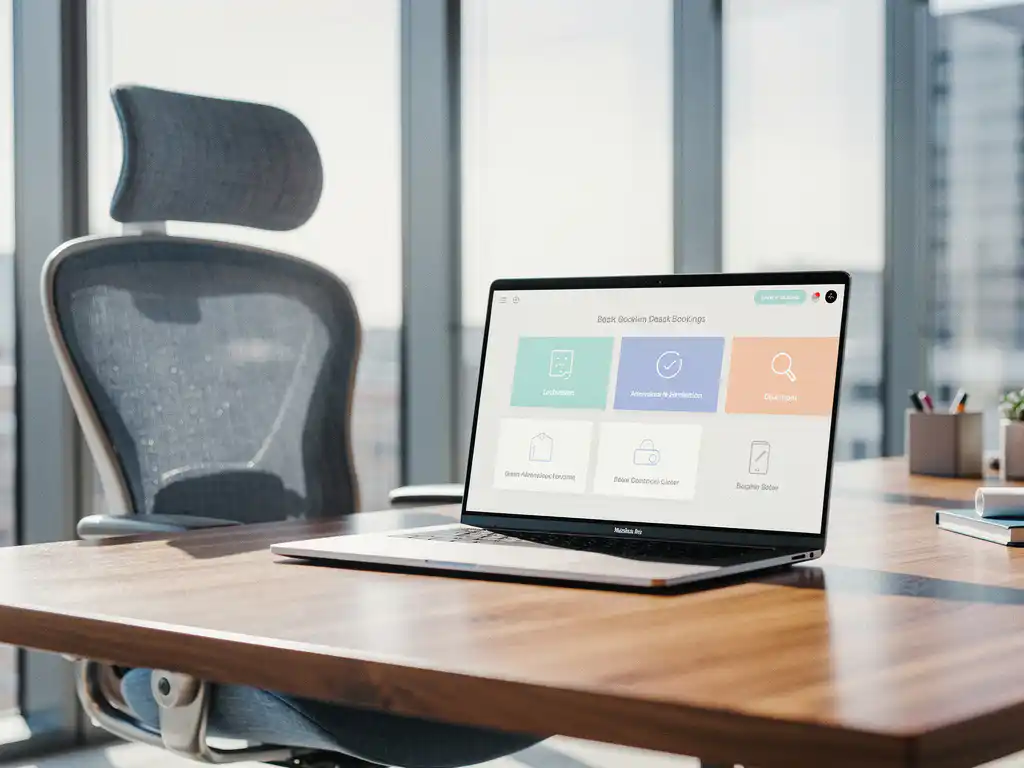
Hybrid work has fundamentally transformed the office environment. Employees are constantly switching between working from home and working in the office, making traditional fixed workstations no longer efficient. An office desk booking system offers the solution by managing workstations in a smart and flexible way.
These digital booking tools make it easy to reserve workspaces via smartphone or computer, allowing companies to make the most of their office space while giving employees the flexibility they need.
What is desk booking, and how does it work in practice?
Deskbooking is a digital reservation system that allows employees to reserve workspaces via a smartphone app or web platform. The system displays available workspaces in real time and enables users to book a spot for a specific day or time period with a single click.
In practice, desk booking works much like reserving a hotel room. Employees log in to the system, view a floor plan of the office, and select an available workstation. The system automatically tracks which stations are occupied and which are free. Some systems offer advanced features, such as the ability to reserve specific types of workstations, for example, quiet zones or window seats.
Modern desk booking solutions often integrate with other office tools, such as meeting room reservations and access control. This creates a seamless experience that allows employees to plan their entire workday before leaving home.
Why is desk booking essential for hybrid work models?
Desk booking is essential for hybrid work models because it eliminates uncertainty about the availability of workspaces and optimizes space utilization. Without a booking system, employees often arrive at the office without knowing whether a workspace is available, which leads to frustration and inefficiency.
Hybrid work means that not all employees are in the office at the same time. This presents opportunities for companies to downsize their office space, but it does require smart planning. An office desk booking system gives managers insight into workspace occupancy and helps them make data-driven decisions about office layout.
The system also supports the social aspects of hybrid work. Employees can see which colleagues are in the office on which days and adjust their reservations accordingly. This promotes collaboration and team building, which is crucial for companies seeking to strike a balance between flexibility and office culture.
What challenges does deskbooking solve for modern businesses?
Deskbooking addresses three key challenges: wasted space, employee satisfaction, and cost management. Traditional offices often have an occupancy rate of only 60–70%, which means companies are paying for unused space.
The first challenge is space efficiency. Without a booking system, it is impossible to accurately determine how many workstations are actually needed. Deskbooking generates data on workstation usage, enabling companies to make informed decisions about office size and layout.
Second, it significantly improves the employee experience. Frustration over not being able to find a workspace disappears, and employees can better plan their day at the office. This contributes to higher employee satisfaction and productivity.
The third challenge concerns cost management. By gaining insight into workplace occupancy, companies can optimize their real estate costs. Some organizations achieve savings of 20–30% on office space through smart desk booking strategies.
How do you choose the right desk booking system for your organization?
You should choose the right desk booking system based on user-friendliness, integration capabilities, and scalability. The system must be intuitive for all employees, regardless of their technical skills, and integrate seamlessly with the existing IT infrastructure.
Start by identifying your specific needs. How many employees will need to use the system? What types of workspaces do you want to make bookable? Do you have multiple office locations that need to be linked? These questions will help you determine which features are a priority.
Consider integration options with existing systems, such as Outlook, Teams, or access control. Effective integration prevents duplicate work and increases user adoption. Also consider future growth: can the system scale as your organization grows or opens new locations?
Test different systems with a small group of users before making a final decision. User feedback is crucial to the success of the implementation. Also, ensure that adequate training and support are provided during the rollout.
How Wout Monseurs Helps with Smart Workplace Solutions
At Wout Monseurs, we integrate desk booking technology as part of our Smart Office solutions. With over 60 years of experience in office design, we combine traditional expertise with modern digital tools to ensure optimal workplace management.
Our approach includes:
- Advice on the right desk booking system for your organization
- Integration with ergonomic workstations and flexible office layouts
- Full implementation of reservation systems for workstations and meeting rooms
- Training and support for optimal use
As a family-owned business, we understand that every organization has unique needs. That’s why we offer customized solutions that align perfectly with your workflows and corporate culture. From concept to completion, we ensure the seamless implementation of smart workplace solutions.
Would you like to learn how deskbooking can enhance your hybrid work model? Contact us for a no-obligation consultation about the possibilities for your organization.
Frequently asked questions
How long does it take to implement a desk booking system?
Implementing a desk booking system typically takes 4–8 weeks, depending on the size of your organization and the integrations you require. This includes system selection, technical installation, user training, and a trial period to ensure everything runs smoothly.
What happens if employees don't use their reserved workstations?
Modern desk booking systems have automatic cancellation policies and no-show detection. If a desk is not used within a certain time frame (usually 30–60 minutes), the reservation is automatically canceled and the desk becomes available to others.
Can employees permanently reserve their favorite workspace?
This depends on your company policy and system settings. Some organizations allow fixed assignments for certain roles, while others deliberately rotate staff to maintain flexibility. Most systems support both options.
How can you prevent popular workspaces from always being reserved by the same people?
Many desk booking systems include fairness features such as booking limits per user, rotation schedules, or lottery systems for popular spots. Managers can also reserve certain workstations for specific teams or projects.
Is a desk booking system also useful for smaller offices?
Yes, even small offices benefit from desk booking, especially when it comes to hybrid work. Even with just 20–30 employees, it helps prevent frustration over workspace availability and provides insights into space utilization for future office planning.
What is the cost of a desk booking system, and how quickly will you recoup your investment?
Desk booking systems typically cost €3–8 per user per month. The payback period is often 6–12 months, thanks to space savings of 20–30% and increased employee satisfaction. The exact ROI depends on your office costs and usage patterns.
How can you ensure that all employees actually start using the desk booking system?
Successful adoption starts with proper training, clear communication about the benefits, and involving team leaders as advocates. Make it as easy as possible to use and consider incentives or gamification elements to encourage adoption.