

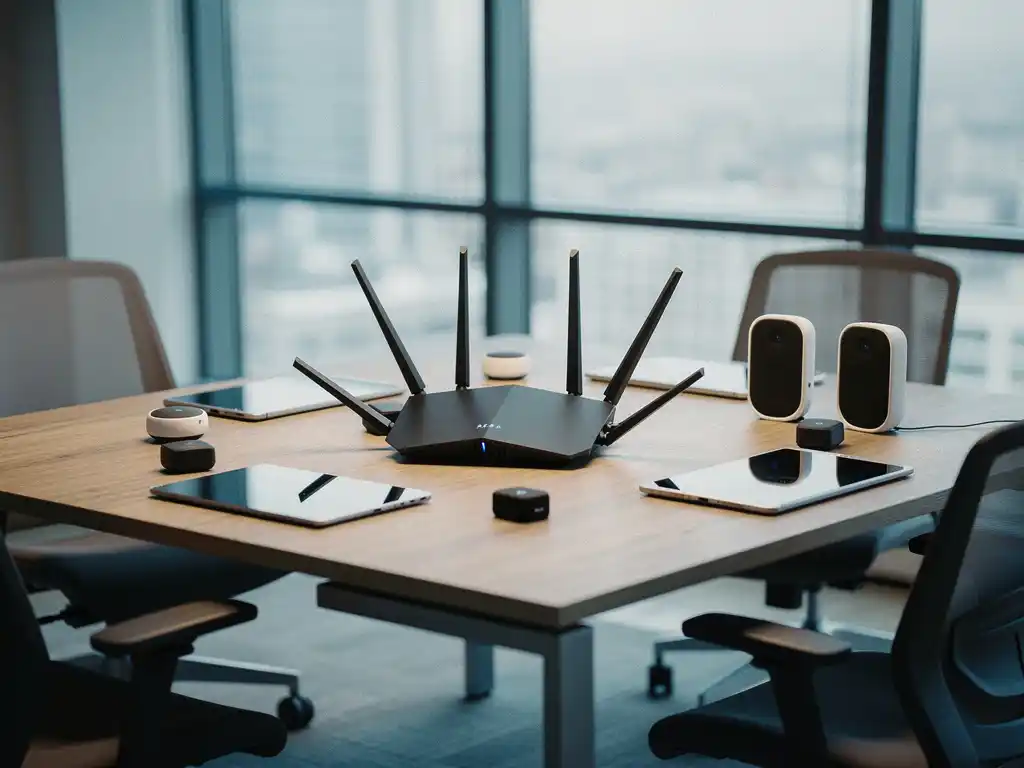
Modern offices are becoming increasingly smart thanks to the integration of IoT devices, such as smart lighting, climate control, and security systems. However, these devices present unique challenges for Wi-Fi networks. While traditional devices, such as laptops and smartphones, generate predictable network traffic, IoT devices have specific requirements in terms of bandwidth, latency, and connection stability.
Optimizing Wi-Fi networks for IoT devices requires a different approach than that used for standard office equipment. The cost of a smart office implementation can be significantly affected by the quality of the network infrastructure. A well-optimized network not only ensures reliable connections but also helps control long-term operational costs.
What are the biggest challenges with Wi-Fi for IoT devices?
The biggest challenges with Wi-Fi for IoT devices are network congestion, varying protocol requirements, power management, and scalability. IoT devices compete with traditional devices for bandwidth, while often using specific communication protocols that are not always compatible with standard Wi-Fi settings.
Network congestion occurs when dozens or hundreds of IoT devices attempt to communicate simultaneously over the same network. Sensors, smart lighting, and climate control systems constantly generate data traffic, which can lead to slowdowns and connection drops. This problem is exacerbated in office environments where employees are simultaneously making video calls and uploading large files.
Another major challenge is energy management. Many IoT devices are battery-powered and require energy-efficient connections. However, standard Wi-Fi protocols are not optimized for low energy consumption, causing batteries to drain faster than expected. This results in higher maintenance costs and more frequent battery replacements.
Scalability is also an issue. Traditional routers are designed to handle a few dozen devices, but modern smart offices can contain hundreds of IoT devices. Every new sensor or smart device increases the load on the network, which can lead to performance issues if the infrastructure isn’t properly scaled.
How does Wi-Fi for IoT devices differ from Wi-Fi for regular devices?
Wi-Fi for IoT devices differs from Wi-Fi for standard devices in that it has lower bandwidth requirements, involves more frequent but smaller data transmissions, and requires energy-efficient connections. While laptops and smartphones send large amounts of data in short bursts, IoT devices continuously transmit small data packets.
IoT devices often have specific Quality of Service (QoS) requirements. Temperature and air quality sensors require low latency for real-time monitoring but use minimal bandwidth. Smart lighting systems require fast response times for switching commands, while security cameras require high bandwidth for video streaming.
The connection patterns also differ significantly. Conventional devices connect when users are actively using them, whereas IoT devices remain constantly connected. This “always-on” functionality means that they constantly consume network resources, even when they are not actively transmitting data.
In addition, many IoT devices use mesh networking protocols, such as Zigbee or Z-Wave, which work alongside Wi-Fi but require different configuration settings. These protocols create their own subnetworks within the Wi-Fi infrastructure, adding an extra layer of complexity to network management.
Which Wi-Fi standards work best for IoT devices?
Wi-Fi 6 (802.11ax) and Wi-Fi 6E are best suited for IoT devices thanks to improved efficiency, lower latency, and better support for multiple devices. These standards introduce technologies such as OFDMA and Target Wake Time, which are specifically designed for IoT environments with a large number of devices.
WiFi 6 supports Orthogonal Frequency Division Multiple Access (OFDMA), which allows multiple devices to communicate simultaneously over different portions of the same channel. This is particularly effective for IoT devices that send small data packets, as it significantly improves network efficiency and reduces latency.
Target Wake Time (TWT) is another crucial feature for IoT devices. This technology allows devices to schedule specific times to communicate with the router, enabling them to enter sleep mode the rest of the time. This significantly extends the battery life of wireless IoT devices.
Other standards may also be relevant for specific IoT applications. WiFi HaLow (802.11ah) is designed for IoT devices with low bandwidth and long range, while Thread and Matter protocols are becoming increasingly popular for smart home and smart office applications. The choice depends on the specific requirements of the IoT implementation and the desired interoperability between devices.
How do you configure your router for optimal IoT performance?
Configure your router for optimal IoT performance by setting up a separate IoT network, adjusting QoS settings, and reserving bandwidth for critical devices. It is recommended that you use the 2.4 GHz band for IoT devices due to its better range and lower power consumption.
Creating a dedicated IoT VLAN (Virtual Local Area Network) isolates IoT traffic from the main network and improves both performance and security. This prevents IoT devices from interfering with business applications and mitigates potential security risks. Configure different SSIDs for different device types to better manage traffic.
QoS settings should be adjusted to prioritize critical IoT functions. For example, give high priority to security systems and climate control, while assigning a lower priority to decorative smart lighting. Reserve at least 20% of the total bandwidth for IoT traffic to prevent congestion during peak usage.
Also optimize your Wi-Fi channel selection. Use automatic channel optimization or manually select the least congested channels. For the 2.4 GHz band, use channels 1, 6, or 11 to minimize interference. Enable beamforming for better signal directionality toward IoT devices, and consider mesh networks for large office spaces to ensure full coverage.
Why do IoT devices often have connectivity issues?
IoT devices often experience connectivity issues due to signal interference, insufficient network coverage, outdated firmware, and incompatible security protocols. These issues are exacerbated by the lower antenna quality and limited processing power of many IoT devices.
Signal interference is a common problem in office environments. Microwave ovens, cordless phones, and other electronic devices can interfere with the 2.4 GHz spectrum used by many IoT devices. In addition, metal structures, thick walls, and large pieces of furniture can weaken the Wi-Fi signal, resulting in unstable connections for devices located farther away from the router.
Many IoT devices have limited processing power and memory, making it difficult for them to handle complex security protocols such as WPA3. Some older devices only support outdated security standards, which causes compatibility issues with modern routers that enforce stricter security requirements.
Firmware updates are often overlooked for IoT devices, which means known connectivity issues remain unresolved. Unlike smartphones and laptops, many IoT devices do not have automatic update functionality, meaning manual updates are necessary to maintain optimal performance. This requires proactive management by the IT department.
How do you secure a Wi-Fi network with many IoT devices?
Secure a Wi-Fi network with many IoT devices by using network segmentation, strong authentication, regular firmware updates, and network traffic monitoring. Implement a zero-trust architecture in which every device is verified before being granted network access.
Network segmentation is the most important security measure. Create separate network segments for IoT devices so that a compromised device cannot access critical business data. Use firewalls between segments to monitor traffic and block unauthorized communication. Implement microsegmentation for additional security of critical IoT systems.
Strong authentication prevents unauthorized access. Use WPA3 security whenever possible and implement certificate-based authentication for critical devices. Change the default passwords on all IoT devices and use unique, complex passwords for each device. Consider multi-factor authentication for administrative accounts.
Regular monitoring is essential for detecting anomalous behavior. Implement Network Access Control (NAC) systems that automatically isolate unknown devices. Monitor network traffic for suspicious patterns and set up alerts for unusual data flows. Conduct regular security audits to identify vulnerabilities and document all connected IoT devices in a central registry.
How Wout Monseurs Helps with Smart Office IoT Implementation
We help organizations successfully implement IoT technology with our Smart Office solutions. Our expertise in smart office technology ensures the seamless integration of IoT devices with existing network infrastructure.
Our Smart Office services include:
- Network Analysis and Optimization for IoT Devices
- Implementation of smart reservation systems and desk booking tools
- Configuration of automated climate control and lighting systems
- Integration of conferencing systems with popular platforms such as Microsoft Teams
- Monitoring and Maintenance of Smart Office Technology
With over 60 years of experience in office design, we combine traditional expertise with cutting-edge technology. Our team guides you from concept to completion, ensuring a future-proof infrastructure that grows alongside your organization. Contact us for a no-obligation consultation about your Smart Office implementation.
Frequently asked questions
How many IoT devices can my current Wi-Fi network handle before I start having problems?
Most standard business routers can support 50–100 IoT devices before performance issues arise. This depends on your current bandwidth, the type of IoT devices, and the simultaneous use of traditional devices. A professional network analysis can determine your exact capacity and provide recommendations for expansion.
What are the first steps to take to prepare my office for a Smart Office implementation?
Start by conducting an audit of your current network infrastructure and identify which IoT devices you want to deploy. Upgrade to Wi-Fi 6 if necessary, plan for network segmentation, and ensure you have enough access points to provide full coverage. Test the deployment in a small area first before rolling it out across the entire office.
Can older IoT devices cause problems for new devices on the same network?
Yes, older IoT devices can slow down the network due to outdated protocols and inefficient communication. They can also pose security risks because of weaker encryption. Consider upgrading these devices or isolating them in a separate network segment to prevent interference with modern devices.
How often should I update the firmware on IoT devices, and how can I do this efficiently?
Update IoT firmware at least once every quarter or as soon as security updates become available. Use a centralized device management system to automate updates whenever possible. Create an update schedule for each device type and test updates on a small number of devices before rolling them out widely.
What is the cost of professional Smart Office Wi-Fi optimization?
Costs range from €2,000 to €15,000, depending on the size of the office, the number of IoT devices, and the complexity of the implementation. This includes network analysis, hardware upgrades, configuration, and training. The investment often pays for itself through lower energy costs and increased productivity within 12 to 24 months.
How can I prevent IoT devices from disrupting my video conferences?
Implement Quality of Service (QoS) rules that prioritize video conferencing traffic over IoT communications. Reserve at least 30% of your bandwidth for critical business applications and use a separate network segment for IoT devices. Regularly monitor network performance during peak hours.
Which IoT devices have the biggest impact on my Wi-Fi performance?
Security cameras and video streaming devices have the greatest impact due to their high bandwidth requirements. Smart lighting and sensors use minimal bandwidth but can cause issues due to their large numbers and constant connections. Plan your network capacity primarily around devices with high data consumption.