

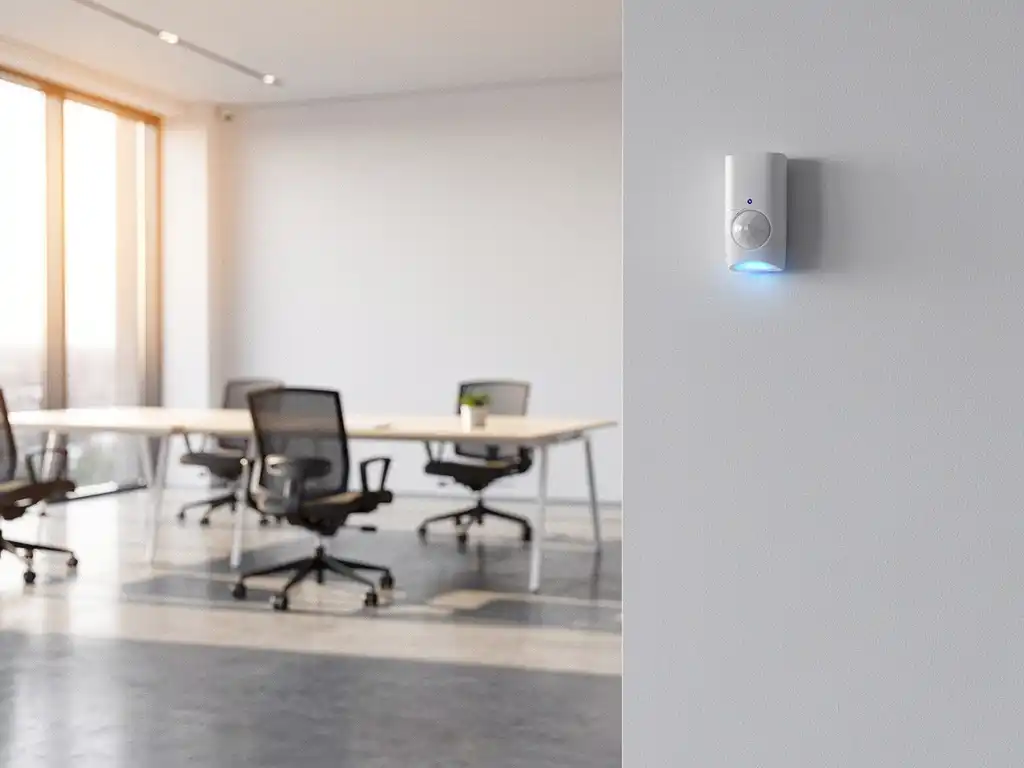
Smart sensors in office environments are an essential component of modern Smart Office technology. These advanced systems collect real-time data on occupancy, air quality, temperature, and movement to automatically optimize workspaces. For companies investing in intelligent office solutions, the proper placement of sensors is crucial for maximum effectiveness and return on investment.
Strategic sensor placement determines whether your Smart Office system actually contributes to productivity, energy savings, and employee comfort. Incorrectly positioned sensors result in incomplete data, blind spots, and missed opportunities for automation. In this article, you’ll learn how to optimally position sensors for full office coverage.
What determines the range of sensors in office environments?
The range of sensors in office environments is determined by the type of sensor, physical obstacles, ceiling height, and interference from other electronic equipment. Motion sensors typically have a range of 5 to 10 meters, while air quality sensors are effective within an area of 15 to 20 square meters.
Different types of sensors have specific detection ranges. PIR motion sensors work best at a height of 2.4 to 3 meters and detect motion in a cone-shaped pattern. Temperature sensors require free air circulation and should not be placed directly under air conditioning systems. Air quality sensors need time to take accurate measurements and work best in rooms with natural ventilation.
Physical barriers such as partition walls, tall cabinets, and glass partitions significantly limit the effective range. Metal objects can interfere with wireless signals, while thick concrete walls can block communication between sensors and the central system. The presence of Wi-Fi networks, Bluetooth devices, and other wireless technologies can also cause interference, reducing the range.
How do you calculate the number of sensors you need?
To calculate the number of sensors required, divide the total office area by the effective range per sensor, taking into account overlap zones and specific space requirements. For a standard office space, one motion sensor is typically needed for every 25 to 30 square meters.
Start with a thorough space analysis to identify different zones. Open-plan offices require fewer sensors per square meter than fragmented spaces with many partitions. Meeting rooms require specific sensors for occupancy detection and automatic lighting. Restrooms and kitchens require sensors with shorter response times to ensure user comfort.
Calculate the requirements for each zone separately and add the results together. Add 10 to 15% extra sensors to account for redundancy and future expansions. Also consider using different sensor types per room: motion sensors for lighting, temperature sensors for climate control, and air quality sensors for ventilation optimization. A typical 200-square-meter office requires approximately 8 to 12 sensors, depending on the layout and desired functionality.
Where should you place sensors for optimal performance?
Place sensors strategically at intersections of walking routes, in the center of rooms, and in locations with clear lines of sight to the main activity areas. Avoid locations near heat sources, direct sunlight, and areas with strong air currents that could cause false readings.
For motion sensors, choose locations that provide an unobstructed view of the entire room. Ideally, mount them in corners at a 45-degree angle to achieve maximum coverage. In long hallways, place sensors every 8 to 10 meters to ensure continuous detection. In workspaces, position sensors above the main walkways between desks.
Air quality sensors work best at eye level (1.5 to 1.8 meters) in areas with representative air quality. Do not place them near printers, coffee machines, or other devices that affect local air quality. Temperature sensors should be placed in areas with average temperatures, away from windows, heaters, and air conditioners.
For Smart Office applications such as desk booking systems, place sensors directly above or next to individual workstations. This enables accurate occupancy detection and supports automatic desk assignments based on users’ personal preferences.
What mistakes should you avoid when installing sensors?
Avoid these critical installation mistakes: placing sensors too close together, which causes interference; insufficient testing after installation; and failing to account for future changes to the office layout. Placing sensors in areas with regular vibrations or temperature fluctuations also leads to unreliable data.
A common mistake is installing sensors without taking the office workflow into account. Sensors that only detect movement at workstations fail to detect static activities such as talking on the phone or typing. This results in lights and climate control systems being turned off unnecessarily while employees are still present.
Technical errors include incorrect calibration, insufficient network coverage for wireless sensors, and combining different sensor brands without conducting compatibility tests. Ensure stable Wi-Fi connections and backup power systems to guarantee continuous operation. Thoroughly test all sensors under various conditions before the system goes live.
Don’t forget about privacy considerations. Do not install sensors in private areas such as changing rooms or quiet phone booths without clearly communicating this to employees. Ensure transparency regarding what data is collected and how it is used for workplace optimization.
How Wout Monseurs Helps with Smart Sensor Implementation
We offer comprehensive Smart Office solutions, including strategic sensor planning, professional installation, and ongoing support. With over 60 years of experience in office design, we combine traditional expertise with advanced sensor technology.
Our approach includes:
- Comprehensive space analysis and customized sensor planning
- Professional installation by certified technicians
- Integration with existing office furnishings and systems
- Training for your team on optimal system use
- Preventive maintenance and remote monitoring
From our office in Breda, we serve businesses throughout the Netherlands with turnkey Smart Office projects. From the initial consultation to full completion, we handle everything for you. Discover how smart sensors can transform your office environment and contact us for a no-obligation consultation about your sensor implementation.
Frequently asked questions
How long does it take for new sensors to start providing accurate data?
Most sensors require a 1–2 week stabilization period to recognize reliable patterns. Air quality sensors typically stabilize within 48–72 hours, while motion sensors are operational immediately but require 7–14 days of data for optimal automation rules. Therefore, do not base any critical decisions on sensor data during the first two weeks after installation.
Can sensors provide useful information even outside of office hours?
Yes, sensors provide valuable insights into building performance 24/7. They detect unexpected occupancy for security purposes, monitor temperature and air quality for preventive maintenance, and help identify energy waste. Cleaning crews can also benefit from automatic lighting and climate control while they work.
What happens if sensors send conflicting signals?
Modern Smart Office systems use priority rules and validation algorithms to resolve conflicting sensor data. The system uses multiple data sources for verification and can alert users to anomalous readings. If conflicts persist, manual calibration or sensor replacement is required to restore reliability.
How can you prevent sensors from violating employees' privacy?
Implement clear privacy guidelines by limiting sensors to common areas, using anonymous data processing, and communicating transparently about data collection. Use motion sensors that detect presence without identifying individuals, and provide opt-out options for individual workstations where possible.
Can existing office spaces be easily equipped with smart sensors?
Yes, retrofitting is usually quite feasible thanks to wireless sensor technology and battery power. The biggest challenge lies in ensuring stable network coverage and integrating the system with existing systems such as lighting and HVAC. A professional site survey helps identify potential obstacles and determine the optimal installation strategy.
How often should sensors be maintained or replaced?
High-quality sensors typically have a lifespan of 5–7 years with minimal maintenance. Batteries in wireless sensors last 2–3 years, depending on usage and settings. Schedule annual calibration checks and proactively replace sensors when accuracy declines or if there are frequent connectivity issues.
What is the cost per square meter for a complete sensor installation?
Sensor costs range from €15 to €40 per square meter, depending on the desired functionality and the complexity of the space. This includes hardware, installation, and basic software. Advanced systems with AI-driven automation cost €50 to €80 per square meter. ROI is typically achieved within 18 to 24 months through energy savings and increased workplace efficiency.