

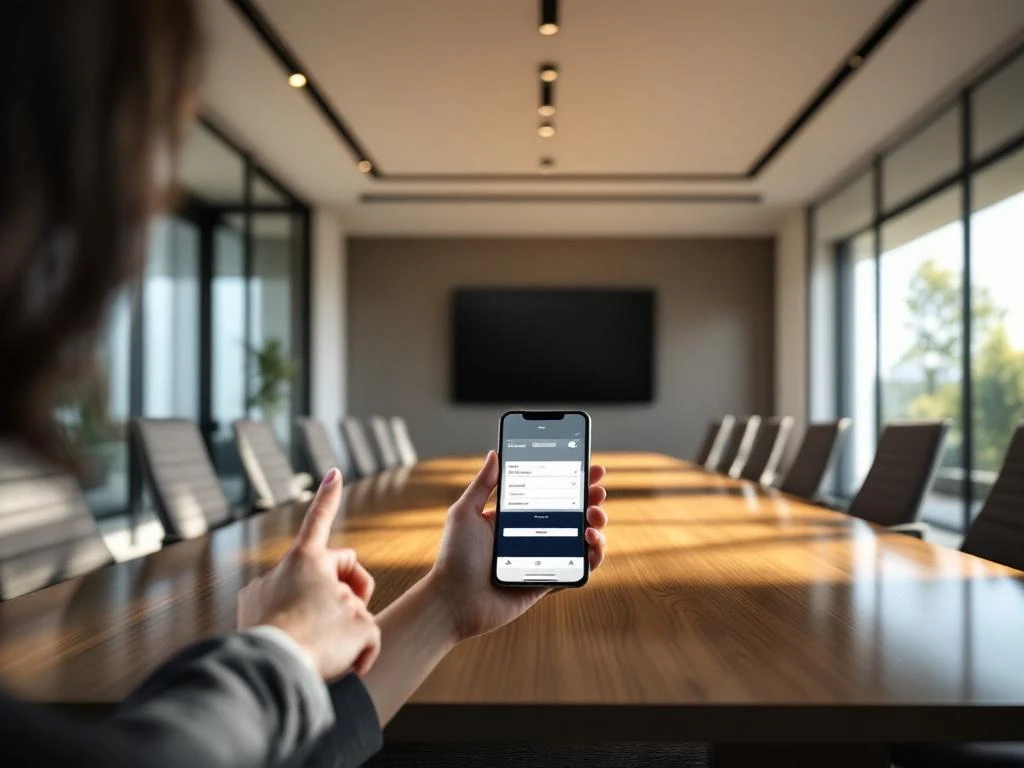
Booking a smart office meeting room is done through digital platforms that use sensors, apps, and automation. These systems display real-time availability and allow you to book a room instantly via a smartphone app or touchscreen panel. The reservation is automatically confirmed, and the system sends reminders to prevent no-shows.
What is a smart office conference room system, and how does it work?
A smart office meeting room system is an integrated technological solution that automatically combines space management with user-friendly booking tools. The system uses sensors to detect whether a room is actually in use, apps for easy bookings, and automation to optimize space utilization.
At the heart of the system are various components that work together seamlessly. Occupancy sensors detect whether a meeting room is actually in use, while touchscreen panels at the door display real-time information about availability and upcoming reservations. The accompanying smartphone app allows employees to search for and reserve rooms on the go.
Modern systems integrate with popular calendar apps such as Outlook and Google Calendar. When you schedule a meeting, a list of available rooms that meet your criteria automatically appears. The system takes into account the number of participants, desired amenities, and location preferences.
What steps do you need to follow to reserve a meeting room?
Booking a meeting room through a smart office system typically involves a four-step process: logging in to the app or platform, entering your criteria (date, time, number of people), selecting an available room, and confirming the reservation. Most systems immediately send a confirmation to your calendar.
Start by opening the booking app on your smartphone or computer. Log in with your company account to access the available facilities. Then enter your desired date, start time, meeting duration, and number of participants.
The system now displays all available meeting rooms that meet your criteria. You can immediately see what amenities each room offers, such as a projector, whiteboard, or video conferencing equipment. Select the room you want and confirm your reservation. The system automatically sends a calendar invitation with the location details to all participants.
What are the benefits of digital meeting room booking?
Digital meeting room booking offers significant efficiency gains by eliminating double bookings and providing real-time insight into room usage. Organizations save time because employees no longer have to manually search for available rooms, and they gain valuable data on their space utilization.
The biggest advantage is the time saved for employees. Whereas you used to have to walk around the office to find an available space, you can now reserve a suitable meeting room in just a few seconds. The system prevents frustration by always displaying up-to-date information on availability.
For facility managers, these systems provide valuable insights into space utilization. You can see exactly which spaces are popular, when peak hours occur, and whether certain facilities remain underutilized. This data helps optimize the office layout and inform decisions about future space requirements.
What problems might you encounter when booking a meeting room?
The most common issues with meeting room reservations are no-shows and technical glitches. No-shows occur when reserved rooms go unused, while other employees are unable to find a room. Technical issues can result in inaccurate availability information or malfunctioning access systems.
No-shows are the biggest problem in many organizations. People reserve a room “just in case,” but end up not using it. Modern systems address this by sending automatic reminders and canceling reservations if sensors don’t detect any activity within 15 minutes of the scheduled start time.
Technical issues can range from slow apps to calendars that won’t sync. Preventive measures include regular software updates, backups, and clear instructions for users. It is important to have a help desk that can respond quickly to employees’ technical questions.
How does Wout Monseurs help with smart office meeting room solutions?
We offer comprehensive smart office solutions that integrate meeting room management with modern workplace environments. Our expertise combines 60 years of experience in office design with advanced technologies such as IoT sensors, AI-driven systems, and automated space management systems.
Our smart office technology transforms traditional meeting rooms into intelligent, efficient workspaces that adapt to users’ needs. We implement systems that not only manage reservations but also automatically control lighting, temperature, and audiovisual equipment based on scheduled meetings.
- Full integration with popular platforms such as Microsoft Teams and Google Meet
- Real-time occupancy sensors that automatically detect and resolve no-shows
- Energy-saving systems that can reduce lighting and heating costs by up to 90%
- User-friendly apps and touchscreen interfaces for easy reservations
Our personalized approach ensures that every smart office system is perfectly tailored to your business processes and employee needs. We guide you from design through implementation and provide ongoing support to ensure optimal performance. Would you like to learn how we can optimize your meeting room management? Contact us for a no-obligation consultation.
Frequently asked questions
How much does it cost to implement a smart office conference room system?
Costs vary depending on the size of your office and the features you require. A basic setup for 5–10 meeting rooms starts at around €15,000–25,000, including sensors, touchscreens, and software. The investment typically pays for itself within 12–18 months through increased efficiency and energy savings.
How long does it take to install a smart office conference room system?
Implementation typically takes 2–6 weeks, depending on the complexity and size of your office. This includes hardware installation, software configuration, integration with existing systems, and employee training. We ensure minimal disruption to your daily operations during the installation process.
Can the system integrate with our existing IT infrastructure and security systems?
Yes, modern smart office systems are designed to integrate seamlessly with existing IT infrastructure. They work with popular platforms such as Active Directory, Microsoft 365, Google Workspace, and most security systems. Our technical experts ensure a secure implementation that meets your cybersecurity requirements.
What happens if the internet connection goes down or the system experiences technical issues?
Smart office systems feature built-in offline capabilities and backup solutions. Local servers can maintain reservations during internet outages, and touchscreens display the most recent known status. We offer 24/7 technical support and have an average response time of less than 2 hours for critical issues.
How do you train employees to use the new system effectively?
We bieden uitgebreide trainingen aan via verschillende kanalen: hands-on workshops, online tutorials en gebruikersgidsen. De meeste medewerkers beheersen het systeem binnen een week door de intuïtieve interface. We organiseren ook ‘super user’ trainingen voor key users die collega’s kunnen ondersteunen bij vragen.
Can we expand the system as our office grows or changes?
Absolutely, our smart office solutions are fully scalable. You can easily add additional meeting rooms, sensors, or features without disrupting the existing system. The modular design allows you to expand step by step as your business grows or your needs change.