

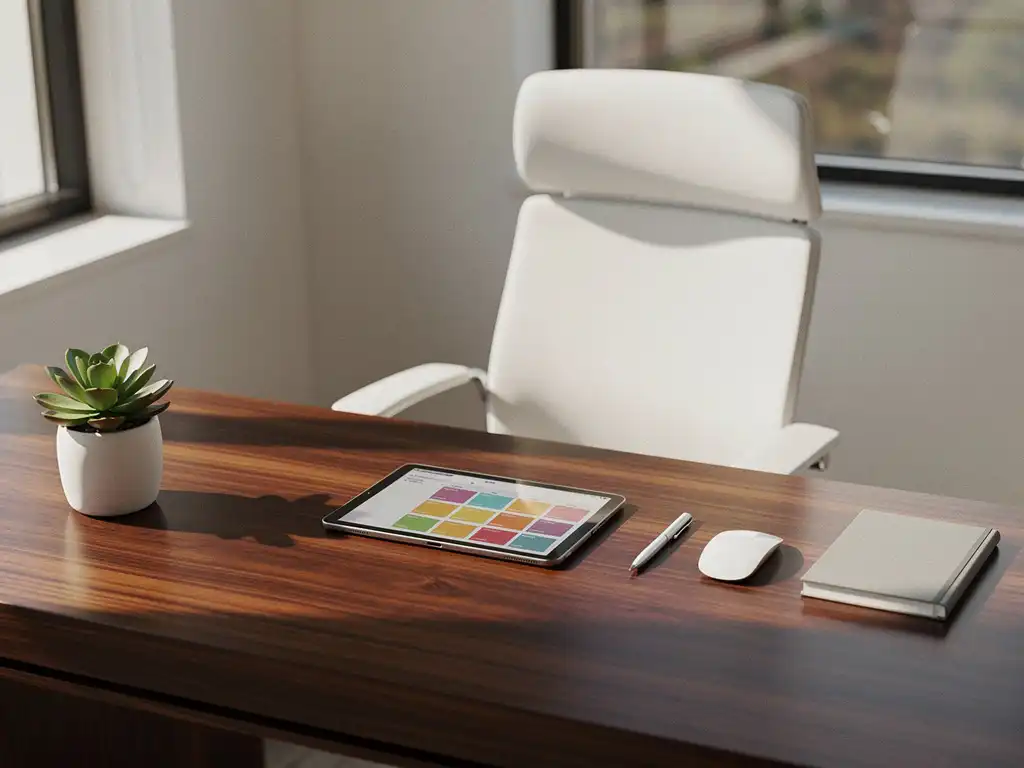
Hybrid work has drastically changed the way we use office spaces. Employees no longer come to the office every day, but instead book flexible workspaces when they need them. An office desk booking system is therefore becoming increasingly important for modern organizations that want to make the most of their space.
However, the problem of no-shows at workstations costs companies a lot of money and causes frustration among colleagues who are actually looking for a workstation. Fortunately, smart reservation systems offer effective solutions to address this problem and improve office efficiency.
What is a desk booking system, and why is it important?
A desk booking system is a digital tool that allows employees to reserve workspaces via a smartphone app or computer system. The system provides real-time visibility into available workspaces and enables users to book a desk for a specific date and time with a single click.
The main benefits of a desk booking system are optimal use of space, cost savings, and an improved employee experience. Organizations can see exactly which workstations are used most frequently and adjust their office space accordingly. This leads to significant savings on rent and facility expenses.
For employees, a reservation system provides the assurance that a workspace will be available when they come into the office. They can reserve their favorite spot in advance or choose a workspace near colleagues they’ll be collaborating with that day. This significantly boosts satisfaction and productivity.
What are no-shows, and how do they affect office efficiency?
No-shows are reserved workstations that are ultimately not used by the person who made the reservation. This happens when employees decide to work from home, fall ill, or forget to cancel their reservation. On average, 20–30% of reserved workstations remain unused due to no-shows.
The impact on office efficiency is significant. First, no-shows waste valuable office space that other colleagues could actually use. This leads to frustration among employees who can’t find a place to work, even though there are empty desks available. Second, no-shows make it difficult to collect accurate data on workspace usage, causing facility managers to make poor decisions about space planning.
From a financial perspective, no-shows cost organizations thousands of euros each year. Every unused workspace represents wasted rent, energy, and cleaning costs. Furthermore, no-shows can lead to underutilization of facilities such as the cafeteria, which also results in inefficiencies there.
How does a smart desk booking system prevent no-shows?
A smart desk booking system prevents no-shows through automatic reminders, booking limits, and real-time monitoring. The system sends push notifications to users to confirm their reservation or cancel it in a timely manner. In addition, organizations can set limits on how many days in advance reservations can be made.
Advanced systems use sensor technology to detect whether a reserved workspace is actually being used. If a desk is still empty 30 minutes after the reserved time, the reservation is automatically canceled and the space becomes available again to other employees. This real-time adjustment maximizes workspace utilization.
Another effective approach is to implement booking fees or a points system. Employees who frequently fail to show up for appointments can have their booking privileges temporarily restricted. This encourages responsible booking behavior without being too restrictive for reliable users.
What features should an effective desk booking system have?
An effective office desk booking system should feature user-friendly booking functionality, automatic reminders, real-time occupancy monitoring, and comprehensive reporting capabilities. These core features ensure that the system adds value for both employees and facility managers.
The reservation feature should be intuitive and assign a workspace within seconds. Users should be able to filter by location, equipment, and preferences. Automatic reminders via email, app notifications, or text message help prevent no-shows by alerting users to their reservation in a timely manner.
Advanced features include integration with other office systems, such as access control, climate control, and meeting room reservations. The system should also remember personal preferences, such as favorite workstations or ergonomic settings. Real-time dashboards provide facility managers with insights into occupancy rates, popular areas, and usage patterns.
To effectively prevent no-shows, features such as automatic cancellation for no-shows, booking limits per user, and a waitlist system for popular time slots are essential. The system should also generate reports on no-show rates and trends, so that organizations can adjust their policies accordingly.
How Wout Monseurs Helps with Smart Desk Booking Solutions
At Wout Monseurs, we offer comprehensive Smart Office solutions that effectively address no-shows and maximize your office efficiency. Our desk booking systems integrate seamlessly with your workspace design and ensure an optimal user experience.
Our Smart Office technology offers:
- Automatic desktop customization based on users' personal preferences
- Real-time monitoring of workplace occupancy using advanced sensors
- Easy booking via smartphone or computer
- Integration with meeting room and facility management systems
- Comprehensive reports for data-driven decision-making
As a full-service project designer, we combine smart booking systems with ergonomic workstations and sustainable office solutions. From design to implementation, we provide a comprehensive solution that perfectly aligns with your hybrid work strategy.
Would you like to know how a smart desk booking system can transform your office? Contact us for a no-obligation consultation and discover the possibilities for your organization.
Frequently asked questions
How long does it take to implement a desk booking system?
Implementing a desk booking system typically takes 2–6 weeks, depending on the size of your office and the desired integrations. The software installation usually takes 1–2 weeks, followed by user training and fine-tuning of settings. At Wout Monseurs, we guide you through the entire process to ensure a smooth transition.
What happens if employees are resistant to the new reservation system?
Resistance to new systems is normal and can be overcome with effective communication and training. Start with a pilot group of enthusiastic early adopters and have them serve as ambassadors. Highlight the benefits for employees, such as guaranteed workspaces and improved collaboration. Provide comprehensive training and be available to answer questions during the first few weeks.
Can we integrate the desk booking system with our existing HR and IT systems?
Yes, modern desk booking systems can usually integrate with existing systems such as Active Directory, HRIS, and access control systems. This enables automatic user provisioning and single sign-on functionality. At Wout Monseurs, we analyze your current IT infrastructure and ensure seamless integrations that enhance the user experience.
How can I prevent popular workspaces from always being reserved by the same people?
Implement a fair reservation policy with rotation rules for popular spots, limit the number of days in advance that reservations can be made, and set limits on repeat reservations. A lottery or points system for premium workspaces can also be helpful. Additionally, make workspaces more appealing by creating different zones with unique amenities.
What are the costs associated with a desk booking system, and what is the ROI?
The costs range from €2–8 per user per month for the software, plus any implementation and sensor costs. The ROI is typically achieved within 6–12 months through space savings (15–30% less office space), lower no-show costs, and increased productivity. Organizations save an average of €1,500–3,000 per workstation per year through optimal space utilization.
How do we handle privacy and data security in workplace monitoring?
Modern desk booking systems comply with GDPR regulations and use anonymized data for occupancy monitoring. Sensors detect only presence, not who is sitting there or what they are doing. Communicate transparently about data collection, give employees control over their personal preferences, and work with your privacy officer to ensure compliance.