

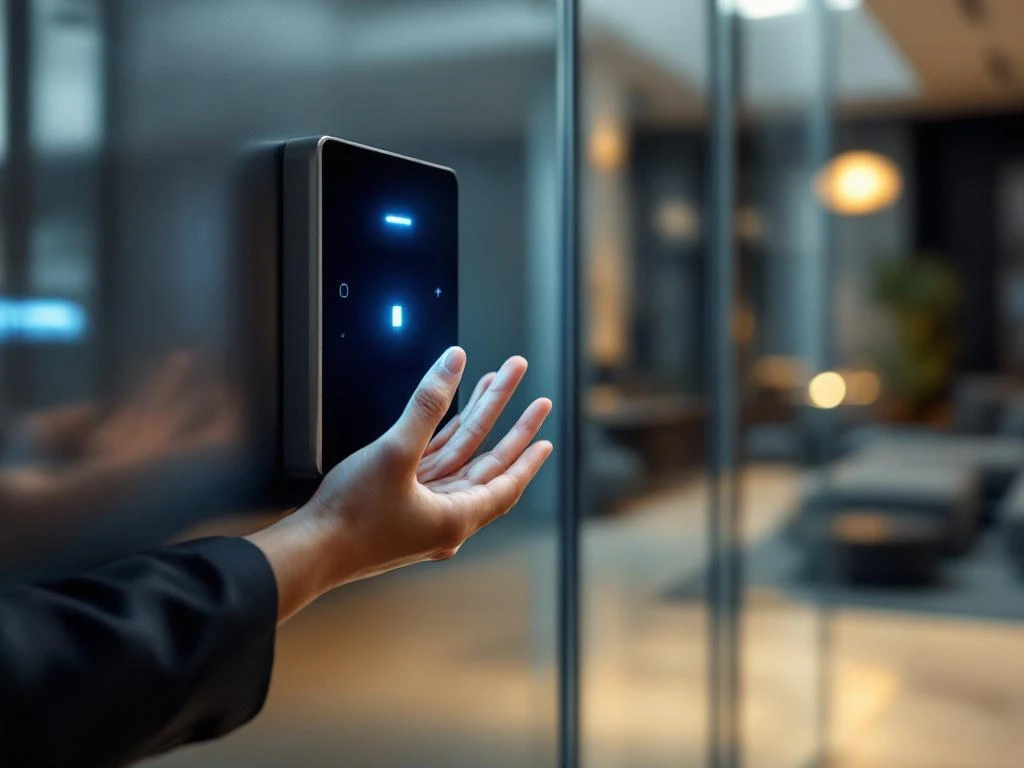
Biometric access in offices works by using unique physical characteristics, such as fingerprints or facial recognition, for identification. The system scans these characteristics, compares them with stored data, and grants access if there is a match. This technology offers better security than traditional keys or access cards, because biometric characteristics cannot be copied or lost.
What is biometric access, and why do offices use it?
Biometric access uses unique physical characteristics for identification and access control. The most commonly used systems in offices are fingerprint recognition, facial recognition, and iris scanners. This technology replaces traditional access methods such as keys and access cards.
Modern offices are opting for biometric systems because of the enhanced security they offer. Biometric characteristics are unique and cannot be copied or stolen like access cards. This reduces the risk of unauthorized access due to lost or stolen access credentials.
Smart Office solutions often integrate biometric access with other systems, such as lighting and climate control. When an employee enters, the appropriate environmental settings can be automatically activated to ensure optimal comfort.
How exactly does a fingerprint scanner work in office environments?
A fingerprint scanner captures a digital image of the fingerprint and converts it into a unique digital template. The system stores only this template, not the actual image. During access control, the scanned fingerprint is compared with the stored templates.
The scanning process takes only a few seconds. The scanner uses various technologies, such as optical sensors, capacitive sensors, or ultrasonic sensors. Capacitive scanners are popular in offices because they are reliable and difficult to fool.
Modern office scanners can store thousands of fingerprint templates and perform comparisons in a matter of milliseconds. They also work even if fingers are slightly damaged and can accept alternative fingers as a backup option.
What are the advantages of biometric access over traditional systems?
Biometric systems eliminate the costs and administrative burden associated with lost access cards and keys. Employees don’t need to carry anything and can’t forget their access credentials. This significantly improves user convenience and reduces the number of help desk requests.
Security is superior because biometric characteristics cannot be shared, stolen, or copied. Traditional access cards can be passed on to unauthorized individuals, but fingerprints are personal and non-transferable.
Key benefits include:
- No fee for replacing lost cards or keys
- Automatic access logs for enhanced security
- Faster access without having to search for cards
- Can be integrated with other smart office systems
What are the key security considerations for biometric office access systems?
Biometric data must be encrypted and stored securely in accordance with GDPR guidelines. Systems typically store only digital templates, not the actual biometric images. These templates cannot be converted back into the original biometric features.
Privacy is a key concern. Employees must be informed about data collection and have the right to access and delete their biometric data. Companies must establish a clear privacy policy and obtain consent.
Security is ensured through local data storage, regular software updates, and access logs. Backup systems are essential for business continuity, and alternative access methods must be available in the event of a system failure.
How much does it cost to implement biometric access in an office?
Costs vary widely depending on the size of the office and the technology chosen. Basic fingerprint scanners for small offices cost a few hundred euros per door. Advanced systems with facial recognition can cost several thousand euros per access point.
For small offices (10–50 employees), the total cost ranges from €2,000 to €8,000, including installation. Medium-sized offices (50–200 employees) should expect to pay between €8,000 and €25,000. Large offices with complex systems may need to invest between €25,000 and €100,000.
The payback period is usually two to four years due to savings on:
- Replacement fees for lost cards
- Administrative time for access control
- Enhanced security and fewer incidents
- Integration with other smart office systems for energy savings
How we help with biometric access systems
We offer comprehensive support for the implementation of biometric access systems as part of our smart office solutions. Our experienced team analyzes your specific security needs and advises you on the most suitable technology for your office environment.
Our services include:
- Free consultation and site analysis
- Professional installation and configuration
- Integration with existing systems and smart office technology
- Training for Administrators and Maintenance Staff
We ensure seamless integration with your current office furnishings and other smart systems. Our extensive experience in project design guarantees an implementation that perfectly aligns with your work processes and corporate culture.
Would you like to learn more about biometric access systems for your office? Contact us for a no-obligation consultation to discuss your options.
Frequently asked questions
What happens if the biometric system fails or malfunctions?
Most professional biometric systems include a backup access method, such as a PIN or emergency key for administrators. In addition, systems are often implemented in duplicate at critical access points. In the event of a malfunction, employees can temporarily use alternative access methods while the system is being restored.
Can biometric scanners be fooled by photos or fake fingers?
Moderne biometrische systemen hebben geavanceerde anti-spoofing technologie. Vingerafdrukscanners detecteren bijvoorbeeld levende huid door temperatuur en bloedstroom te meten. Gezichtsherkenningssystemen gebruiken 3D-detectie en bewegingsherkenning om foto’s of maskers te herkennen en te weigeren.
How long does it take to enroll all employees in the system?
Enrolling a single person takes about 2–3 minutes per biometric feature. For an office with 50 employees, you can expect the full enrollment process to take about 3–4 hours. We usually schedule this in phases during quiet times or outside of business hours so as not to disrupt workflow.
What if an employee has an injury to their finger or face?
Professional systems register multiple fingerprints per person (usually 2–3) as a backup. With facial recognition, temporary injuries can affect the system, which is why we always recommend a secondary access method, such as a PIN. The system can also be configured to grant temporary alternative access.
Can visitors also use the biometric system?
For visitors, a separate system is usually used, such as temporary access passes or escort by an employee. Some advanced systems can grant temporary biometric access to regular visitors, but this requires additional privacy considerations and the visitor’s consent.
How do you ensure compliance with the GDPR?
We implement systems that store only encrypted templates, not actual biometric images. We draft a GDPR-compliant privacy statement, obtain explicit consent from employees, and ensure that data is stored locally within the EU. Employees always have the right to access, correct, and delete their data.
Is it possible to expand the biometric system to other office locations at a later date?
Yes, professional systems are modular and can be easily expanded. Registered employees can use their biometric data at all connected locations. We design the system with scalability in mind from the very beginning, so that expansion is cost-effective and technically straightforward.