

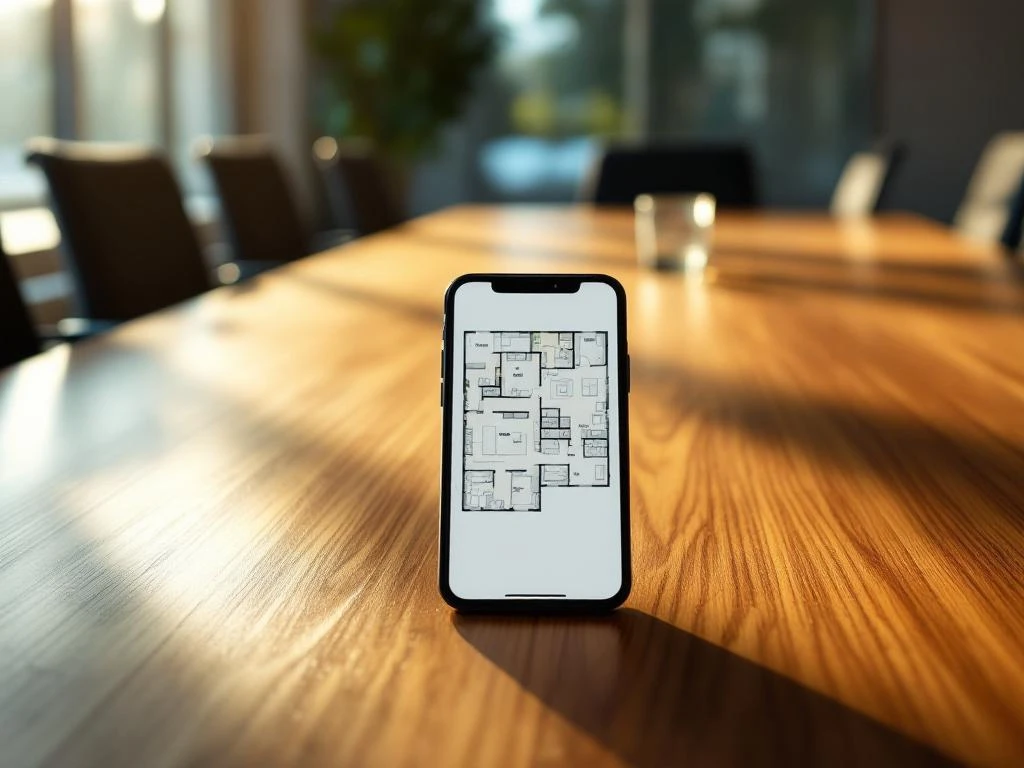
Yes, smart office apps can reserve workspaces using digital desk booking systems. These apps enable employees to select and book a workspace for a specific period of time via their smartphone or computer. With features such as real-time availability, floor plans, and integration with calendar apps, these systems make workspace reservation easy and efficient for modern hybrid work environments.
What are smart office apps and how do they work for workplace reservation?
Smart office apps are digital platforms that automate workplace management using sensors, software, and user interfaces. These apps show which workspaces are available in real time, allow employees to reserve spaces, and automatically manage the allocation of spaces within the office.
The technical operation is based on IoT sensors that are placed at workstations to detect occupancy. These sensors communicate with a central system that tracks availability. Employees can select a workstation on an interactive map via a mobile app or web portal, where they can immediately see which spaces are available.
Basic features include advance reservations, check-in upon arrival, and automatic release of unused spaces. Many systems also offer preferences for specific zones, access to meeting rooms, and integration with company calendars for seamless scheduling.
What advantages do workplace reservation apps offer for offices?
Workplace reservation apps optimize space utilization by providing insight into occupancy patterns and unused capacity. This leads to cost savings because companies can use their office space more efficiently and make informed decisions about expanding or downsizing their workspace.
For employees, these apps offer planning certainty in hybrid work environments. They can organize their workday in advance, be sure that a place is available, and choose workspaces that suit their tasks or preferences. This reduces stress and increases satisfaction.
Key operational benefits include:
- Better occupancy through data-driven decision-making
- Reduced search time for available workstations
- Simpler facility management and cleaning planning
- Supporting social distancing when necessary
How do you choose the right smart office app for workplace reservation?
Selecting the right app starts with determining your specific needs: number of workstations, number of users, desired features, and budget. Look for apps that are easy to use for all employees and that integrate with existing systems such as Outlook, Teams, or Google Workspace.
Important selection criteria include user-friendliness, reliability of the technology, and quality of customer service. Test different platforms with a trial period to experience how intuitive the interface is and how well the app fits in with your work processes.
Also consider scalability and future functionalities. A good app grows with your organization and offers regular updates. Check whether the supplier has experience in your sector and whether they offer adequate training and support during implementation.
What challenges can arise when implementing desk booking systems?
User adoption is often the biggest challenge, especially when employees are accustomed to fixed workstations. Some employees may resist change or initially find the system complicated. In addition, technical issues such as slow apps or unreliable sensors can cause frustration.
Privacy considerations also play a role, as employees may feel monitored by tracking technology. It is important to communicate transparently about what data is collected and how it is used for workplace optimization.
Successful implementation requires thorough preparation, with clear communication about the benefits, training for all users, and a gradual rollout. Start with a pilot group, gather feedback, and adjust the system before rolling it out widely. Also, make sure you have technical backup plans in place in case the system is temporarily unavailable.
How Wout Monseurs assists with smart office reservation systems
We guide companies through the entire implementation of smart office reservation systems, from advice to installation and maintenance. Our team analyzes your specific situation, advises on the best technological solutions, and ensures seamless integration with your existing office layout and IT systems.
Our services include:
- Personal advice on suitable desk booking platforms
- Professional installation of sensors and hardware
- Training of employees and administrators
- Ongoing technical support and system maintenance
With over 60 years of experience in office solutions, we combine traditional expertise with modern smart office technology. Contact us for a no-obligation consultation on how we can help you with the digital transformation of your workplace.
Frequently asked questions
How much will it cost to implement a desk booking system in our office?
The costs vary greatly depending on the size of your office and the features you choose. Expect to pay €15-50 per workstation per month for the software, plus a one-time installation fee of €100-300 per sensor. For an office with 50 workstations, the total investment is usually between €10,000-25,000 in the first year.
What happens if the system fails and employees cannot reserve a workspace?
In the event of a system failure, most companies switch to an emergency protocol based on the 'first come, first served' principle. Good suppliers offer a 99%+ uptime guarantee and have backup servers. It is wise to have a simple manual reservation system in place for emergency situations.
Can employees reserve their favorite workspace or a fixed spot?
Yes, most modern desk booking systems offer preference settings that allow users to mark their favorite zones or specific workspaces. Some systems also allow certain spaces to be assigned semi-permanently to specific employees, depending on company policy.
How long will it take for employees to get used to the new system?
Most employees get used to a well-designed desk booking system within 2-4 weeks. Key success factors include comprehensive training at the start, clear instructions, and active support during the first month. Organizations that implement the system gradually usually see higher acceptance rates.
Can we integrate the system with our existing access control and security?
Yes, professional desk booking systems can usually integrate with existing access control systems, badge readers, and security software. This ensures automatic verification and increases security. During the selection process, discuss which integrations are possible with your current systems.
What if employees forget to check out or do not show up after making a reservation?
Modern systems have automatic functions for no-show management. After a set time (usually 15-30 minutes) without check-in, the reservation is automatically canceled and the workspace becomes available again. Some systems also send reminder notifications to users.
Can we generate reports on workplace usage and occupancy patterns?
Absolutely, this is one of the biggest advantages of desk booking systems. You get detailed analytics on occupancy rates, popular zones, peak hours, and user behavior. This data helps optimize office layout, make decisions about office space, and improve the work experience.