

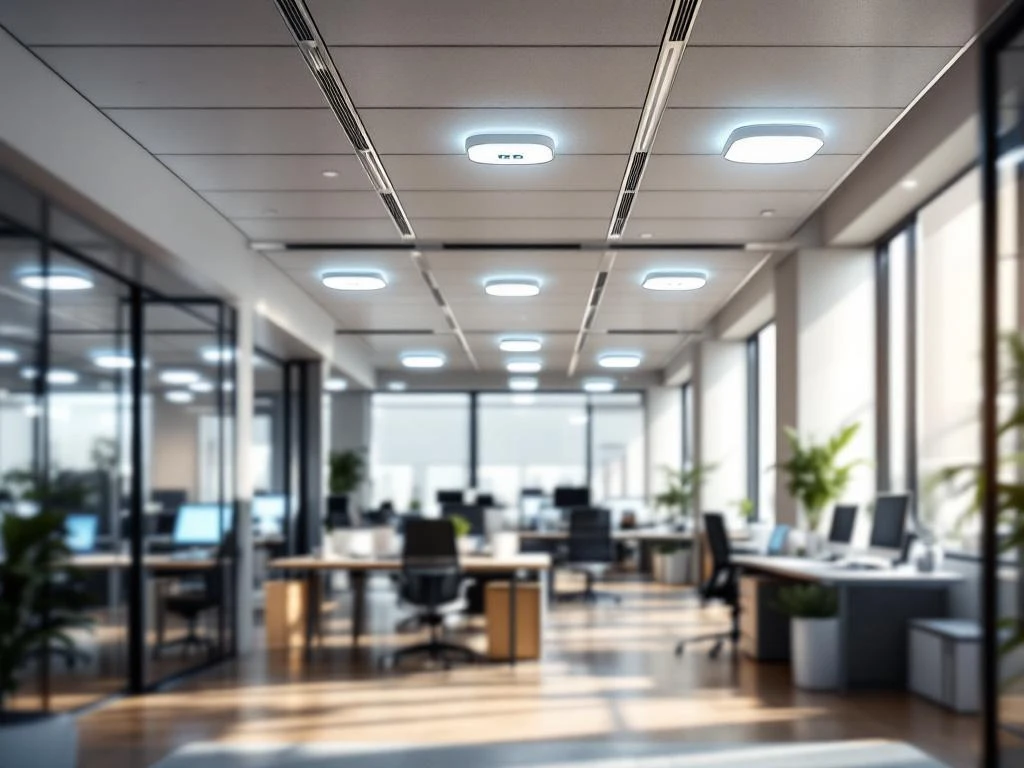
Sensoren in een smart office plaats je strategisch op locaties waar ze optimale data kunnen verzamelen voor werkplekoptimalisatie. Bewegingssensoren komen bij ingangen en werkplekken, luchtkwaliteits- en temperatuursensoren op representatieve plekken weg van warmtebronnen, en geluidssensoren in open kantoorruimtes. De juiste plaatsing hangt af van je specifieke doelen, ruimte-indeling en privacyoverwegingen.
Welke soorten sensoren heb je nodig in een smart office?
Een smart office gebruikt verschillende sensortypen om werkplekken te optimaliseren en het comfort van werknemers te verbeteren. Bewegingssensoren detecteren aanwezigheid en ruimtegebruik, terwijl luchtkwaliteitssensoren CO2-niveaus, luchtvochtigheid en luchtvervuiling meten. Temperatuursensoren zorgen voor optimale klimaatregeling.
Geluidssensoren meten decibelniveaus om de akoestische omstandigheden te monitoren. Dit helpt je om rustige zones te creëren en geluidsoverlast te voorkomen. Lichtmeters bepalen de natuurlijke lichtinval en sturen kunstlicht automatisch bij voor optimale werkomstandigheden.
Deze sensoren werken samen om een compleet beeld te geven van je kantooromgeving. Ze verzamelen data over ruimtegebruik, comfort en efficiëntie. Met deze informatie kun je werkplekken beter indelen, het energieverbruik optimaliseren en de productiviteit van je team verhogen.
Waar plaats je bewegingssensoren voor de beste resultaten?
Bewegingssensoren plaats je bij ingangen van kantoorruimtes om de bezetting te meten en bij individuele werkplekken om daadwerkelijk gebruik te detecteren. Vergaderruimtes krijgen sensoren aan het plafond voor volledige dekking, terwijl gemeenschappelijke ruimtes zoals koffiehoeken een strategische plaatsing nodig hebben.
In toiletten en pantry’s helpen bewegingssensoren bij automatische verlichting en ventilatie. Let wel op privacyaspecten: gebruik alleen aanwezigheidsdetectie zonder cameraregistratie. Plaats sensoren op 2,5 tot 3 meter hoogte voor optimale dekking zonder hinderlijke detectie.
Vermijd plaatsing nabij airconditioninguitlaten of in direct zonlicht, omdat dit valse signalen kan veroorzaken. Test altijd de detectiehoek en het bereik voordat je de definitieve installatie afrondt. Zo voorkom je dode hoeken of ongewenste activering door beweging in aangrenzende ruimtes.
Hoe bepaal je de beste locaties voor luchtkwaliteits- en temperatuursensoren?
Luchtkwaliteits- en temperatuursensoren plaats je op representatieve locaties die het algemene klimaat in de ruimte weergeven. Kies plekken op 1,5 meter hoogte, weg van direct zonlicht, verwarmingselementen en airconditioninguitlaten. Centrale locaties in grote ruimtes geven de meest betrouwbare metingen.
Houd rekening met luchtstroompatronen in je kantoor. Sensoren nabij ramen of deuren kunnen wisselende waarden geven door buitenlucht. In open kantoorlandschappen plaats je meerdere sensoren verspreid over de ruimte voor een compleet beeld van de luchtkwaliteit.
Voor grote kantoorruimtes gebruik je één sensor per 50–100 vierkante meter. In kleinere ruimtes of afgesloten kantoren volstaat meestal één centraal geplaatste sensor. Let erop dat sensoren niet geblokkeerd worden door meubilair of planten, omdat dit de luchtstroom beïnvloedt.
Wat zijn de belangrijkste aandachtspunten bij het plaatsen van smartoffice-sensoren?
Bij sensorplaatsing let je op stroomvoorziening en netwerkverbinding als belangrijkste technische aspecten. Batterijgevoede sensoren bieden flexibiliteit maar vereisen regelmatig onderhoud. Bedrade sensoren zijn betrouwbaarder maar beperken de plaatsingsopties. Zorg voor stabiele wifi-dekking op alle sensorlocaties.
Privacyaspecten zijn belangrijk bij bewegings- en geluidssensoren. Informeer medewerkers over welke data je verzamelt en waarom. Gebruik alleen geaggregeerde data zonder persoonlijke identificatie. Plaats sensoren niet in privéruimtes of op plekken waar mensen zich oncomfortabel kunnen voelen.
Onderhoudstoegankelijkheid bepaalt de levensduur van je sensorsysteem. Plaats sensoren op bereikbare hoogtes voor batterijwissel en reiniging. Integratie met bestaande gebouwsystemen, zoals verwarming en verlichting, maximaliseert de voordelen van je smartoffice-investering.
Hoe Wout Monseurs helpt met smartoffice-sensoroplossingen
Wij begeleiden je door het hele proces van smartoffice-implementatie, van advies over sensorplaatsing tot integratie met je kantoorinrichting. Onze ervaring met werkplekoptimalisatie helpt je om de juiste sensoren op de beste locaties te plaatsen voor maximaal resultaat.
We zorgen voor een naadloze integratie tussen sensortechnologie en je kantoormeubels. Door onze jarenlange ervaring met projectinrichting weten we precies hoe technologie en inrichting elkaar kunnen versterken. We denken mee over praktische aspecten zoals bekabeling, onderhoud en gebruiksvriendelijkheid.
Wil je weten hoe sensoren jouw kantoor slimmer kunnen maken? Neem contact met ons op voor een persoonlijk adviesgesprek. We bekijken samen jouw ruimte en wensen om een smartoffice-oplossing te creëren die perfect bij je organisatie past.
Veelgestelde vragen
Hoe vaak moet ik de batterijen van draadloze sensoren vervangen?
De batterijduur varieert van 1-5 jaar afhankelijk van het sensortype en gebruik. Bewegingssensoren gaan meestal 2-3 jaar mee, terwijl temperatuur- en luchtkwaliteitssensoren vaak 3-5 jaar meegaan. Plan een jaarlijkse controle en houd reservebatterijen op voorraad voor kritieke locaties.
Kunnen sensoren interfereren met andere kantoorapparatuur?
Moderne kantoor-sensoren gebruiken laagenergie protocols zoals Zigbee of LoRaWAN die zelden interfereren. Houd wel 1-2 meter afstand tot microgolven, zware elektrische apparatuur en wifi-routers. Test altijd de verbindingskwaliteit na installatie om storingen uit te sluiten.
Wat doe je als sensoren inconsistente data geven?
Controleer eerst de plaatsing: sensoren nabij warmtebronnen, in tocht of direct zonlicht geven onbetrouwbare metingen. Kalibreer sensoren volgens fabrikantsinstructies en vergelijk metingen met handmatige controles. Vervang sensoren die na herpositionering en kalibratie nog steeds afwijken.
Hoe zorg je ervoor dat sensoren GDPR-compliant zijn?
Gebruik alleen sensoren die anonieme data verzamelen zonder persoonlijke identificatie. Sla geen bewegingspatronen van individuele personen op, maar werk met geaggregeerde ruimtegebruiksdata. Informeer medewerkers transparant over welke data wordt verzameld en stel een duidelijk privacybeleid op.
Kun je sensoren later nog verplaatsen als de kantoorindeling verandert?
Draadloze sensoren zijn eenvoudig te verplaatsen, maar houd rekening met wifi-bereik op nieuwe locaties. Bedrade sensoren vereisen nieuwe bekabeling. Plan flexibiliteit in door extra netwerkaansluitingen te installeren en kies bij voorkeur voor draadloze oplossingen in ruimtes die vaak worden aangepast.
Hoeveel kost een complete smartoffice-sensoroplossing?
Kosten variëren van €50-200 per sensor plus installatiekosten. Voor een kantoor van 500m² reken je op €3.000-8.000 inclusief software en installatie. De terugverdientijd is meestal 1-3 jaar door energiebesparing, betere ruimtebenutting en verhoogde productiviteit.
Welke software heb je nodig om sensordata te analyseren?
De meeste sensorfabrikanten bieden eigen dashboards, maar voor geavanceerde analyse zijn platforms zoals Microsoft Workplace Analytics, Spacewell of Planon geschikt. Kies software die integreert met je bestaande systemen en gebruiksvriendelijke rapportages biedt voor facilitair management.