

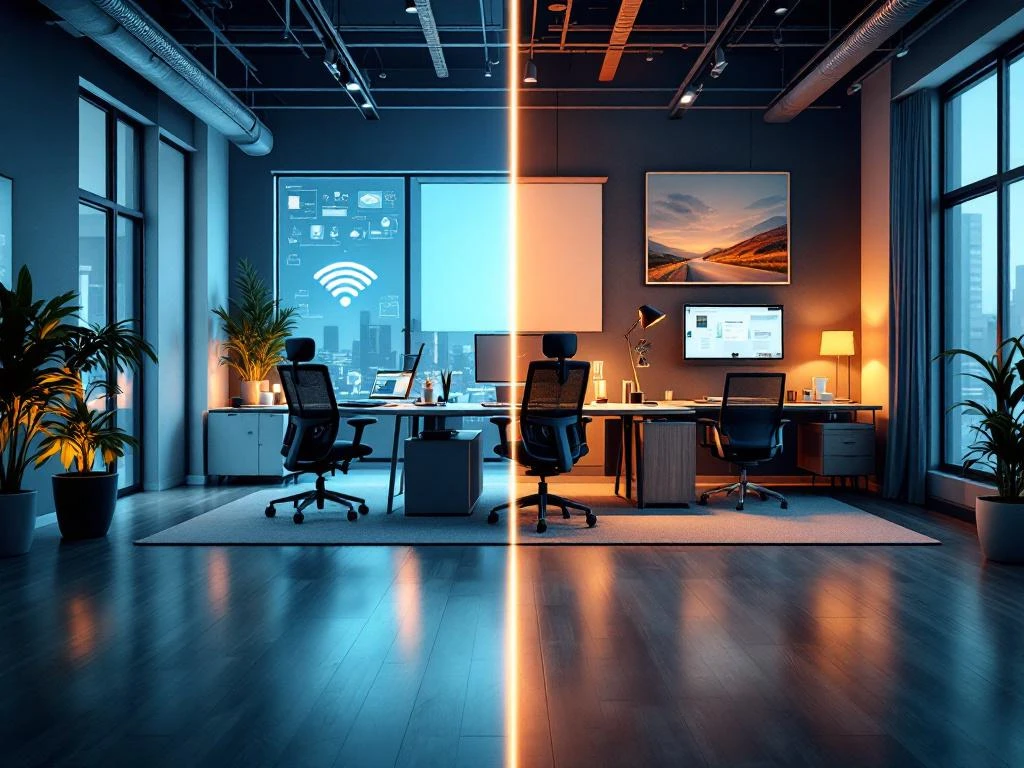
De beste projectinrichting voor hybride werkplekken combineert flexibele meubelen, moderne technologie en ergonomische oplossingen. Je hebt verstelbare bureaus, mobiele werkstations en draadloze technische voorzieningen nodig die zowel thuis- als kantoorwerk ondersteunen. Goede projectinrichting zorgt ervoor dat medewerkers productief kunnen werken, ongeacht hun locatie.
Wat maakt een werkplek geschikt voor hybride werken?
Een hybride werkplek moet flexibel, technisch goed uitgerust en ergonomisch verantwoord zijn. Dit betekent dat de inrichting moeiteloos kan schakelen tussen verschillende gebruikers en werkmodi. Flexibiliteit staat voorop, omdat verschillende medewerkers de ruimte op verschillende momenten gebruiken.
Technische voorzieningen spelen een belangrijke rol. Je werkplek heeft een betrouwbare internetverbinding, voldoende stopcontacten en draadloze mogelijkheden nodig. Videoconferencing moet soepel verlopen, omdat hybride medewerkers regelmatig digitaal overleggen met collega’s die elders werken.
Ergonomie blijft belangrijk, ook bij wisselende gebruikers. Verstelbare bureaus en stoelen zorgen ervoor dat iedereen comfortabel kan werken. Dit voorkomt lichamelijke klachten en houdt de productiviteit hoog, ongeacht wie de werkplek gebruikt.
Welke meubelen heb je nodig voor een flexibele kantoorinrichting?
Verstelbare bureaus, modulaire opbergsystemen en mobiele werkstations vormen de basis van een flexibele kantoorinrichting. Deze meubelen passen zich aan verschillende gebruikers en werkstijlen aan. Verstelbare bureaus kunnen snel worden aangepast aan de lengte en voorkeuren van wisselende gebruikers.
Modulaire kasten en opbergsystemen bieden praktische voordelen. Ze kunnen worden heringericht wanneer de ruimte-indeling verandert. Mobiele werkstations op wieltjes maken het mogelijk om snel van werkplek te wisselen of ruimtes anders in te delen voor vergaderingen.
Multifunctionele meubelen maximaliseren de ruimte-efficiëntie. Denk aan tafels die zowel als werkplek en vergadertafel kunnen dienen, of zitmeubelen met geïntegreerde opbergruimte. Deze oplossingen maken kantoorruimtes veelzijdiger en kosteneffectiever.
Hoe zorg je voor de juiste technische voorzieningen op hybride werkplekken?
Hybride werkplekken hebben een stabiele internetverbinding, voldoende oplaadmogelijkheden en professionele videoconferencing-apparatuur nodig. Draadloze oplossingen maken het mogelijk om flexibel te werken zonder kabels die de bewegingsvrijheid beperken. Wifi moet betrouwbaar zijn en voldoende bandbreedte hebben voor videogesprekken.
Oplaadmogelijkheden moeten overal beschikbaar zijn. Denk aan bureaus met geïntegreerde usb-poorten en draadloze oplaadpads. Dit voorkomt dat medewerkers vasthangen aan specifieke plekken vanwege een lege batterij.
Videoconferencing-apparatuur moet gebruiksvriendelijk zijn. Webcams, microfoons en speakers moeten plug-and-play werken, zodat medewerkers snel kunnen schakelen tussen werkplekken. Cloudbased software zorgt ervoor dat documenten en instellingen overal beschikbaar zijn.
Waarom is ergonomie belangrijk bij hybride werkplekken?
Ergonomische werkplekken voorkomen lichamelijke klachten en verhogen de productiviteit van medewerkers die afwisselend thuis en op kantoor werken. Omdat hybride medewerkers verschillende werkplekken gebruiken, is het extra belangrijk dat elke locatie ergonomisch verantwoord is ingericht.
Wisselende werkplekken kunnen leiden tot houdings- en bewegingsproblemen als ze niet goed zijn afgesteld. Ergonomische meubelen die snel aanpasbaar zijn, helpen medewerkers om gezond te blijven werken. Dit geldt vooral voor bureaustoelen en monitoren, die regelmatig opnieuw moeten worden ingesteld.
Goede ergonomie heeft directe invloed op de werkprestaties. Medewerkers die comfortabel zitten, kunnen zich beter concentreren en maken minder fouten. Bij hybride werkplekken, waar efficiëntie belangrijk is, draagt ergonomie bij aan betere resultaten en tevredenheid.
Hoe Wout Monseurs helpt met projectinrichting
Wij bieden complete projectinrichting voor hybride werkplekken, van ontwerp tot realisatie. Ons team begrijpt de specifieke uitdagingen van hybride werken en ontwikkelt maatwerkoplossingen die flexibiliteit, technologie en ergonomie optimaal combineren. We werken met hoogwaardige merken en houden rekening met duurzaamheid en toekomstbestendigheid.
Met meer dan 60 jaar ervaring weten we hoe we bedrijfsidentiteit kunnen vertalen naar functionele kantooromgevingen. We verzorgen het complete proces: van ruimtestudie en 3D-ontwerp tot logistiek en installatie. Je hebt één vast contactpersoon die het hele traject begeleidt.
Wil je weten hoe wij jouw hybride werkplek kunnen optimaliseren? Neem contact met ons op voor een vrijblijvend gesprek over de mogelijkheden voor jouw organisatie.
Veelgestelde vragen
Hoe zorg ik ervoor dat mijn hybride werkplek kosteneffectief blijft?
Investeer in multifunctionele meubelen die voor meerdere doeleinden gebruikt kunnen worden, zoals tafels die zowel werkplek als vergaderruimte zijn. Kies voor duurzame kwaliteitsproducten die lang meegaan en modulaire systemen die kunnen groeien met je organisatie. Overweeg leasing-constructies voor dure technische apparatuur om de initiële investering te spreiden.
Welke veelgemaakte fouten moet ik vermijden bij het inrichten van hybride werkplekken?
Vermijd het onderschatten van technische behoeften zoals wifi-capaciteit en het aantal oplaadpunten. Zorg ook dat je niet te veel vaste werkplekken creëert – hybride werken vraagt om flexibiliteit. Een andere veelgemaakte fout is het negeren van akoestiek; open hybride ruimtes hebben goede geluidsdemping nodig voor videogesprekken.
Hoe bepaal ik hoeveel werkplekken ik nodig heb voor mijn hybride team?
Gebruik de 70-80% regel als uitgangspunt: creëer werkplekken voor 70-80% van je totale personeelsbestand, aangezien niet iedereen tegelijk op kantoor is. Monitor de bezettingsgraad gedurende enkele maanden en pas indien nodig aan. Houd rekening met piekdagen zoals maandagen en dagen na feestdagen wanneer meer mensen op kantoor komen.
Wat zijn de belangrijkste aandachtspunten bij het kiezen van technische apparatuur?
Kies voor plug-and-play oplossingen die geen technische kennis vereisen om te gebruiken. Zorg voor compatibiliteit met verschillende devices (Windows, Mac, tablets). Investeer in noise-cancelling technologie voor microfoons en kies webcams met goede beeldkwaliteit bij verschillende lichtomstandigheden. Test alle apparatuur vooraf met je meest gebruikte software.
Hoe kan ik de overgang naar hybride werkplekken soepel laten verlopen voor mijn medewerkers?
Organiseer trainingen over het gebruik van nieuwe apparatuur en software voordat je de hybride werkplekken introduceert. Creëer duidelijke richtlijnen over reserveringssystemen en werkplekprotocollen. Start met een pilotperiode waarbij feedback wordt verzameld en aanpassingen kunnen worden gemaakt. Zorg voor een helpdesk of contactpersoon voor technische vragen.
Welke onderhoudswerkzaamheden komen kijken bij hybride werkplekinrichting?
Plan regelmatige reiniging en desinfectie van gedeelde werkplekken en apparatuur. Voer maandelijkse controles uit op technische apparatuur en vervang defecte items snel. Houd software up-to-date en controleer wifi-prestaties regelmatig. Verstelbare meubelen hebben periodieke smering en kalibratie nodig om soepel te blijven functioneren.