

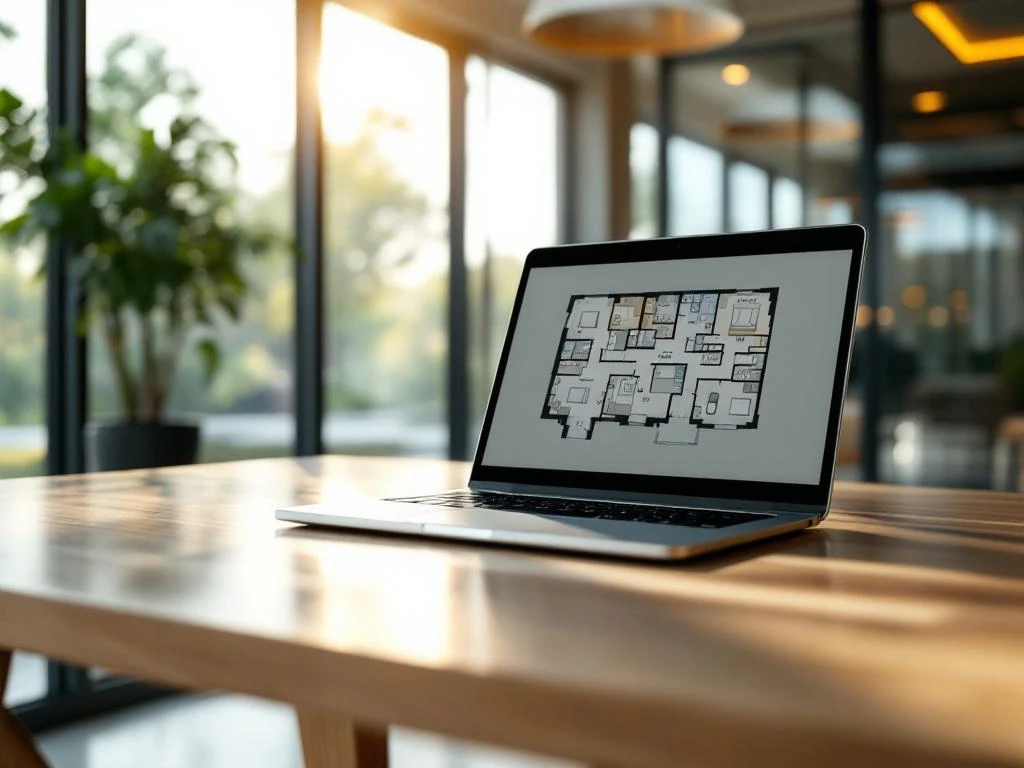
Desk booking and room booking are both reservation systems for office spaces, but they serve different purposes. Desk booking allows employees to reserve individual workstations, while room booking focuses on reserving meeting rooms and shared spaces. Both systems are essential for modern hybrid work environments and smart office solutions.
What is desk booking and how does it work?
Desk booking is a reservation system that allows employees to reserve individual workstations via an app or web platform. The system displays available desks in real time and enables users to reserve their preferred workstation for specific days or times.
The system typically uses a digital floor plan that allows employees to view and select available workstations. Many desk booking systems integrate with existing calendar systems and offer features such as saving preferences, recurring reservations, and automatic reminders.
Desk booking offers significant benefits for hybrid work environments. Employees can be sure they’ll have a workspace when they come into the office, while organizations gain better insight into office usage. This helps optimize office space and reduce real estate costs.
What is room booking, and when do you use it?
Room booking systems make it possible to reserve meeting rooms, quiet zones, phone booths, and other shared office spaces. These systems prevent double bookings and ensure that teams always have access to the right space for their activities.
You use room booking when you need structured access to shared spaces. This is particularly useful for meeting rooms with specific technical equipment, quiet spaces for focused work, or special areas such as brainstorming rooms or presentation halls.
Modern room booking systems often display the technical specifications of each room, such as projector facilities, the availability of a whiteboard, or video conferencing capabilities. Many systems also integrate with smart office technology for automated lighting and climate control.
What are the main differences between desk booking and room booking?
The main difference lies in the type of space and its intended use. Desk booking focuses on individual workstations for day-to-day work, while room booking manages shared spaces for specific activities, such as meetings or focused work.
In terms of functionality, the systems also vary in complexity. Desk booking is often simpler, focusing on availability and location preferences. Room booking systems typically include more advanced features, such as technical specifications, catering options, and integration with presentation tools.
The implementation also varies. Desk booking often requires sensors or check-in systems at workstations, while room booking relies more on digital displays at room entrances and integration with calendar systems. Both systems can be part of a comprehensive smart office solution.
What benefits do booking systems offer modern offices?
Booking systems optimize space utilization by providing real-time insights into occupancy and usage patterns. This leads to cost savings because organizations can better assess their real estate needs and avoid unnecessarily large office spaces.
For employees, these systems significantly improve the office experience. They eliminate frustration over occupied workstations or double-booked meeting rooms. In addition, they support flexible working by giving employees control over their workspace preferences.
- More efficient use of space through data-driven insights
- Cost savings on real estate and facilities
- Improved employee satisfaction and productivity
- Valuable data for facilities management and future decisions
How do you choose the right booking system for your office?
Start by analyzing your specific needs. Do you mainly need flexible workspaces, or are meeting rooms your biggest challenge? Many organizations need both, so look for platforms that offer integrated solutions.
Key features to consider include user-friendliness, mobile access, integration with existing systems such as Outlook or Google Calendar, and reporting capabilities. Scalability is also crucial as your organization grows.
Make sure the system integrates with other smart office technologies, such as access control, lighting, and climate control. This creates a seamless user experience and maximizes the efficiency of your office environment.
How Wout Monseurs Helps with Smart Office Solutions
Wout Monseurs helps organizations implement modern booking systems as part of comprehensive smart office solutions. We combine our sixty years of experience in office design with cutting-edge technology to create workspaces that are perfectly tailored to today’s work needs.
Our approach involves a thorough analysis of your workflows and space utilization, followed by recommendations on the most suitable booking systems. We ensure seamless integration with your existing infrastructure and other smart office technologies, such as intelligent lighting and climate control.
- A comprehensive analysis of your current office environment and work processes
- Consulting and implementation of integrated desk and room booking systems
- Integration with smart office technology for optimal efficiency
- Support for change management and user training
Would you like to learn how booking systems can transform your office? Contact us for a no-obligation consultation on smart office solutions that are perfectly tailored to your organization.
Frequently asked questions
How far in advance do I need to reserve a workspace or meeting room?
This depends on your organization’s settings and the popularity of specific rooms. Most systems allow users to book up to several weeks in advance, while last-minute reservations are often possible up to a few hours before the start of the meeting. For meeting rooms with special amenities, we recommend booking at least one day in advance.
What happens if I don't use my reserved workstation or space?
Many modern booking systems use sensors or check-in requirements to detect no-shows. If you do not check in within 15–30 minutes of the scheduled time, your reservation is often automatically canceled, and the space becomes available to others. This prevents the waste of valuable office space.
Can booking systems integrate with our existing IT infrastructure?
Yes, most professional booking systems offer extensive integration capabilities with popular platforms such as Microsoft 365, Google Workspace, and various HR systems. They can also integrate with access control systems, IoT sensors, and building management systems to provide a fully automated smart office experience.
How do you train employees to use booking systems effectively?
Start by clearly communicating the benefits and rolling out the system in stages. Organize short demonstrations, create visual guides, and appoint "booking champions" for each team. Most systems are designed to be intuitive, so focus on practical tips such as setting preferences and using recurring bookings.
What data and reports can booking systems provide?
Booking systems generate valuable insights such as occupancy rates by space and time, popular workspaces, no-show rates, and peak hours. This data helps optimize office layouts, adjust cleaning schedules, and make informed decisions about future real estate needs.
What is the cost of implementing a booking system?
Costs vary depending on the number of users, desired features, and required hardware, such as sensors or displays. Expect monthly costs per user plus a one-time implementation fee. The investment often pays for itself within 12 to 18 months through more efficient use of space and savings on real estate costs.
How do you ensure that a booking system is successfully adopted?
Success depends on user-friendliness, clear benefits for employees, and management support. Start with a pilot group, gather feedback, and refine the system before rolling it out organization-wide. Provide ongoing support and regularly highlight the positive impact on job satisfaction and efficiency.