

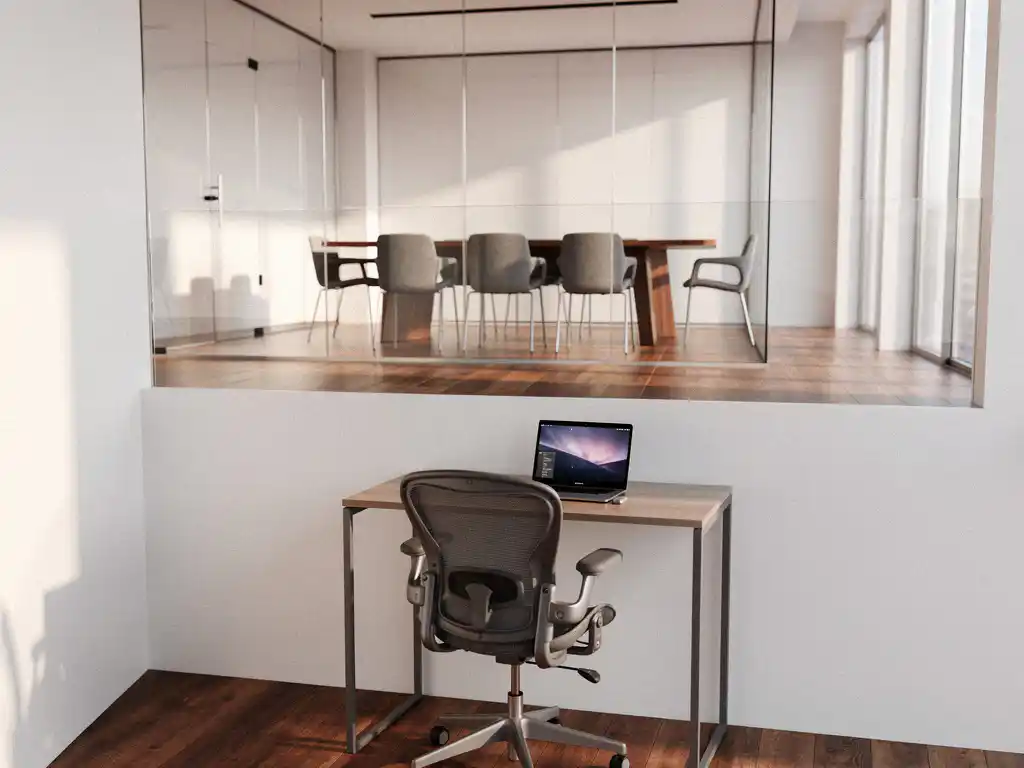
The shift to hybrid work has fundamentally changed the way we use office spaces. Employees now have more flexibility in where and when they work, but this presents new challenges for office management. An office desk booking system is becoming increasingly important for efficiently managing these flexible workspaces.
Two technologies are central to this development: desk booking and room booking. Although both systems are designed to optimize office space, they have different objectives and applications. Understanding these differences helps organizations make the right choice for their specific needs.
What is desk booking and how does it work?
Deskbooking is a digital reservation system that allows employees to book individual workstations via a smartphone app or computer. The system enables employees to reserve a desk in advance for a specific day or time slot, facilitating flexible working without any uncertainty about available spaces.
The system typically operates through a user-friendly interface that displays a floor plan of the office. Employees can view available desks, select their preferred location, and book immediately. Modern desk booking systems often integrate with company calendars and send automatic reminders to users.
An advanced desk booking system can even automatically adjust desks to match each user’s personal preferences. This includes the correct height setting, preferred temperature, and lighting level. This Smart Office technology ensures that every employee can start working immediately without wasting time adjusting their workspace.
Benefits of desk booking
Deskbooking provides organizations with insights into workspace usage and helps optimize office space. Employees experience less stress because they know for certain that a workspace is available for them. In addition, companies can reduce their real estate costs by knowing exactly how many workspaces are actually needed.
What is room booking, and when do you need it?
Roombooking is a reservation system for meeting rooms, project rooms, and other shared spaces in the office. The system prevents double bookings and ensures that teams always have a suitable space for their meetings, presentations, or brainstorming sessions.
The system is particularly important in offices where meeting rooms are in short supply or where many different teams share the same facilities. By booking in advance, employees can be sure that their meeting won’t be disrupted by other teams claiming the same space.
Modern room booking systems not only show room availability but also list the equipment available, such as projectors, whiteboards, video conferencing equipment, or specific furniture layouts. This helps teams choose the right room for their specific needs.
Applications of room booking
Room booking is essential for organizations with limited meeting space, companies that frequently host external clients, or offices where different departments share the same facilities. The system is also valuable for managing specialized spaces, such as phone booths, quiet rooms, or creative workspaces.
What are the main differences between desk booking and room booking?
The main difference lies in the type of space that is reserved: desk booking focuses on individual workstations, while room booking involves shared spaces for groups. Desk booking supports flexible working on an individual level; room booking facilitates team collaboration and meetings.
Desk booking is typically used for daily workstations and supports the concept of flexible workspaces. Employees can reserve a desk for a few hours, a full day, or even a week. Room booking, on the other hand, is used for specific time slots when teams come together for meetings, workshops, or presentations.
Another key difference is frequency of use. Desk booking is used daily by individual employees who need a workspace. Room booking is used sporadically when teams schedule a meeting or when a specific room layout is required.
Technical differences
Technically speaking, both systems require different integrations. Desk booking systems often integrate with access control and can use sensors to detect whether a reserved workstation is actually in use. Room booking systems typically integrate with calendar applications and can be linked to presentation equipment in meeting rooms.
Which booking system is the best fit for your office?
The choice between desk booking and room booking depends on your work model, office layout, and corporate culture. Organizations with many remote workers and flexible workspaces benefit most from desk booking, while companies with frequent team meetings and primarily fixed workspaces are better served by room booking.
For offices that are fully committed to hybrid work, desk booking is essential. It helps establish a clean-desk policy, allowing workstations to be used by different people each day. Organizations with primarily assigned workstations but limited meeting facilities are better off opting for room booking.
Many modern offices implement both systems to provide flexible workspaces and ensure efficient management of meeting rooms. This combined approach gives employees maximum flexibility and ensures optimal use of space.
Factors to consider
- Percentage of remote workers in your organization
- Ratio of employees to available workstations
- Frequency of meetings and team gatherings
- Availability of meeting rooms relative to demand
- Budget for technological solutions
How Wout Monseurs Helps with Smart Booking Systems
We offer comprehensive Smart Office solutions that integrate both desk booking and room booking into a single user-friendly system. Our experience with office design allows us to seamlessly integrate the technology with your workplace layout.
Our Smart Office services include:
- Implementation of desk booking systems that automatically adjust desks to personal preferences
- Room booking solutions integrated with modern conference systems
- Integration with existing IT infrastructure and calendar systems
- Training and support for a smooth transition to smart office management
- Monitoring and optimizing space utilization for maximum efficiency
Our personalized approach ensures that the booking system aligns perfectly with your company culture and work processes. Contact us for a no-obligation consultation about the options available for your firm.
Frequently asked questions
How far in advance do I need to reserve a workspace through Deskbooking?
Most desk booking systems allow you to book up to two weeks in advance, but you can also book a workspace on the same day if spots are available. For popular locations or specific days, we recommend booking at least one day in advance to avoid disappointment.
What happens if I don't use my reserved workspace?
Modern desk booking systems often include "no-show" detection via sensors that monitor whether a workstation is actually in use. If you do not use your reservation, the workstation will automatically be released to other colleagues after a certain period of time (usually 30–60 minutes). Repeated no-shows may result in temporary booking restrictions.
Can we combine both systems without making it too complicated for employees?
Yes, modern Smart Office solutions integrate desk and meeting room booking into a single user-friendly app or platform. Employees can reserve both their workstations and meeting rooms from the same interface. The systems are designed to be intuitive, and most employees learn how to use both features effectively within a week.
How can I prevent popular workspaces from always being reserved by the same people?
Many desk booking systems have built-in fairness rules, such as limiting reservations to a maximum of three consecutive days at the same desk, or rotation algorithms that ensure popular desks are allocated fairly. You can also designate different zones for different teams to encourage a more even distribution.
What is the cost of implementing a booking system?
Costs vary depending on the number of workstations, desired features, and integrations. Basic versions start at around €3–5 per user per month, while advanced Smart Office solutions with sensors and automation can cost €10–20 per workstation per month. The investment typically pays for itself through more efficient use of space and lower real estate costs.
How long does it take to implement a booking system?
A standard implementation typically takes 2–6 weeks, depending on the complexity and desired integrations. This includes configuring the system, uploading floor plans, training users, and testing all features. For more complex Smart Office solutions involving sensors and automation, implementation can take 8–12 weeks.
Can external visitors also use the booking system?
Yes, most systems offer guest features that allow employees to reserve workstations or meeting rooms on behalf of external visitors. Some advanced systems allow visitors to request temporary access themselves via a special link, which must then be approved by the host.