

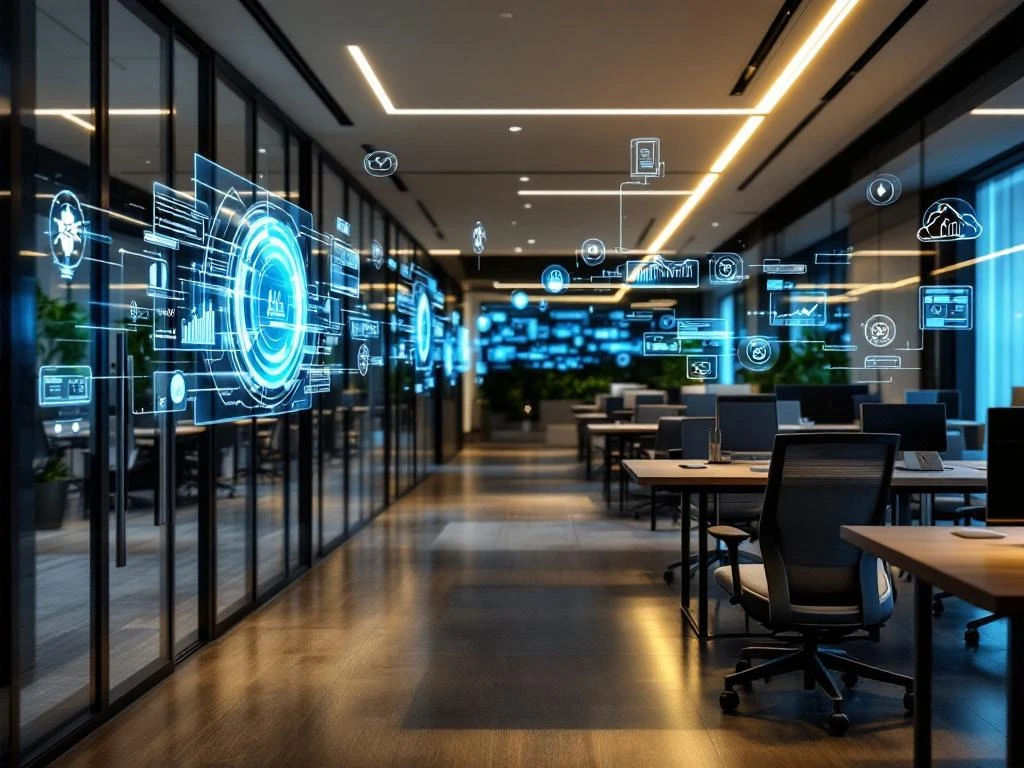
Smart office automation is the use of smart technologies to automate office processes. It connects devices, systems, and software so that they work together without manual intervention. Think of lighting that adjusts automatically, meeting rooms that book themselves, and climate control systems that save energy. This technology makes your office more efficient, comfortable, and sustainable.
What technologies make an office "smart"?
A smart office revolves around IoT sensors, smart lighting, automatic climate control, and integrated software that communicate with each other. These technologies collect data and make decisions without you having to intervene.
IoT sensors form the basis of every smart office. They measure movement, air quality, noise levels, and room occupancy. These sensors are often hidden in ceilings or walls and continuously send information to the central system.
Smart lighting automatically adjusts based on daylight and presence. When you walk into a room, the lights turn on. When you leave the room, the system automatically turns off after a few minutes. The light intensity also changes with the outside light.
Automatic climate control maintains the temperature and air quality. The system detects when people are present and adjusts the heating or air conditioning accordingly. For meetings, the room is heated or cooled in advance.
Integrated software connects all systems. Your calendar is linked to the meeting room booking system, which in turn communicates with the lighting and climate control systems. Security systems know when the building is empty and switch to energy-saving mode.
How does smart office automation work in practice?
Smart office automation works by linking sensors and software to daily office activities. When you schedule a meeting, the system automatically reserves a room and prepares it. Upon arrival, the lights are on, the temperature is perfect, and the presentation equipment is ready.
A typical day begins when the first employee enters the building. Access cards automatically activate the lighting in areas that are in use. Other areas remain dark to save energy. The coffee machine starts up and the general heating switches from night to day mode.
Meeting room booking is smart and automatic. The system analyzes your calendar and suggests suitable rooms based on the number of participants and the equipment required. If a meeting runs over, subsequent users receive a notification and alternative options.
Energy savings happen without you even noticing. Empty rooms automatically switch to eco mode. The system learns patterns: which rooms are popular, when everyone goes home, which days are busy. This information is used to plan energy efficiency.
Security integrates seamlessly with other systems. Access control communicates with lighting and climate control. When the last person leaves the building, everything automatically switches to security mode.
What are the advantages of an automated office?
Automated offices increase productivity, save costs, and improve employee satisfaction by eliminating repetitive tasks and creating optimal working conditions. Employees don't have to worry about practical matters and can focus on their work.
Increased productivity is achieved because systems anticipate your needs. Meeting rooms are always ready, the temperature is comfortable, and technical problems occur less frequently. You don't waste time searching for available rooms or setting up equipment.
Cost savings mainly come from energy savings. Smart systems only use energy when necessary. Lighting and heating switch off automatically in empty rooms. Climate systems work more efficiently thanks to predictive algorithms that take occupancy and weather forecasts into account.
Improved employee satisfaction results from comfort and convenience. The workplace feels pleasant because the temperature, lighting, and air quality are optimal. Frustrations about faulty equipment or uncomfortable conditions largely disappear.
Better use of space helps optimize office space. The system shows which areas are used frequently or infrequently. This data helps with reorganizing the workplace or making decisions about expansion or downsizing.
Sustainability is improved through smarter energy use and less waste. Automatic systems are more consistent in saving energy than people. They never forget to turn off the lights or turn down the heating.
What challenges do you encounter when implementing a smart office?
Initial costs, technical complexity, and privacy considerations are the biggest challenges in smart office implementation. Staff training and integration with existing systems also require attention and planning.
Initial costs can be high, especially for older buildings that require extensive modifications. Sensors, software, and installation cost money before you see any benefits. Therefore, plan a phased implementation, starting with the most valuable components.
Technical complexity arises because different systems have to work together. Not all devices and software are compatible. Therefore, choose open standards and work with suppliers who have experience with integration.
Privacy considerations play an important role because sensors collect a lot of data about employee behavior. Be transparent about what data you collect and how you use it. Establish clear privacy rules and adhere to them.
Staff training is essential because new systems may be used differently than expected. Organize workshops and provide clear manuals. Appoint ambassadors who can assist colleagues.
Integration with existing systems requires careful planning. First, take stock of what you already have and what you want to keep. Plan the transition step by step to minimize disruptions. Test new systems in a small environment first before switching everything over.
How Wout Monseurs assists with smart office automation
We guide you from advice to complete implementation of smart office solutions that perfectly match your working methods. Our team combines technical knowledge with practical experience to achieve automation that really works.
We always start with a thorough analysis of your current situation and requirements. Which processes are currently time-consuming? Where are the biggest ergonomic challenges? How can we improve sustainability? Based on this, we draw up a plan that fits your budget and ambitions.
Our approach is personal and practical. We explain complex technology in understandable language and ensure that your team becomes enthusiastic rather than overwhelmed. During implementation, we work together with reliable partners who share the same values in terms of quality and service.
Want to know how smart office automation can improve your office? Contact us for a no-obligation consultation. We'd be happy to discuss the possibilities and show you how our smart office solutions can transform your workplace.
Frequently asked questions
How long does it take to fully implement a smart office system?
The implementation time depends on the size of your office and the desired level of automation. For a small office (10-20 workstations), we usually estimate 2-4 weeks, while larger offices may require 2-6 months. We always work in phases, so your office can continue to function normally during installation.
What happens if the smart office system fails or malfunctions?
All critical functions such as lighting and access have manual backups that activate automatically in the event of a system failure. We also offer 24/7 monitoring and support. Most problems are solved remotely, and for more complex malfunctions, we have a network of technicians who can be on site quickly.
Can we expand the smart office system as our company grows?
Absolutely, scalability is a core principle of our smart office solutions. The system has a modular design, making it easy to add new sensors, rooms, or functionalities. We always plan with future growth in mind, ensuring that expansion is smooth and cost-efficient.
How do you ensure that employees actually start using the smart office system?
Acceptance starts with a user-friendly system that makes work easier, not harder. We organize hands-on workshops, provide clear manuals, and appoint "smart office ambassadors" within your team. Employees usually quickly see the benefits and enthusiastically embrace the new technology.
What data does the system collect exactly, and how is privacy guaranteed?
The system only collects anonymous data about space usage, temperature, air quality, and presence—no personal information. We are fully GDPR compliant; all data is stored locally and encrypted. Employees always have access to the data that is collected and can object to specific measurements.
What are the first steps to get started with smart office automation?
Start with an audit of your current office environment and identify the biggest pain points. We then recommend a pilot project in one room or department to test and learn. This gives you concrete experience with the technology and helps convince stakeholders before rolling out to the entire office.