

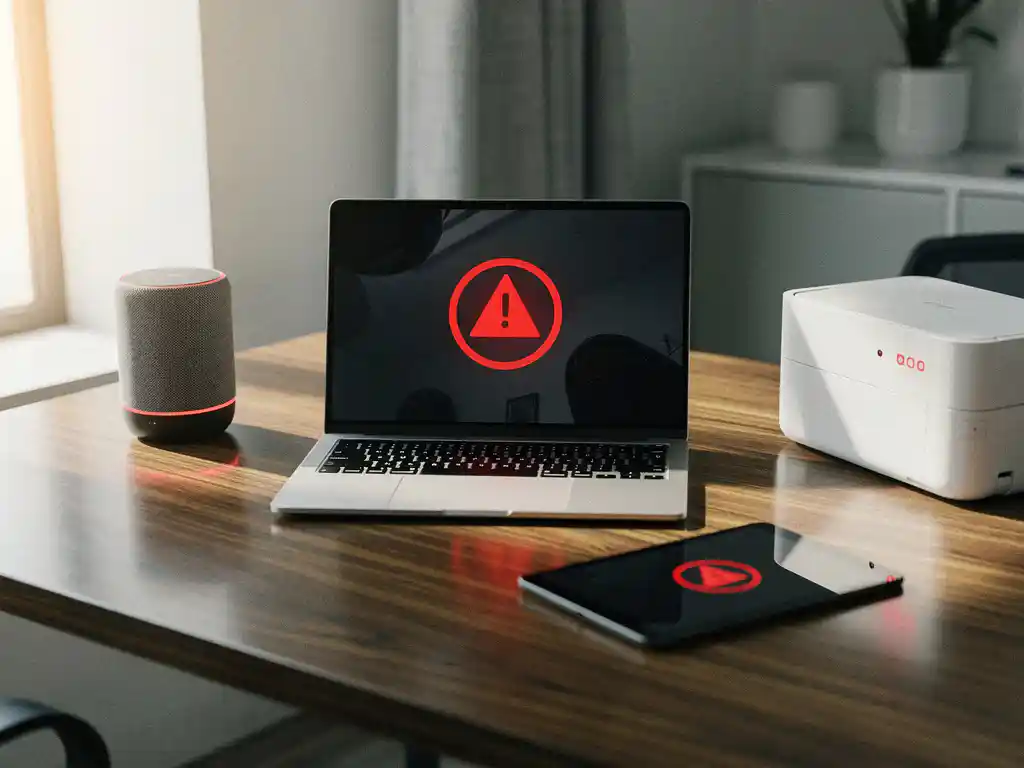
Internet of Things (IoT) technology is transforming modern offices by connecting devices and making workspaces smarter. From smart lighting systems to automated climate control, IoT devices optimize comfort and efficiency. However, this connectivity also brings cybersecurity risks that companies must take seriously.
Smart office automation is growing rapidly, but with every new connected device, the potential attack surface also increases. Understanding these risks and implementing adequate security measures is essential for any organization investing in smart office technology.
What are IoT devices in modern offices?
IoT devices in modern offices are internet-connected devices that collect data, communicate, and automatically perform tasks to make the workplace more efficient and comfortable. These devices range from smart thermostats and lighting systems to security cameras and wireless printers.
The most common IoT devices in offices are smart lighting systems that automatically dim based on natural light, intelligent HVAC systems that regulate the temperature by zone, and access control systems with smart locks. In addition, we are seeing an increasing number of wireless presentation systems, smart whiteboards, and sensors that monitor meeting room occupancy.
These devices are part of a larger ecosystem of smart office automation. They communicate via Wi-Fi, Bluetooth, or other wireless protocols and can often be managed centrally through cloud platforms. Modern IoT implementations also incorporate AI capabilities for predictive maintenance and automatic optimization.
What cybersecurity risks do IoT-enabled offices pose?
IoT offices pose various cybersecurity risks, including unauthorized access to corporate networks, data theft, privacy breaches, and potential sabotage of business processes. Many IoT devices have weak default security settings and are rarely updated.
The biggest risk is that cybercriminals can use IoT devices as a gateway to an organization’s main network. Once inside, they can move laterally across the network and gain access to sensitive business data. Botnets can also hijack IoT devices for DDoS attacks or cryptocurrency mining.
Privacy poses another significant risk. Smart cameras, microphones in conference systems, and sensors that monitor employee behavior can be misused for unauthorized surveillance. In addition, vulnerabilities in IoT devices can lead to business disruptions when critical systems—such as heating, lighting, or access control—are compromised.
Data Security and Compliance
IoT devices often collect large amounts of data on employee behavior, occupancy patterns, and business processes. This data must be protected in accordance with the GDPR and industry-specific compliance requirements. Inadequate data security can result in fines and reputational damage.
How can cybercriminals attack IoT devices in offices?
Cybercriminals can attack IoT devices in offices using various methods, including exploiting weak default passwords, unsecured communication protocols, outdated firmware, and inadequate network segmentation. These attack vectors make it relatively easy to gain access to devices.
A common attack method involves scanning networks for IoT devices with default login credentials. Many devices come with preset usernames and passwords that users forget to change. Criminals use automated tools to scan thousands of devices at once.
Man-in-the-middle attacks are also common in unencrypted communications between IoT devices and servers. Attackers can intercept and manipulate data streams. Firmware exploits target known vulnerabilities in device software, while physical-access attacks take advantage of unsecured USB ports or configuration interfaces on the devices themselves.
Social engineering and phishing
Criminals also use social engineering to trick employees into installing malicious IoT devices or granting network access. Phishing campaigns may target IT administrators who have access to IoT management platforms.
Which IoT devices in offices are the most vulnerable?
The most vulnerable IoT devices in offices are IP cameras, smart printers, wireless access points, and low-cost sensors, which often lack adequate security features and are rarely updated. These devices pose the greatest security risks to organizations.
IP cameras top the list of vulnerable devices because they are often accessible via the internet, use default passwords, and rarely receive firmware updates. Smart printers are also problematic due to their network access and the ability to intercept or manipulate documents.
Wireless presentation systems and conference equipment also pose significant risks because they often allow guest access and process sensitive business information. Low-cost temperature and motion sensors often lack basic security features such as encryption and authentication.
Legacy systems and integrated solutions
Older HVAC control systems that were retrofitted with IoT capabilities are particularly vulnerable because they were not designed with cybersecurity in mind. Integrated systems that combine multiple functions significantly increase the attack surface.
How can you protect your office from IoT cybersecurity risks?
Protection against IoT cybersecurity risks requires a multi-layered approach that includes network segmentation, strong authentication, regular updates, monitoring, and a clear security policy. Set up a separate network for IoT devices and always change default passwords.
Start by creating a separate network for all IoT devices, isolated from the main corporate network. Use strong, unique passwords for each device and implement multi-factor authentication whenever possible. Ensure regular firmware updates and disable unnecessary features.
Implement continuous monitoring to detect unusual activity and establish security policies for the procurement and deployment of IoT devices. Train employees on IoT security risks and conduct regular security audits. Consider using an IoT security platform for centralized management.
Practical security measures
- Regularly take inventory of all IoT devices in your office.
- Use VPN access for remote device monitoring.
- Implement automated patch management whenever possible.
- Set up security alerts for suspicious activity.
- Back up device configurations.
How Wout Monseurs Helps Ensure a Secure Smart Office Implementation
At Wout Monseurs, we understand that smart office automation is not just about functionality, but also about security. Our Smart Office technology is implemented with cybersecurity as a top priority, and we partner with trusted suppliers who prioritize security standards.
Our approach to secure IoT implementation includes:
- A security assessment prior to implementation.
- Network segmentation and isolation of IoT devices.
- Configuration with strong authentication and encryption.
- Regular monitoring and maintenance of all systems.
- Training your IT team in IoT security best practices.
As a full-service project design firm, we ensure that your smart office solutions not only boost productivity but also protect your business data. Contact us for a no-obligation security assessment of your current or planned IoT infrastructure.
Frequently asked questions
How often should I update the firmware on my IoT devices?
Ideally, update the firmware within 30 days of the release of security updates. Enable automatic updates whenever possible, but test them first in a controlled environment. For critical devices such as access control systems, we recommend checking for available updates on a monthly basis.
Can I secure existing IoT devices without replacing them?
Yes, many existing devices can be secured by changing passwords, disabling unnecessary features, and placing them on a separate network segment. You should also implement a firewall that allows only necessary traffic and monitor the devices for suspicious activity.
What are the costs associated with securing IoT devices in offices?
Security costs range from €500 to €2,000 per year for small offices to €5,000 to €15,000 for larger organizations. This includes network segmentation, monitoring software, regular security audits, and any necessary hardware upgrades. However, this investment is minimal compared to the costs of a data breach.
How can I tell if my IoT devices have already been compromised?
Watch for unusual network activity, slower internet speeds, devices that restart unexpectedly, or settings that change without authorization. Use network monitoring tools to analyze data traffic and implement a SIEM system for automated detection of suspicious patterns.
Do I need to create separate Wi-Fi networks for different types of IoT devices?
Yes, this is a best practice for optimal security. Set up at least three networks: one for critical devices (access control), one for general IoT devices (sensors, lighting), and one for guest devices. This minimizes the damage in the event of a breach and makes monitoring easier.
What kind of training do my employees need for IoT security?
Train employees to recognize suspicious IoT devices, report security incidents, and use smart office equipment properly. Hold biannual awareness sessions on new threats and ensure that IT staff receive specific training in IoT security management and incident response procedures.