

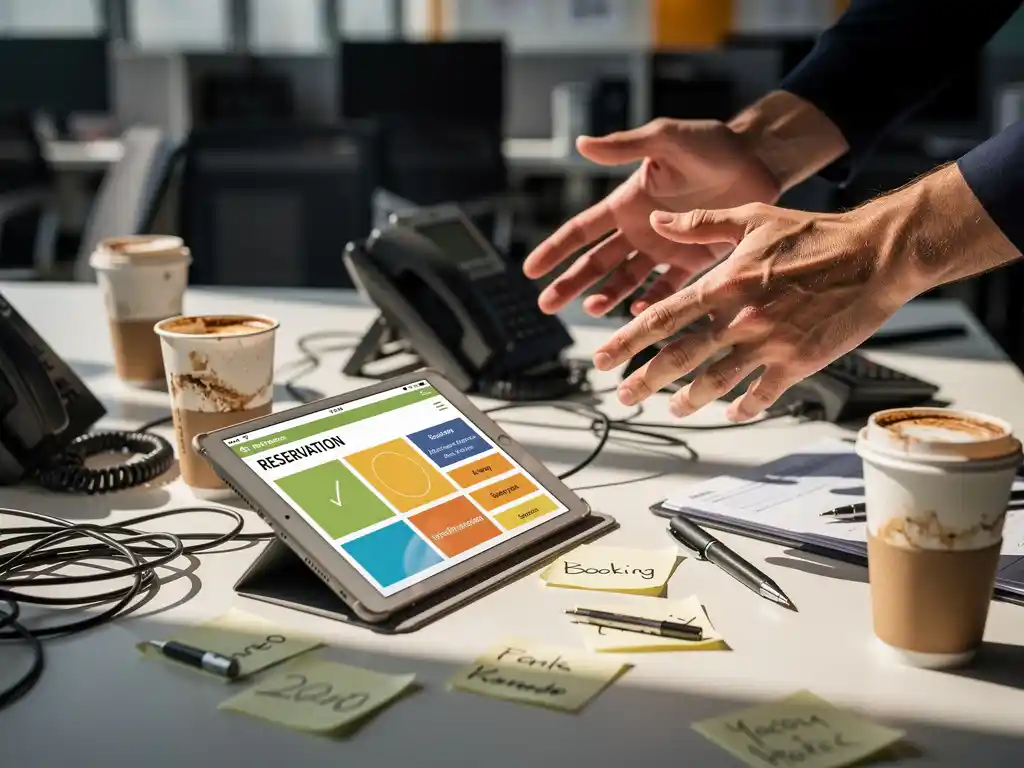
Desk booking systems are transforming modern offices by making workspaces bookable, but many companies encounter unexpected challenges during implementation. From technical teething problems to employee resistance, introducing flexible workspaces requires more than just installing software.
A well-implemented office desk booking system can optimize space utilization and give employees daily flexibility, but only if common pitfalls are avoided. By identifying these mistakes and addressing them proactively, you can ensure a smooth transition to flexible working.
What is desk booking, and why does it often go wrong?
Deskbooking is a reservation system that allows employees to book workstations via smartphone or computer, integrated into a flexible office environment without assigned seats. The system enables optimal use of space by ensuring that workstations are occupied only when they are actually in use.
Most implementations fail because companies focus exclusively on the technical aspects and ignore the human factor. Employees often feel emotionally attached to their assigned workstations and find the loss of “their” desk stressful. In addition, organizations underestimate the time it takes to develop new habits.
A second common cause is inadequate preparation of the physical workspace. Flexible workspaces require a different layout than traditional offices, with more emphasis on storage space and personal lockers. A clean-desk policy combined with personal, bookable lockers helps maintain order without making workspaces feel impersonal.
What are the most common technical mistakes made during desk booking?
The biggest technical mistake is choosing a desk booking tool that doesn’t integrate with existing systems such as Outlook, Teams, or the company app. This leads to duplicate work and frustration among users who have to switch between different platforms.
Many companies also make the mistake of allocating too few workstations in the system. The rule of thumb is 0.7 to 0.8 workstations per employee, depending on the hybrid work model. Too few workstations create stress and competition, while too many render the system unnecessary.
A third technical challenge is the lack of real-time updates and automatic cancellation of unused reservations. With Smart Office technology, the desk is automatically configured to the user’s personal preferences, but this requires advanced sensors that detect whether a workstation is actually occupied.
In addition, the system often does not offer enough variety in workstation types. Employees need to be able to choose between quiet workstations, collaborative zones, and phone booths, each with its own booking options.
How can you prevent employees from resisting desk booking?
You can reduce resistance to desk-free arrangements by involving employees early in the design process and clearly communicating the benefits to them. Transparency about the reasons for the change and offering alternatives to personal belongings are crucial.
Start with a pilot group of enthusiastic early adopters who can share their positive experiences with their colleagues. These ambassadors will help overcome resistance and demonstrate that flexible working offers practical benefits, such as the ability to choose a workspace each day that suits the planned activities.
Ensure there is sufficient personal storage space by installing lockers where employees can safely store their belongings. This alleviates the fear of losing personal items and makes it psychologically easier to let go of one’s own workspace.
Organize training sessions and demonstrations where employees can try out the desk booking system without any pressure. Highlight the benefits by showing how the system saves time and offers more flexibility in their daily work routine.
What spatial mistakes do companies make when implementing flexible work arrangements?
The biggest mistake in office design is converting traditional workstations directly into flexible workspaces without adjusting the layout. Flexible working requires greater diversity in workspace types, ranging from quiet focus zones to collaborative spaces and informal meeting areas.
Many companies underestimate the importance of acoustics in open, flexible offices. Without adequate soundproofing, a noisy environment is created in which no one can work productively. Acoustic panels, designer lamps with sound-absorbing properties, and moss walls are essential for a functional flexible workspace.
A second common mistake is not paying enough attention to storage space and personal belongings. Employees need lockers, safes, or other solutions to store their belongings securely. The cafeteria, as a social hub, remains an important gathering place, but it should be complemented by smaller, informal areas.
People also often forget to create different zones for different work modes. A well-designed flexible office includes quiet work zones, phone booths, collaborative spaces with modular tables, and relaxation areas with lounge-style furnishings. Each zone has its own booking options and specific layout.
How Wout Monseurs helps with the implementation of desk booking
We guide companies through the entire transition to flexible working, from spatial design to the technical implementation of desk booking systems. Our experience as a full-service project designer enables us to optimize every aspect of flexible office environments.
Our approach includes:
- Spatial analysis and redesign for optimal flexibility
- Implementation of Smart Office technology and reservation systems
- Installation of personal lockers and storage space
- Acoustic solutions featuring panels and design elements
- Training and support for employees during the transition
With our expertise in ergonomics, acoustics, and Smart Office technology, we ensure a smooth transition that is successful both technically and in terms of the human experience. Contact us for a no-obligation consultation about your flexible workspace project.
Frequently asked questions
On average, how long does it take for employees to get used to a desk booking system?
The onboarding period typically ranges from 4 to 8 weeks, depending on the company culture and the level of guidance provided. With proper training and the support of ambassadors, we find that 80% of employees are comfortable using the system after 6 weeks. Ongoing support and regular feedback help bring the remaining 20% on board.
What is the cost of implementing a complete desk booking system?
The total cost ranges from €150 to €400 per workstation, including software, hardware, and spatial modifications. This includes the reservation system, any sensors, lockers, and basic acoustic improvements. The investment typically pays for itself within 12 to 18 months through space savings and increased efficiency.
How can you prevent popular workspaces from always being booked by the same people?
Implement a fair-use policy with rotating access to premium spots and limit the number of days in advance that reservations can be made to a maximum of 5 business days. Some systems also offer a "lottery feature" in which popular spots are assigned at random. In addition, ensure there are sufficient attractive alternatives.
What problems arise if the Wi-Fi network goes down during desk booking?
A solid backup strategy is essential: set up offline access via smartphone apps and establish an emergency protocol that allows employees to make temporary reservations. Smart Office systems store the latest reservations locally and automatically sync them once the connection is restored. A UPS system for critical infrastructure can prevent many problems.
How do you handle no-shows for reserved workstations?
Implement automatic cancellation after 30–60 minutes of inactivity using occupancy sensors or manual check-in procedures. Establish a policy where repeated no-shows result in consequences, such as a temporary restriction on booking privileges. Also send reminders in the morning and make it easy to cancel at the last minute.
Can different departments be given priority for certain workstations?
Yes, modern desk booking systems support zone-based reservations, giving departments priority access to specific areas. This is particularly useful for teams that collaborate frequently or require specialized equipment. Be sure to maintain a balance to prevent silos from forming and preserve flexibility for interdisciplinary collaboration.
What should you do if the desk booking system doesn't integrate with your existing business software?
Choose a system with open APIs that enable custom integrations, or switch to a platform that integrates natively with your current tools. Middleware solutions can also help connect different systems. Avoid workarounds that create duplicate work—this undermines adoption of the entire system.