

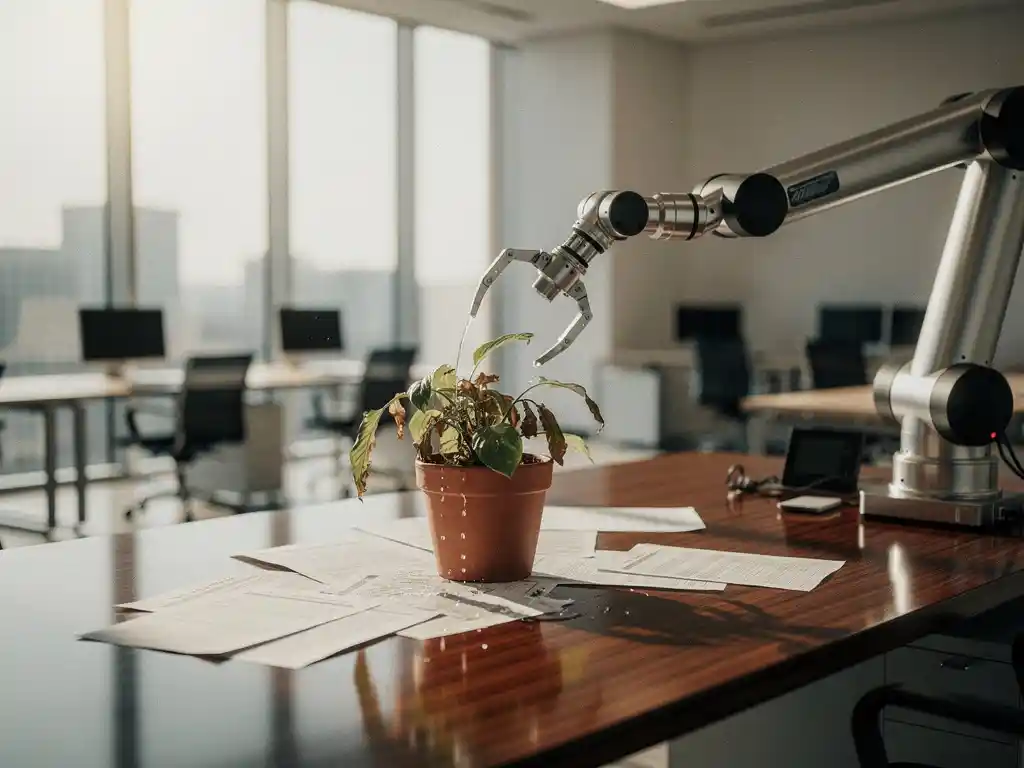
In a world where technology is taking over more and more aspects of our daily lives, we are also seeing offices becoming fully automated. Intelligent office automation promises efficiency, cost savings, and a seamless work experience. But as with any technological revolution, full automation also brings challenges and drawbacks that organizations must consider.
From a loss of human interaction to technological dependence and unexpected costs: a fully automated office isn’t always the ideal solution. It’s important to strike a balance between technological progress and preserving the human elements that are essential to a healthy work culture.
What does a fully automated office actually mean?
A fully automated office is a work environment in which all processes, systems, and tasks are carried out by technology, without human intervention. This includes automatic climate control, smart lighting, autonomous printing systems, automated access control, and AI-driven workspace management.
In such an office, sensors automatically adjust the temperature and lighting based on occupancy and preferences. Meeting rooms book themselves, printers automatically order new toner, and security systems operate completely autonomously. Smart Office technology ensures that desks automatically adjust to personal settings as soon as an employee scans their badge.
Automation extends to facility services such as cleaning, catering, and maintenance. Everything is driven by algorithms and data analysis, with the goal of achieving maximum efficiency and minimizing human intervention. While this sounds technologically impressive, it also presents specific challenges.
What human elements are lost with full automation?
With full automation, spontaneous human interactions, informal knowledge sharing, and the natural social dynamics that are essential for team building and innovation disappear. Employees miss the personal touch and flexibility that human colleagues provide when tackling daily challenges.
The cafeteria, traditionally the social hub of an office, loses its function as a gathering place when everything is automated. These informal conversations at the coffee machine or during lunch are crucial for team dynamics and knowledge sharing across departments. Automation eliminates these valuable moments of human connection.
Creativity and problem-solving skills come under pressure when systems rely on rigid, automated processes. Human intuition, empathy, and the ability to think outside the box are replaced by pre-programmed algorithms. This can lead to a sterile work environment in which employees feel more like cogs in a machine than valued team members.
Furthermore, opportunities for mentorship and informal learning are disappearing. Experienced colleagues who would normally share tips or mentor new employees are being replaced by automated systems that leave no room for personal development or human guidance.
How dependent will you become on technology in a fully automated office?
In a fully automated office, every business operation relies on technological systems, meaning that a single malfunction or cyberattack can bring the entire company to a standstill. This extreme dependence creates vulnerabilities and risks that traditional offices do not face.
When the network goes down, employees cannot book meeting rooms, print documents, or even access certain areas. Climate control, lighting, and security systems stop working, rendering the office unusable. This dependence also means that organizations require continuous IT support, even for the most basic office functions.
Cybersecurity is becoming a critical concern. Hackers can gain access to all systems, from personal workstation settings to sensitive business data. The interconnectedness of automated systems means that a single security breach can grant access to the entire network.
Employees also lose their autonomy and must fully adapt to the logic of machines. If the system determines that a particular workstation is unavailable or a meeting room remains locked, they have no alternative. This technological dependence can cause stress and frustration, especially among older employees who are less familiar with advanced technology.
What are the hidden costs of office automation?
The hidden costs of full office automation include high maintenance costs, frequent software updates, cybersecurity investments, staff training, and unexpected replacement costs when systems become obsolete or fail. These costs can far exceed the initial investment.
Software licensing costs add up. Every automated system requires annual licenses, updates, and maintenance contracts. When vendors raise their prices or discontinue support, organizations are faced with costly migrations to new systems. This creates a cycle of ongoing technology investments.
Specialized IT staff are becoming indispensable for managing complex automated systems. Their salaries are often higher than those of traditional support staff, and their expertise is constantly needed for troubleshooting and optimization. External consultants for system integration and maintenance add to the costs.
The energy consumption of servers, sensors, and continuous data processing may be higher than expected. Although individual systems are energy-efficient, the combination of all automated processes often consumes more power than traditional office equipment. In addition, frequent hardware replacements due to technological obsolescence can cause total costs to rise exponentially.
How does full automation affect the flexibility of your workplace?
Full automation limits workplace flexibility because systems operate according to pre-programmed parameters and algorithms, making spontaneous adjustments or deviations from standard procedures difficult or impossible. Employees can no longer improvise or implement creative solutions.
Automated systems are designed for efficiency, not flexibility. When a team suddenly needs a different workspace or wants to adjust the layout, they have to wait for system approval or IT support. This rigidity hinders agile working methods and spontaneous collaboration.
Personal preferences are limited to what the system can handle. If an employee wants a specific temperature, lighting, or desk height that falls outside the programmed parameters, adjustments are often impossible. This one-size-fits-all approach runs counter to the trend toward personalized work environments.
Changes in business processes require costly system modifications. While traditional offices can be adapted quickly, automated systems must be reprogrammed, tested, and reimplemented. This makes organizations less agile in a rapidly changing business environment.
What is the ideal balance between automation and human oversight?
The ideal balance combines smart automation for routine tasks with human oversight of strategic decisions and creative processes. Think of about 60–70% automation of administrative tasks, while human interaction and flexibility are retained for complex situations and the social aspects of work.
Effective office automation focuses on supporting employees, not replacing them. Systems that automatically suggest meeting rooms based on availability but let employees make the final decision offer the best of both worlds. Clean desk policies, combined with personal lockers, maintain order without making workspaces impersonal.
Flexible zones with modular tables and workstations that can be reserved via a desk booking tool give employees autonomy within an organized system. Smart Office technology that automatically configures desks to personal preferences while allowing for manual adjustments creates comfort without rigidity.
Social spaces such as cafeterias must remain largely human-centered in order to retain their function as gathering places. Here, automation enhances comfort (climate control, lighting), but does not replace social interaction itself. This balance ensures that technology improves the work experience without eliminating the human elements that are essential for creativity, collaboration, and employee satisfaction.
How Wout Monseurs Helps with Smart Office Automation
We understand that striking the right balance between automation and human oversight is crucial to a successful work environment. Our Smart Office solutions are designed to put technology at the service of your employees, not the other way around.
Our approach to sustainable office automation includes:
- Desk booking systems that offer flexibility without restricting employees
- Automatic desk adjustments based on personal preferences, with the option to override them manually
- Smart meeting room reservations with human oversight of final decisions
- Integrated printing solutions that boost efficiency while remaining user-friendly
- Acoustic and climate control solutions that automate comfort without compromising autonomy
With over 60 years of experience in office design, we combine traditional expertise with modern technology. Our personalized approach ensures that automation supports your team rather than replacing it, always keeping the human aspects of work at the forefront.
Would you like to discover how smart automation can improve your office without the drawbacks of full automation? Contact us for a personalized consultation on finding the ideal balance for your organization.
Frequently asked questions
How do I start implementing smart office automation without falling into the pitfalls of full automation?
Start with a phased approach, beginning by automating routine tasks such as climate control and lighting. Implement desk booking systems and automatic desk adjustments, but always retain manual override options. Thoroughly test each phase and gather feedback from employees before taking further steps.
What are the signs that my office automation has gone too far?
Be on the lookout for complaints about a lack of flexibility, increased frustration with technical glitches, a decline in spontaneous collaboration among colleagues, and employees who feel “trapped” in rigid systems. When simple tasks become complex due to automation, it’s time to reevaluate the balance.
How can I estimate the hidden costs of office automation in advance?
Don’t just calculate the initial purchase cost; also factor in annual licenses, maintenance contracts, energy consumption, IT staff, training, and replacement costs over a 5- to 7-year period. Ask suppliers for the total cost of ownership (TCO) and set aside an additional 20–30% of your budget for unforeseen expenses and system upgrades.
What should I do if older employees have trouble using computerized systems?
Invest in comprehensive training, create simple guides with visual instructions, and set up a help desk or buddy system. Roll out systems gradually and always provide alternative, less technical options for employees who need them.
How can I preserve the social aspects of office work as automation increases?
Make a conscious effort to keep certain spaces "low-tech," such as cafeterias and informal gathering spots. Organize regular team activities, reserve in-person meetings for important decisions, and ensure that automation brings employees together rather than isolating them—for example, through shared workspaces and collaborative tools.
What cybersecurity measures are essential for office automation?
Implement multi-factor authentication, regular software updates, network monitoring, and separate networks for office automation and business data. Train employees in cybersecurity awareness and develop an incident response plan. Partner with specialized IT providers to ensure continuous security.
How can I measure the success of my office automation without focusing solely on efficiency?
Also monitor employee satisfaction, the flexibility of work processes, innovation output, and team cohesion. Use surveys, focus groups, and observation to measure the impact on the work environment. Successful automation increases both productivity and job satisfaction—not one at the expense of the other.