

The shift toward hybrid work has transformed offices from fixed workspaces into flexible environments where employees can choose where to work each day. An office desk booking system has become an essential tool for efficiently managing this flexibility.
With the growing popularity of flexible working, companies are looking for smart solutions to optimize space utilization and give employees more autonomy. A good desk booking system not only offers practical benefits but also contributes to a more modern work experience that meets the needs of today’s employees.
What is a desk booking system, and how does it work?
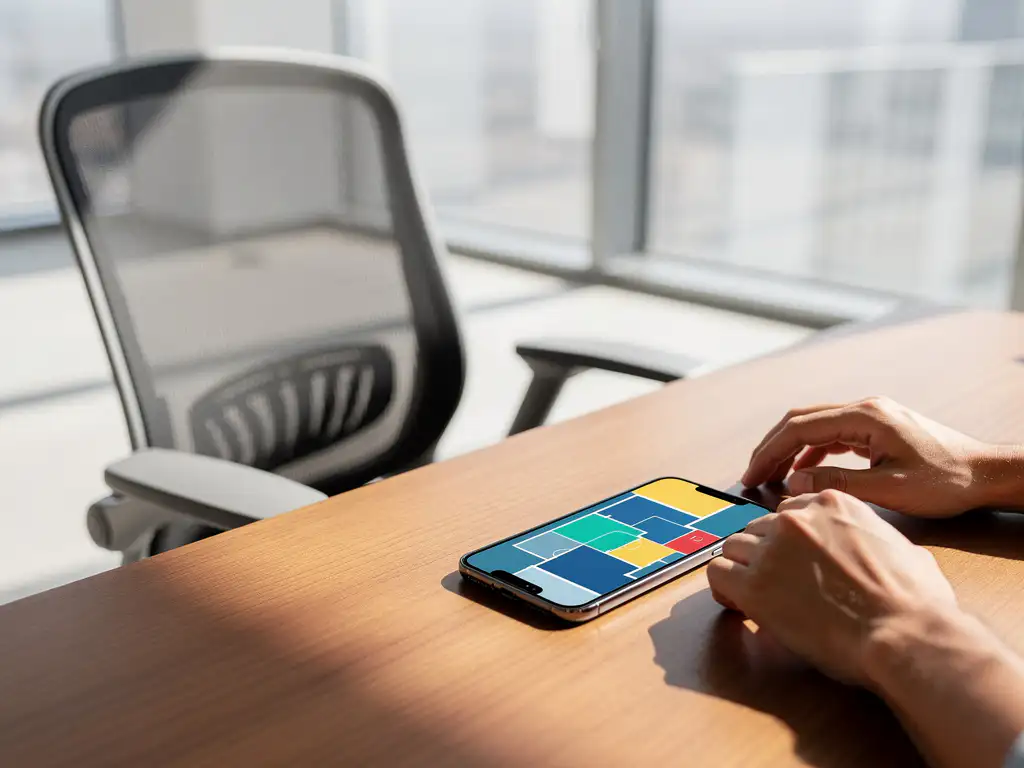
A desk booking system is a digital tool that allows employees to reserve workspaces via a smartphone, computer, or tablet with just one click. The system provides real-time visibility into available workspaces and enables users to book their workspace in advance.
The process is simple: employees log in to the system, view an interactive floor plan of the office, and select an available workstation for their desired date and time. The system automatically tracks which stations are occupied and which remain available. Some advanced systems also include sensors that detect whether a reserved workstation is actually being used.
Modern desk booking systems often integrate with other office tools, such as calendar applications, access control systems, and facility management software. This ensures a seamless user experience, allowing employees to fully plan their workday before coming into the office.
What are the benefits of a desk booking system for employees?
For employees, a desk booking system primarily offers greater flexibility and control over their workday. They can tailor their workspace to their daily activities and preferences, which contributes to their well-being and productivity.
The main benefits for employees are:
- Flexibility: The ability to choose from a variety of workspaces every day, ranging from quiet focus zones to collaborative spaces
- Time savings: No more wasting time looking for an available workstation when you arrive
- Better planning: Ability to reserve workspaces from colleagues or in specific areas
- Ergonomic choices: Selecting workstations with the desired features, such as sit-stand desks
- Social interaction: Consciously choosing workspaces near colleagues to facilitate collaboration
These benefits contribute to a better work-life balance and increased job satisfaction, which is essential in today’s job market, where retaining talent is becoming increasingly important.
How does a desk booking system help companies save money?
A desk booking system helps companies significantly reduce costs by optimizing space utilization and providing insight into actual occupancy rates. This enables organizations to use their office space more efficiently and avoid unnecessary real estate costs.
The cost savings are evident in several areas. First, companies can downsize their office space by gaining insight into actual occupancy patterns. If it turns out that only 60% of workstations are used on a daily basis, the number of permanent workstations can be reduced without compromising functionality.
In addition, the system provides valuable data on peak times and quiet periods, enabling the optimization of facility services such as cleaning, security, and energy consumption. Lighting and climate control can be turned off in rooms that are not in use, resulting in substantial energy savings.
The system also prevents overcapacity during expansion. Instead of automatically renting more space as they grow, companies can first analyze whether their current space can be used more efficiently through smarter planning and a more flexible workplace layout.
What challenges does a desk booking system address in modern offices?
A desk booking system addresses various challenges arising from hybrid work, including desk shortages on peak days, inefficient use of space, and a lack of insight into office utilization. The system brings structure to the flexible work environment.
The main challenges addressed are:
- Workstation Shortage: Preventing situations where employees cannot find an available workstation upon arrival
- Underutilization: Identifying spaces that are chronically underutilized and could be repurposed
- Lack of data: Collecting concrete occupancy data for strategic decision-making
- Social isolation: Facilitating teamwork by allowing colleagues to book seats near each other
- Compliance issues: Ensuring compliance with capacity limits and safety regulations
The system also helps foster a better workplace culture by providing transparency regarding availability and usage. This reduces frustrations and conflicts over workspaces and promotes a more harmonious work environment.
How do you choose the right desk booking system for your business?
Choosing the right desk booking system requires a thorough analysis of your organization’s needs, user behavior, and technical infrastructure. Start by assessing your current workspace situation and your future goals regarding flexible working.
Key selection criteria include user-friendliness, integration capabilities with existing systems, and scalability. The system must be intuitive for all employees, regardless of their technical skills. Integration with calendar systems, access control, and facility management tools is essential for a seamless work experience.
Technical considerations
Consider whether you prefer a cloud-based or on-premises solution, depending on your security requirements and IT infrastructure. Cloud solutions typically offer greater flexibility and lower maintenance costs, while on-premises systems provide more control over data and security.
Implementation and training
Allow sufficient time for implementation and user training. A phased rollout, starting with a pilot group, helps identify teething problems and refine processes before the system is rolled out organization-wide.
How Wout Monseurs Helps with Smart Workplace Solutions
We offer comprehensive Smart Office solutions that seamlessly meet modern workplace needs. Our desk booking tools allow you to reserve a workspace with a single click via smartphone or computer, seamlessly integrated into your office environment.
Our Smart Office services include:
- Implementation of advanced reservation systems for workstations and meeting rooms
- Integration with existing IT infrastructure and calendar systems
- Real-time monitoring and reporting of space utilization
- Automatic desktop customization based on personal preferences
- Complete project design, tailored to flexible work concepts
As a family-owned business with over 60 years of experience, we combine traditional expertise with cutting-edge technology. From the initial consultation to the full implementation of your smart office environment, we take care of everything. Contact us for a personalized consultation on the possibilities for your organization.
Frequently asked questions
How long does it take to fully implement a desk booking system?
Implementing a desk booking system typically takes 4–8 weeks, depending on the size of your office and the complexity of the integrations. A pilot phase with a small group of users usually takes 2–3 weeks, followed by a gradual rollout to all employees. We recommend allowing sufficient time for user training and refining processes.
What happens if employees don't use their reserved workstations?
Modern desk booking systems often include a "no-show" feature that automatically detects when a reserved desk is not being used. After a certain amount of time (usually 15–30 minutes), the desk is automatically released for other colleagues. Some systems also send reminders to users to cancel their reservation in a timely manner if they won’t be coming.
Can employees also make recurring reservations for specific days?
Yes, most desk booking systems support recurring reservations for employees who come into the office on the same days on a regular basis. For example, you can automatically reserve the same workspace every Tuesday and Thursday. This provides structure for hybrid workers who want to maintain a set routine, while still allowing for flexibility on other days.
How can you prevent popular workspaces from always being reserved by the same people?
There are various strategies for ensuring fair distribution, such as a "fair use" algorithm that gives priority to users who reserve certain spaces less frequently. Limits can also be set on the number of days in advance that someone can make a reservation, or on the maximum number of reservations per week per person. Some systems also use a rotation system for the most popular workspaces.
What are the costs of a desk booking system, and how do you calculate the ROI?
Costs range from €3 to €15 per user per month, depending on the features and integrations. You can calculate the ROI by comparing the savings on real estate costs, energy consumption, and increased productivity against the implementation and subscription costs. Many companies recoup their investment within 6 to 12 months through more efficient use of space and lower operating costs.
How does the system handle different types of workspaces, such as quiet rooms and meeting areas?
Advanced desk booking systems categorize workspaces based on type and function, such as focus areas, collaborative zones, quiet rooms, and phone booths. Users can filter by workspace type, required equipment (such as additional monitors), and location within the office. The system can also automatically make suggestions based on the nature of the work the user plans to do that day.