

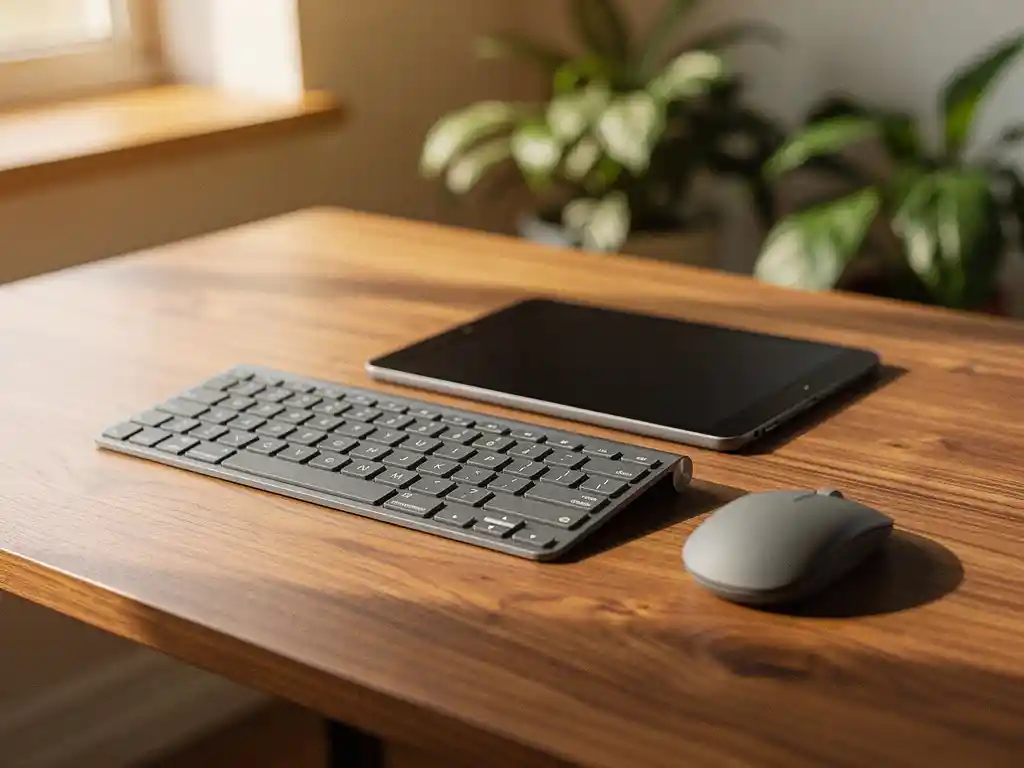
Portable office automation devices are transforming modern workplaces by bringing technology closer to the user. From tablets that manage meeting rooms to wireless sensors that automatically adjust the lighting, these mobile solutions are making offices smarter and more efficient.
For companies seeking smart office automation, mobile technologies offer unique advantages: flexibility, cost-effectiveness, and easy implementation. They align perfectly with the modern trend toward hybrid work and flexible workspaces.
What exactly are portable office automation devices?
Portable office automation devices are mobile technological solutions that automate office processes without requiring a fixed installation. These devices include tablets, smartphones, wireless sensors, portable printers, and handheld scanners, which together form an intelligent office network.
These devices stand out from traditional office automation systems due to their mobility and flexibility. Whereas traditional systems are permanently installed, portable solutions can be easily moved, adapted, or expanded as the office’s needs change.
The technology behind these devices uses wireless connectivity, such as Wi-Fi, Bluetooth, and IoT protocols. This allows them to communicate in real time with other systems and respond immediately to changing conditions in the office.
What benefits do portable office devices offer businesses?
Portable office equipment offers businesses greater flexibility, lower implementation costs, and faster adaptability. It eliminates the need for costly cabling and can be deployed immediately where it is needed most.
A key advantage is scalability. Companies can start small with just a few devices and gradually expand the system. This is particularly valuable for growing organizations that want their office automation to scale alongside their business operations.
The devices also improve employee satisfaction by giving employees control over their work environment. Employees can use their smartphones to adjust the lighting, reserve meeting rooms, or control the temperature, which helps create a more comfortable workplace.
In addition, wearable devices generate valuable data on office usage. These insights help facility managers allocate space more efficiently and reduce energy costs by lighting or heating only the areas that are in use.
What types of portable devices are available for office automation?
There are several categories of portable devices for office automation: mobile control devices, wireless sensors, portable document devices, and smart wearables. Each type has specific applications within smart office automation.
Mobile control devices
Tablets and smartphones serve as central control panels for office automation. Using apps, users can dim the lights, adjust the temperature, start presentations, and manage meeting rooms. These devices make complex systems accessible through intuitive interfaces.
Wireless sensors
Motion sensors, temperature sensors, and air quality monitors continuously collect data on office conditions. They are battery-powered and can be installed without any changes to the infrastructure. These sensors form the basis for automatic adjustments to lighting, ventilation, and heating.
Portable document equipment
Portable scanners, mobile printers, and handheld barcode scanners automate document workflows. They are particularly valuable in flexible office environments where workstations change daily and fixed equipment is impractical.
Smart wearables
Smartwatches and fitness trackers integrate with office systems to automatically apply personal preferences. They can adjust temperature, lighting, and even desk height based on individual habits and health data.
How do you choose the right portable devices for your office?
The decision to implement portable office automation begins with identifying specific needs and evaluating the existing infrastructure. Analyze which processes would benefit most from automation and what technical capabilities are already in place.
Compatibility is crucial during the selection process. Choose devices that integrate seamlessly with existing systems, such as networks, software, and security protocols. This prevents costly modifications and ensures a smooth implementation.
Consider the scalability of the chosen solution. Start with a pilot project in a limited area to test its effectiveness before expanding it to the entire office. This minimizes risks and provides opportunities to learn.
Also consider how user-friendly the system is for employees. Even the best technology will fail if users don’t adopt it. Choose intuitive interfaces and provide adequate training to encourage adoption.
Battery life and maintenance requirements are practical considerations that are often overlooked. Devices with long battery life and minimal maintenance needs significantly reduce the total cost of ownership.
What is the cost of portable office automation?
The cost of portable office automation equipment ranges from €50 to €500 per device, depending on functionality and quality. A basic setup for a small office starts at around €2,000, while comprehensive systems for large organizations can cost €20,000 or more.
Initial investments include the devices themselves, software licenses, and any necessary network upgrades. Portable solutions typically require fewer infrastructure changes than traditional systems, which reduces installation costs.
Operating costs include battery replacement, software updates, and periodic maintenance. These ongoing costs are generally lower than those associated with fixed installations, as portable devices require less complex maintenance procedures.
The return on investment is reflected in energy savings, increased productivity, and lower facility management costs. Many companies report payback periods of 12 to 24 months, particularly when automation features are used extensively.
Financing options, such as lease arrangements, make affordable office automation accessible to companies with limited budgets. This spreads the costs over several years and keeps capital available for other investments.
How Wout Monseurs Helps with Smart Office Automation
At Wout Monseurs, we seamlessly integrate portable devices into our Smart Office solutions as part of our comprehensive project design. With over 60 years of experience, we combine traditional expertise with cutting-edge technology to create intelligent workspaces.
Our approach to mobile office automation includes:
- Comprehensive analysis of your current office processes and automation needs
- Personalized advice on the most suitable portable devices for your specific situation
- Full implementation and integration with existing systems
- Training for employees to make the most of the new technology
- Ongoing support and maintenance provided by our in-house technical service team
At our Experience Center, you can get hands-on experience with various portable automation solutions and discover how they can transform your workplace. From desk booking systems to automatic desk adjustments, we’ll show you the practical benefits.
Ready to upgrade your office with smart, portable automation? Contact us for a no-obligation consultation and discover how we can transform your workplace into an intelligent, efficient environment that perfectly meets your business needs.
Frequently asked questions
How long do the batteries in wireless sensors last, and how do you replace them?
Most wireless sensors have a battery life of 1–3 years, depending on usage and sensor type. Many modern sensors send a notification via the app when the battery is running low. Replacing the battery is usually simple: open the device, replace the battery, and the system automatically recognizes the new power source.
Can I integrate mobile office automation with my existing building management system?
Yes, most modern portable devices are designed to integrate with existing systems using standard protocols such as Wi-Fi, Zigbee, or Z-Wave. A professional installer can perform a compatibility analysis and install any necessary bridges or gateways to ensure seamless communication between old and new systems.
Wat gebeurt er als de internetverbinding uitvalt – blijven de apparaten werken?
Many portable automation devices have a local mode that allows basic functions to continue working without an internet connection. Sensors continue to collect and store data locally, while simple automations—such as motion detection for lighting—continue as usual. Only cloud features and remote control via apps are temporarily unavailable.
How do you protect portable office automation systems from cyberattacks?
Secure portable devices by using strong, unique passwords, updating firmware regularly, and setting up a separate IoT network. Choose devices from reputable manufacturers that use encryption, and disable unused features. Also implement network monitoring to detect unusual activity.
What training do employees need to use mobile office automation effectively?
Medewerkers hebben meestal 1-2 uur basistraining nodig om de apps en interfaces te leren gebruiken. Focus op praktische scenario’s zoals het reserveren van vergaderruimtes, aanpassen van werkplekinstellingen en het gebruik van mobiele apparaten. Zorg voor duidelijke handleidingen en wijs ‘power users’ aan die collega’s kunnen helpen bij vragen.
How do you measure the success and ROI of mobile office automation?
Meet succes door energieverbruik, ruimtebenutting en werknemerstevredenheid te monitoren voor en na implementatie. Draagbare apparaten genereren data over gebruikspatronen die inzicht geven in efficiëntiewinst. Bereken ROI door energiebesparingen, verhoogde productiviteit en lagere onderhoudskosten af te zetten tegen de investeringskosten – de meeste bedrijven zien resultaten binnen 12-24 maanden.