

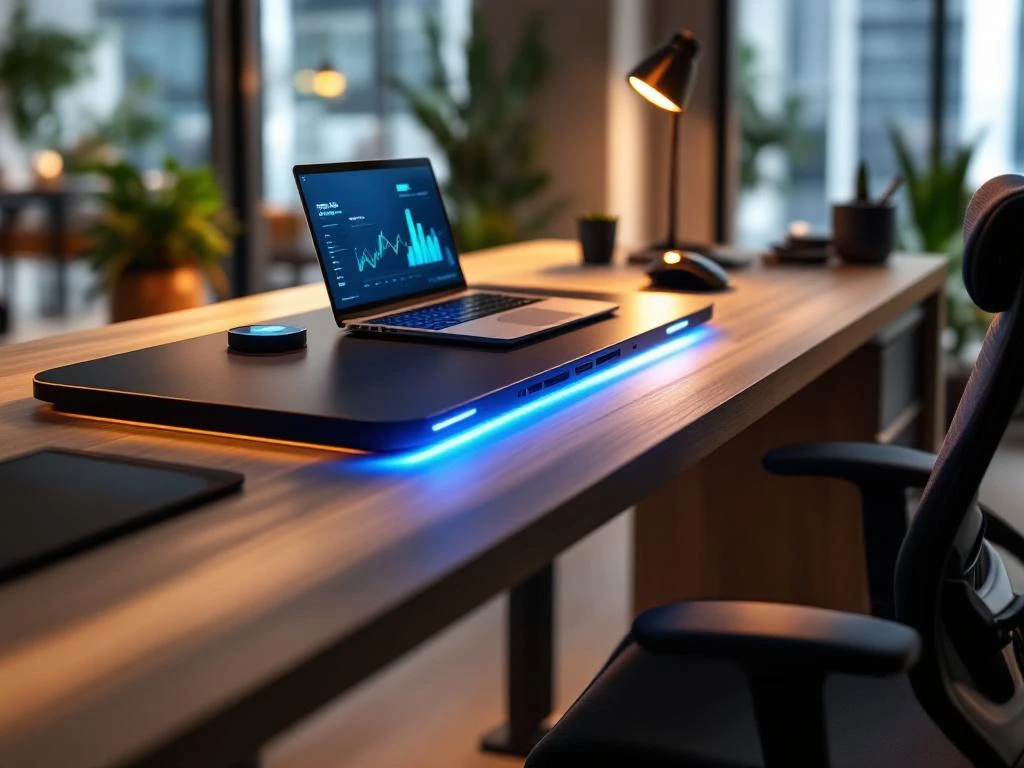
Smart office desks are intelligent workstations with built-in technology that combine automatic height adjustment, USB ports, wireless charging, and app control. These desks differ from traditional office furniture in that they feature smart functions designed to improve ergonomics and productivity. They adapt to individual work preferences and needs.
What exactly are smart office desks?
Smart office desks are workstations equipped with built-in technology that offer automatic height adjustment, connectivity options, and intelligent controls. They feature functions such as USB ports, wireless charging stations, memory settings, and smartphone apps for control.
The key difference from traditional desks lies in their integrated technology. While standard desks are static work surfaces, smart office desks can adapt to different users and work situations. They remember personal settings and can automatically switch between sitting and standing positions.
The technological components include electric motors for height adjustment, touchscreen control panels, wireless chargers integrated into the work surface, and connectivity for laptops and other devices. Some models even feature sensors that detect movement and remind users to change their posture.
What benefits do smart office desks offer employees?
Smart office desks improve ergonomics by automatically adjusting to the user’s height and posture. They encourage regular shifts between sitting and standing, which reduces back pain and promotes blood circulation. This leads to greater concentration and productivity.
The health benefits are significant. Alternating between sitting and standing reduces strain on the spine and prevents the negative effects of prolonged sitting. Employees experience less fatigue and can maintain their concentration for longer periods.
Smart features minimize interruptions to boost productivity. Built-in charging capabilities eliminate the need to search for outlets, while memory settings allow for quick adjustment to the ideal working position. This creates a seamless work experience that helps you stay focused.
How do the technological features of smart office desks work?
Smart office desks use electric motors with memory settings that can be controlled via apps or touchscreens. They feature motion-detection sensors and can integrate with other office equipment, such as monitors and lighting systems. Connectivity options include USB hubs and wireless charging zones.
The app allows users to create personal profiles with their preferred heights for different activities. Some desks learn from user behavior and automatically suggest adjustments based on the time of day or the duration of the current position.
Advanced models feature sensors that detect body movements and can alert you when it’s time to change your posture. They can also sync with fitness trackers to provide a comprehensive overview of daily activity and posture.
How much does a smart office desk cost, and is it worth the investment?
Smart office desks cost between 800 and 3,000 euros, depending on their features and quality. Basic models with electric height adjustment start at around 800 euros, while fully integrated systems with apps and sensors can cost up to 3,000 euros. This is two to four times as much as traditional desks.
The return on investment stems primarily from reduced absenteeism due to illness and increased productivity. Employers often see a payback period of one to two years thanks to fewer back problems and higher employee satisfaction. The durability of high-quality smart desks ensures years of reliable performance.
Factors that influence the cost include the brand, the quality of the motors, the number of memory slots, connectivity options, and design choices. Investing in quality pays off in the long run thanks to reliability and lower maintenance costs.
How do you choose the right smart office desk for your workspace?
When choosing a smart office desk, you should consider room dimensions, weight capacity, technical requirements, and user profiles. Consider the available connectivity options, compatibility with existing systems, and the features needed for your specific work environment.
Key selection criteria include height adjustment (preferably at least 60–125 cm), weight capacity (typically 80–150 kg), motor noise level, and adjustment speed. For shared workstations, multiple memory positions are essential.
- Measure the available space and check whether the desk fits in with the existing decor
- Determine which technical features are truly necessary for your work
- Consider the number of users and the number of memory locations required
- Check compatibility with the existing IT infrastructure and equipment
How we help with smart office solutions
We offer comprehensive smart office solutions featuring brands such as Wini and Interstuhl, from design to installation. Our team advises you on the best technological choices for your workplace and ensures seamless integration with your existing office equipment.
Our expertise includes ergonomic consulting, custom projects, and full-service solutions. We analyze your work processes and space requirements to determine the optimal smart office configuration. From technical specifications to user training, we guide you through the entire process.
- Personalized advice on smart office technology tailored to your organization
- Project-based approach from design through to full installation and configuration
- Ergonomic expertise for optimal workspaces and employee well-being
- Support for integration with existing office automation systems
Discover how smart office desks can transform your workplace. Contact us for a no-obligation consultation about the possibilities for your organization. You can find out more about us and our approach on our website.
Frequently asked questions
How long does it take to install a smart office desk, and does it require special wiring?
Installing a smart office desk typically takes 1–2 hours per workstation. Most models require only a standard electrical outlet, but advanced models with extensive connectivity may require additional cabling. Our technicians will assess the electrical infrastructure in advance and ensure a professional installation.
What happens if the app or technology in my smart desk stops working?
High-quality smart office desks always include manual backup controls via buttons on the desk itself. Basic functions, such as height adjustment, continue to work even without an app connection. Most manufacturers offer a 5- to 10-year warranty on mechanical parts and provide regular software updates.
Can multiple colleagues share the same smart desk without losing their settings?
Yes, most smart office desks support 2–4 different user profiles, each with its own memory settings. Using the app, colleagues can quickly switch between their personal settings. For flexible workspaces, this is an ideal solution for helping everyone maintain their optimal working posture.
Do smart office desks make a lot of noise when you adjust them?
Modern smart office desks typically produce less than 50 decibels of noise during adjustment, comparable to a quiet conversation. The adjustment takes only 10–20 seconds, so colleagues are hardly disturbed. Premium brands specifically invest in quiet motor technology for open-plan office environments.
How can I prevent my smart desk from using too much power?
Smart office desks have very low standby power consumption of 1–3 watts, comparable to a charger. Many models feature automatic sleep modes and energy-efficient LED lighting. Total annual power consumption is usually less than 50 kWh, which amounts to approximately €15–20 per year in electricity costs.
What are the most common issues with smart office desks, and how can I resolve them?
Common issues include app connectivity and calibration problems. These can usually be resolved by reinstalling the app or resetting the desk according to the manual. For mechanical issues such as slow adjustment, a software update or recalibration is often all that’s needed. Professional support is always available through the supplier.