

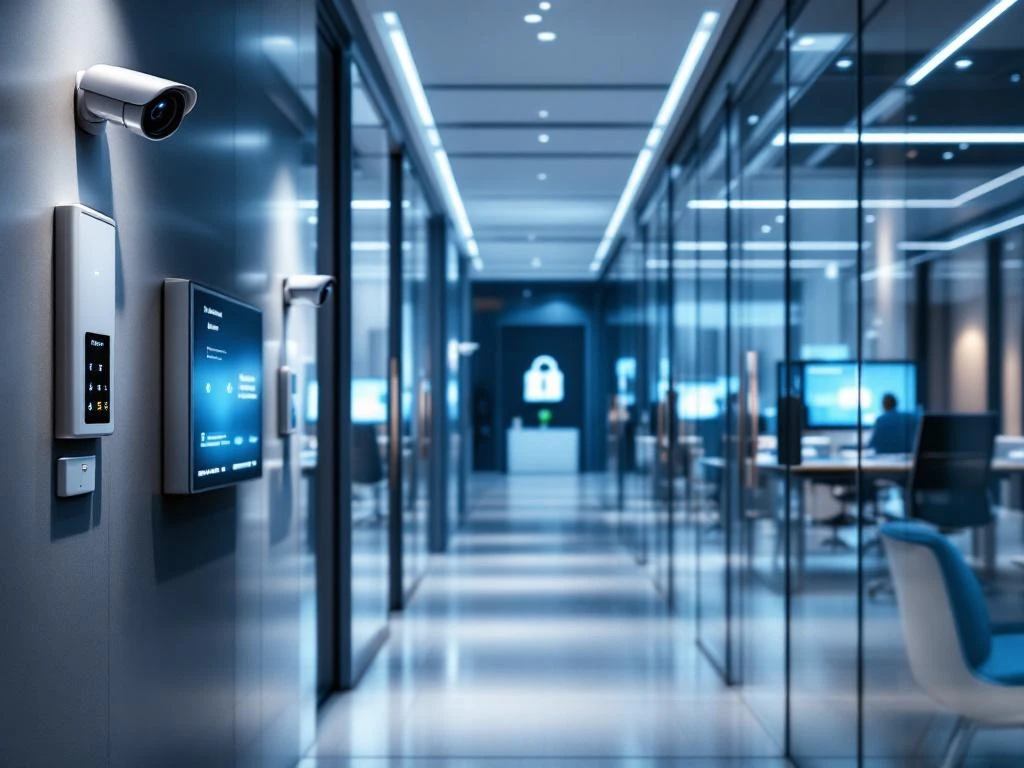
Een smart office gebruikt meerdere beveiligingslagen om werknemers en bedrijfsdata te beschermen. Dit omvat fysieke beveiliging zoals toegangscontrole en camera’s, digitale beveiliging voor netwerken en apparaten, en geïntegreerde slimme systemen die deze combineren. De juiste beveiligingsstrategie hangt af van de grootte van je kantoor, je budget en je specifieke risico’s.
Wat zijn de belangrijkste beveiligingssystemen in een smart office?
Een modern smart office heeft drie hoofdcategorieën van beveiliging: fysieke toegangscontrole, digitale cybersecurity en geïntegreerde slimme systemen. Deze lagen werken samen om een complete beveiligingsomgeving te creëren die zowel je gebouw als je data beschermt.
Fysieke beveiliging vormt de eerste verdedigingslinie. Toegangscontrolesystemen zoals sleutelkaarten, biometrische scanners en smartphone-apps bepalen wie het kantoor binnen mag. Beveiligingscamera’s monitoren belangrijke ruimtes en gangen, terwijl alarmsystemen reageren op ongewenste toegang buiten kantooruren.
De digitale beveiligingslaag beschermt je netwerk en apparaten. Dit omvat firewalls die ongewenst internetverkeer blokkeren, endpoint protection voor computers en smartphones, en beveiligde wifi-netwerken die voorkomen dat buitenstaanders toegang krijgen tot bedrijfsinformatie.
Geïntegreerde slimme systemen verbinden fysieke en digitale beveiliging. Je kunt bijvoorbeeld instellen dat camera’s automatisch beginnen op te nemen wanneer iemand buiten kantooruren toegang probeert te krijgen, of dat het systeem je waarschuwt wanneer een onbekend apparaat verbinding maakt met het netwerk.
Hoe werkt toegangscontrole in een slim kantoor?
Moderne toegangscontrole in een smart office maakt gebruik van digitale systemen die werknemers identificeren en hun toegang tot verschillende ruimtes beheren. Het systeem registreert wie wanneer binnenkomt en kan automatisch toegangsrechten aanpassen op basis van functie of tijdstip.
Sleutelkaarten blijven populair omdat ze betrouwbaar en betaalbaar zijn. Werknemers houden hun kaart bij een lezer en krijgen toegang als hun rechten kloppen. Biometrische scanners gebruiken vingerafdrukken of gezichtsherkenning voor extra veiligheid, vooral handig voor gevoelige ruimtes zoals serverkasten of directiekantoren.
Smartphone-apps worden steeds belangrijker in slimme kantoren. Werknemers kunnen hun telefoon gebruiken als digitale sleutel, wat handig is omdat iedereen zijn telefoon altijd bij zich heeft. Het systeem kan ook tijdelijke toegang verlenen aan bezoekers zonder fysieke kaarten uit te geven.
Deze systemen integreren met andere kantooroplossingen zoals verlichting en airconditioning. Wanneer de eerste werknemer binnenkomt, gaat automatisch de verlichting aan en start de klimaatregeling. Voor beheerders betekent dit volledige controle over wie waar toegang heeft, met gedetailleerde logbestanden van alle bewegingen door het kantoor.
Welke cybersecuritymaatregelen heeft een smart office nodig?
Een smart office heeft verhoogde cybersecurityrisico’s door de vele verbonden apparaten en systemen. IoT-apparaten, wifi-netwerken, cloudopslag en werken op afstand creëren meerdere ingangspunten voor cybercriminelen. Een goede beveiligingsstrategie beschermt al deze punten.
Je wifi-netwerk vormt vaak het zwakste punt. Gebruik altijd WPA3-versleuteling en creëer gescheiden netwerken voor werknemers, gasten en IoT-apparaten. Dit voorkomt dat een gehackt smart apparaat toegang krijgt tot bedrijfsgevoelige systemen.
Firewallconfiguratie vraagt om regelmatige updates en monitoring. Stel strikte regels in voor welk verkeer wel en niet is toegestaan. Blokkeer onnodige poorten en services, en monitor actief op verdachte activiteiten.
VPN-gebruik is noodzakelijk voor werknemers die thuis of onderweg werken. Dit versleutelt alle communicatie tussen hun apparaat en het kantoornetwerk. Zorg voor gebruiksvriendelijke VPN-software die werknemers daadwerkelijk gaan gebruiken.
Regelmatige updates van alle systemen en apparaten blijven belangrijk, maar worden complexer in een smart office met tientallen verbonden apparaten. Plan automatische updates waar mogelijk en houd een inventaris bij van alle apparaten die handmatige updates nodig hebben.
Bewustwording onder werknemers speelt een grote rol. Train je team om phishingmails te herkennen, sterke wachtwoorden te gebruiken en verdachte activiteiten te melden. Veel beveiligingsincidenten beginnen met menselijke fouten.
Wat kost een goed beveiligingssysteem voor je kantoor?
De kosten voor kantoorbeveiliging variëren sterk op basis van de grootte van je kantoor en de gewenste functionaliteiten. Een basispakket met toegangscontrole en camera’s kost tussen de € 2.000 en € 5.000 voor kleine kantoren. Uitgebreide geïntegreerde systemen kunnen oplopen tot € 15.000 à € 30.000 voor middelgrote bedrijven.
Toegangscontrolesystemen beginnen bij ongeveer € 500 per deur voor eenvoudige kaartlezers. Biometrische systemen kosten € 1.000 à € 2.500 per toegangspunt. Smartphonegebaseerde systemen zitten daar tussenin, met lagere hardware- maar hogere softwarekosten.
Beveiligingscamera’s kosten € 200 à € 800 per camera, afhankelijk van kwaliteit en functies zoals nachtzicht of gezichtsherkenning. Reken op extra kosten voor opslag van beeldmateriaal, hetzij lokaal op servers of in de cloud.
Cybersecuritysoftware heeft meestal maandelijkse kosten van € 5 à € 15 per gebruiker voor basispakketten. Enterprise-oplossingen met geavanceerde functies kunnen oplopen tot € 50 à € 100 per gebruiker per maand.
Factoren die de prijs beïnvloeden zijn het aantal werknemers, de grootte van je kantoor, gewenste integraties met andere systemen en het beveiligingsniveau dat je nastreeft. Ook de complexiteit van je netwerk en het aantal IoT-apparaten speelt een rol in de totale kosten.
Vergeet niet de kosten voor installatie, training en onderhoud. Deze kunnen 20 à 30% van de initiële investering bedragen, maar zijn nodig voor een goed functionerend systeem.
Hoe Wout Monseurs helpt met smart office-beveiliging
Wij begrijpen dat beveiliging een integraal onderdeel is van een goed functionerend smart office. Daarom werken we samen met gespecialiseerde beveiligingspartners om complete oplossingen te bieden die naadloos aansluiten op je kantoorinrichting en werkprocessen.
Bij de planning van je smart office denken we vanaf het begin mee over je beveiligingsbehoeften. We zorgen ervoor dat toegangscontrolesystemen goed integreren met je kantoorindeling en dat er voldoende ruimte is voor camera’s en andere beveiligingsapparatuur, zonder dat dit ten koste gaat van de werksfeer.
Onze projectaanpak zorgt voor een gecoördineerde implementatie, waarbij beveiliging, meubilair en technologie tegelijk worden geïnstalleerd. Dit bespaart tijd en voorkomt problemen die ontstaan wanneer verschillende leveranciers los van elkaar werken.
Wil je weten hoe wij jouw kantoor kunnen helpen met een geïntegreerde beveiligingsoplossing? Neem contact met ons op voor een vrijblijvend gesprek over je mogelijkheden.
Veelgestelde vragen
Hoe vaak moet ik mijn beveiligingssysteem updaten en onderhouden?
Plan maandelijks softwareupdates voor toegangscontrolesystemen en cybersecurity. Camera’s en fysieke apparatuur hebben elk kwartaal een inspectie nodig. Laat jaarlijks een volledige beveiligingsaudit uitvoeren om nieuwe risico’s te identificeren en je systeem up-to-date te houden.
Wat moet ik doen als een werknemer zijn toegangskaart verliest?
Blokkeer de kaart onmiddellijk in het systeem om misbruik te voorkomen. Verstrek een tijdelijke toegangscode of begeleid de werknemer totdat een nieuwe kaart beschikbaar is. Controleer de toegangslogbestanden van de afgelopen dagen om te zien of er verdachte activiteit was met de verloren kaart.
Kunnen werknemers thuis toegang krijgen tot kantoorbeveiliging?
Ja, moderne systemen bieden veilige remote toegang via apps of webportalen. Beheerders kunnen camera’s bekijken, toegangsrechten aanpassen en alarmen beheren. Zorg wel voor sterke authenticatie zoals tweefactorauthenticatie en beperk toegang tot alleen noodzakelijke functies per gebruiker.
Hoe lang worden beveiligingsbeelden bewaard en waar?
De bewaartermijn hangt af van je bedrijfsbeleid en lokale wetgeving, meestal 30-90 dagen. Opslag kan lokaal op servers of in de cloud. Cloudopslag biedt voordelen zoals automatische backup en externe toegang, maar kost meer en vereist sterke versleuteling voor privacy.
Wat zijn de meest voorkomende beveiligingsfouten in smart offices?
Veelgemaakte fouten zijn: standaard wachtwoorden niet wijzigen, geen gescheiden netwerken voor IoT-apparaten, verouderde software, en onvoldoende training van werknemers. Ook het vergeten van fysieke beveiliging zoals het afsluiten van serverkasten komt vaak voor.
Hoe test ik of mijn beveiligingssysteem goed werkt?
Voer maandelijks tests uit: probeer toegang te krijgen met geblokkeerde kaarten, test alarmfuncties buiten kantooruren, en controleer of camera’s correct opnemen. Laat jaarlijks een professionele penetratietest uitvoeren om zwakke punten in je digitale beveiliging te vinden.
Kan ik mijn bestaande beveiligingssysteem uitbreiden naar een smart office?
Vaak wel, maar dit hangt af van de leeftijd en compatibiliteit van je huidige systeem. Moderne toegangscontrole en camera’s kunnen meestal geïntegreerd worden met nieuwe smart office-technologie. Plan een grondige analyse van je bestaande infrastructuur voordat je uitbreidt.