

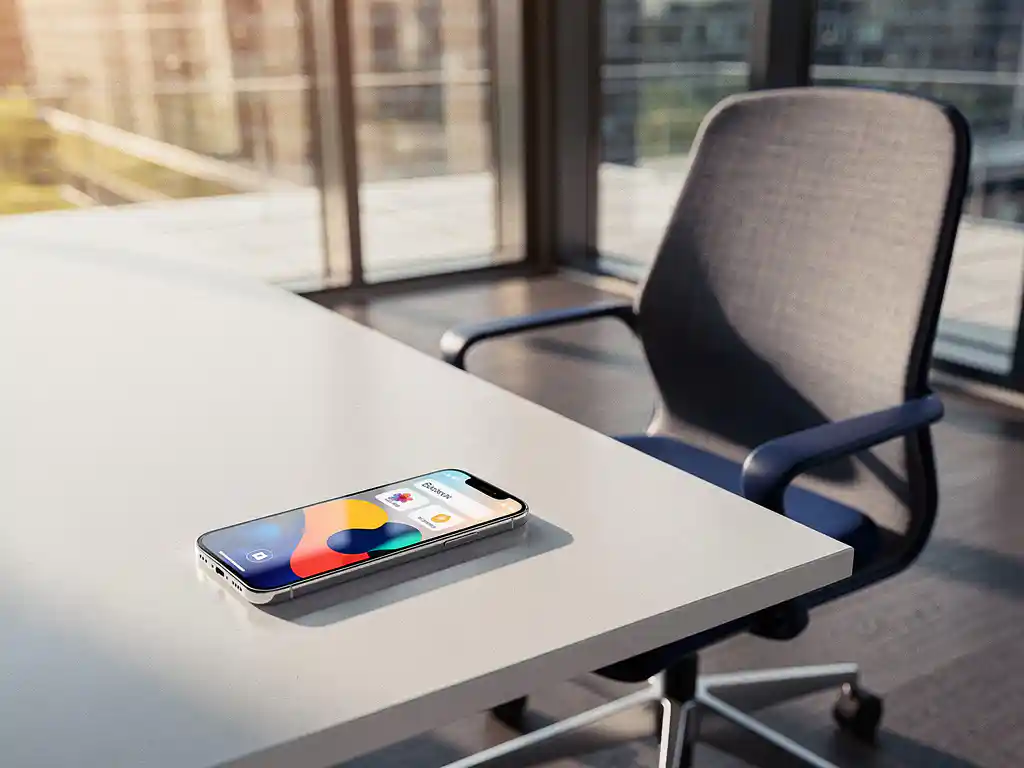
The rise of hybrid work has transformed Dutch offices. Employees no longer work at the same desk every day, but choose where to work on a flexible basis. This has led to the growing popularity of desk-booking apps that efficiently manage and reserve workspaces.
A desk booking system for offices is becoming increasingly important for organizations that want to make the most of their office space. These digital tools make it easy to reserve workstations, meeting rooms, and other facilities via smartphone or computer.
What are desk booking apps, and why have they become popular?
Desk booking apps are digital reservation systems that allow employees to book workstations, meeting rooms, and other office spaces using their smartphone, tablet, or computer. These apps are part of smart office technology and provide real-time visibility into available spaces.
The popularity of desk-booking apps has skyrocketed due to the shift toward hybrid work. Organizations have realized that traditional fixed workstations lead to inefficient use of space when employees are in the office only a few days a week. A flexible booking system optimizes space utilization and gives employees daily choice in their work environment.
Modern desk booking systems integrate with other office technologies. Using smart office technology, the desk is automatically adjusted to the user’s personal preferences, such as desk height and monitor settings. This enhances ease of use and ensures a seamless work experience.
Which desk booking apps are most commonly used in Dutch offices?
In Dutch offices, a few desk booking platforms dominate the market, including Microsoft Workplace Analytics, Condeco, YAROOMS, and Robin. These systems offer various features and integration options tailored to specific organizational needs.
Microsoft-based solutions are popular because of their seamless integration with Office 365 and Teams. Employees can book workspaces directly from their familiar work environment without having to switch between different applications. This significantly increases user adoption.
Condeco is widely used by larger organizations that require comprehensive reporting features. The platform provides detailed insights into space utilization and helps facility managers optimize office layouts. YAROOMS and Robin focus more on user-friendliness and quick implementation.
Dutch companies often opt for systems that integrate with their existing IT infrastructure. Cloud-based solutions are gaining ground because they are more flexible and require less maintenance than on-premises systems.
How do you choose the right desk booking app for your office?
To choose the right desk booking app, start by assessing your organization’s needs: the number of users, the desired features, integration options, and the budget. Next, evaluate different platforms based on user-friendliness, scalability, and technical support.
Start by identifying your primary objectives. Are you primarily looking to optimize space utilization, improve the employee experience, or reduce facility costs? These objectives will determine which features should be prioritized in your selection process.
Key selection criteria
User-friendliness is a top priority. The app must be intuitive so that employees can use it without training. Test different interfaces and solicit feedback from potential users during the evaluation phase.
Integration capabilities are crucial for a seamless user experience. Check whether the system integrates with your current calendar application, access control systems, and other office automation software. A desk booking tool should allow users to make reservations with a single click via smartphone or computer.
Scalability ensures that the system grows along with your organization. Choose a platform that can be easily expanded to new locations or departments without major technical changes.
How much do desk booking apps cost, and what pricing models are available?
Deskbooking apps typically use a monthly subscription model ranging from €2 to €15 per user per month, depending on features and service level. Enterprise solutions can cost between €20 and €50 per user, including advanced analytics and priority support.
Most providers offer different pricing tiers. Basic plans include standard booking features, while premium versions include advanced reporting, integrations, and customization options. Some providers also charge a one-time setup fee for installation and training.
Cost factors and savings
In addition to the software subscription costs, you should factor in implementation costs, training, and any necessary hardware, such as tablets at the entrances to rooms. These investments are often recouped through more efficient use of space and lower real estate costs.
On average, organizations report space savings of 20 to 30% through the optimal use of flexible workspaces. This directly translates to lower rental costs, fewer workstations required, and reductions in facility costs, such as cleaning and energy consumption.
What features should a good desk booking app have?
A good desk booking app should display real-time availability, make it easy to book, integrate with calendar systems, and provide insight into space utilization. In addition, notifications, cancellation options, and reporting features are essential for effective workspace management.
The core functionality includes booking various types of spaces: workstations, meeting rooms, phone booths, and break rooms. Users should be able to search by location, amenities, and availability to quickly find the right space.
Essential basic functions
- Real-time overview of available workstations and meeting rooms
- Easy booking via smartphone, tablet, or desktop
- Automatic synchronization with Outlook, Google Calendar, or other calendar systems
- Notifications for confirmations, changes, and reminders
- Flexible cancellation and change options
Advanced features
Modern systems offer intelligent suggestions based on work patterns and preferences. They can automatically suggest workspaces located near reserved meeting rooms or close to teammates.
Integration with building management systems enables automatic adjustments. Lighting, temperature, and even desk height can be adjusted to personal preferences as soon as an employee checks in.
Analytics and reporting help facility managers optimize office layouts. Detailed data on space utilization, peak times, and preferences support decision-making regarding future office configurations.
How Wout Monseurs helps with smart office desk-booking systems
At Wout Monseurs, we integrate advanced desk booking systems as part of our smart office solutions. Our expertise in modern office design seamlessly combines with intelligent technology to ensure optimal workspace management.
Our smart office services include:
- Implementation of smart reservation systems for workstations and meeting rooms
- Integration with automatic desktop customization based on personal preferences
- Integration of desk booking with conference systems and climate control
- Training and support for optimal use of the system
- Reporting dashboards for insights into facility costs and space utilization
As a full-service office design firm, we ensure that your desk booking system integrates seamlessly with your physical office layout. From ergonomic workstations to flexible meeting rooms, everything works together to create an optimal work experience.
Would you like to discover how a professional desk booking system can transform your office? Contact us for a no-obligation consultation and experience our solutions at our Experience Center in Breda.
Frequently asked questions
How long does it take to implement a desk booking system in our office?
Implementing a desk booking system takes 2–6 weeks on average, depending on the complexity and the number of workstations. Cloud-based solutions can be up and running within a few days, while systems with extensive integrations and hardware installation require more time. We recommend setting aside 2–4 weeks for training and user acceptance.
What happens if employees forget to cancel their reserved workspace?
Modern desk booking systems feature automatic "no-show" detection, which releases unused reservations to other colleagues after 15–30 minutes. Some systems also send reminders in advance and can temporarily block users who repeatedly fail to show up. This prevents the waste of workspaces and frustration among other employees.
Can we integrate the desk booking system with our existing access control system?
Yes, most professional desk booking systems can integrate with access control systems via APIs. This means that only employees with a valid reservation are granted access to specific floors or zones. At Wout Monseurs, we ensure seamless integration between your reservation system and your existing security infrastructure.
How can you prevent employee resistance to the new reservation system?
Successful change management starts with clear communication about the benefits: greater flexibility and choice in where you work. Organize demo sessions, offer comprehensive training, and start with a pilot group of early adopters. Ensure user-friendly interfaces and prompt support for questions. Involve employees in the selection of the system to build greater buy-in.
What data does a desk booking system collect, and how is privacy ensured?
Desk booking systems collect reservation data, usage patterns, and room occupancy, but not personal work content. All data is anonymized for reporting purposes and complies with GDPR regulations. Users can view their own data and manage their reservation history. We ensure GDPR-compliant implementation and a transparent privacy policy.
Can we customize the system to fit our specific office layout and work processes?
Yes, professional desk booking platforms offer extensive customization options for floor plans, room types, and booking rules. You can define specific zones, set different booking times for each room type, and configure custom notifications. We’ll help you upload your office floor plans and set up workflows that align with your organizational culture.
What are the most common implementation mistakes, and how can you avoid them?
Common mistakes include: insufficient user training, overly complex reservation rules, and poor integration with existing systems. Avoid these issues by starting with simple features, conducting extensive pilot tests, and rolling out the system in phases by department. Also, ensure clear communication about new work procedures and provide adequate technical support during the first few months.