

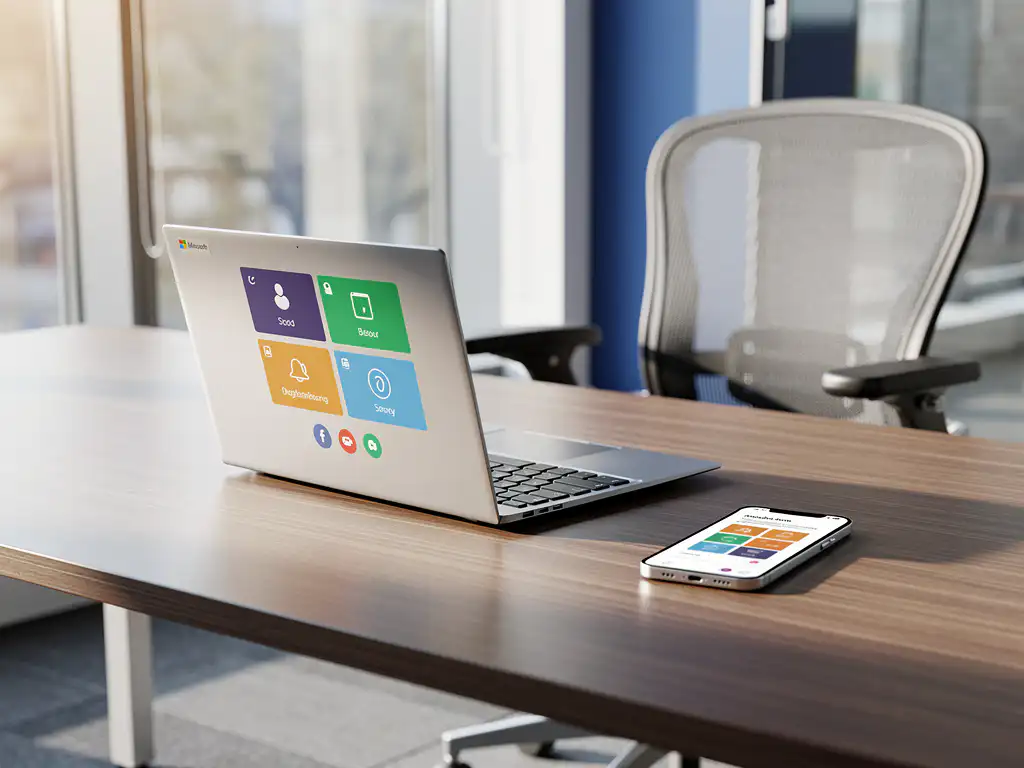
Hybrid work has drastically changed the way we use offices. Employees alternate between working from home and coming into the office, making traditional fixed workstations increasingly impractical. An office desk booking system offers a solution by allowing workstations to be reserved via digital platforms.
Microsoft Teams has become the central communication platform for many Dutch companies. By integrating desk booking systems with Teams, employees can seamlessly reserve workspaces from their familiar work environment. This integration simplifies workspace management and increases the adoption of flexible work models.
What are desk booking systems, and why are they important for modern offices?
A desk booking system is a digital solution that allows employees to reserve workspaces via an app, web portal, or integrated platform. The system displays available desks in real time and enables users to book spaces for specific time periods.
The key components of an office desk booking system include a user-friendly interface, real-time availability information, automatic confirmations, and often integration with access control. Modern systems also offer analytics to optimize space utilization and reduce costs.
These systems have become essential for modern offices due to the shift toward hybrid work. They maximize space utilization, reduce real estate costs, and give employees the flexibility to choose where they can be most productive each day. In addition, they support clean-desk policies by storing personal items in lockers that can be reserved.
How does the integration between desk booking systems and Microsoft Teams work?
Deskbooking integration with Microsoft Teams works through apps installed directly within the Teams environment. Users can reserve workspaces without leaving Teams, using tabs, chatbots, or integrated widgets that display available desks.
Technical integration is typically carried out using Microsoft Graph APIs, which allow desk booking systems to access Teams features. This makes it possible to link reservations to Outlook calendars, send automatic reminders, and even book meeting rooms along with workstations.
Users enjoy a seamless workflow: they open Teams, navigate to the desk booking tab, select their preferred workspace and date, and immediately receive a confirmation. Smart Office technology can then automatically adjust desks to the user’s personal preferences, such as desk height and lighting levels.
Which desk booking systems offer native Microsoft Teams integration?
Several desk booking platforms offer native Microsoft Teams integration, including Robin, OfficeSpace, Condeco, and Envoy Workplace. These systems have developed dedicated Teams apps that can be accessed directly from the Teams interface, without the need for external login procedures.
The Robin Teams app allows users to search for, book, and manage workspaces via a dedicated tab in Teams. The system automatically syncs with Outlook calendars and sends proactive notifications about reservations. OfficeSpace offers similar functionality, with an additional focus on space analytics and capacity planning.
Condeco’s Teams integration stands out thanks to advanced features such as automatic cancellation of unused reservations and integration with access control systems. Envoy Workplace combines desk booking with visitor registration and health screening, all accessible via Teams.
When choosing a system, factors such as ease of use, scalability, reporting capabilities, and support for different office layouts are important. Most systems offer trial periods so you can test their functionality within your organization’s specific Teams environment.
What are the advantages of desk booking via Microsoft Teams compared to standalone systems?
Desk booking via Microsoft Teams results in significantly higher user adoption because employees don’t have to learn any new applications. They work from their familiar Teams environment, which lowers the barrier to adoption and reduces administrative overhead.
The key benefits include streamlined workflows, with reservations automatically syncing with Outlook calendars and Teams status. Employees can find colleagues using availability information and collaborate on the fly by booking nearby workspaces.
Single sign-on functionality eliminates the need for separate login credentials, while IT administrators benefit from centralized user management through Azure Active Directory. This reduces security risks and simplifies the onboarding of new employees.
Teams integration also enables advanced scenarios, such as automatically booking workstations for scheduled office visits or reserving meeting rooms along with associated workstations. This integrated approach supports the modern need for flexible, technology-driven workspaces that seamlessly align with digital workflows.
How Wout Monseurs Helps with Smart Office Desk Booking Solutions
We offer comprehensive Smart Office solutions that seamlessly integrate desk booking systems with your existing Microsoft Teams environment. Our expertise in office design combines smart technology with ergonomic workstations to maximize productivity.
Our Smart Office services include:
- Implementation of desk booking systems with Teams integration
- Automatic desktop customization based on personal preferences
- Reservable lockers for a clean-desk policy
- Real-time analytics for space optimization
- Full technical support and training
As a family-owned business with over 60 years of experience, we understand that successful office innovation goes beyond technology alone. That’s why we combine state-of-the-art desk booking systems with ergonomic furniture from top brands such as Interstuhl and Wini, ensuring that every reserved workspace offers optimal comfort. Contact us for a personalized consultation on the options available for your organization.
Frequently asked questions
How long does it take to implement a desk booking system in our existing Microsoft Teams environment?
Implementing a desk booking system in Teams takes 2–4 weeks on average, depending on the size of your organization and the desired integrations. This includes configuring the Teams app, setting up office floor plans, user training, and testing all features. We ensure a phased rollout to minimize disruption.
What happens if employees forget to cancel their reserved workspace?
Modern desk booking systems have automatic cancellation features that detect unused reservations using sensor technology or check-in requirements. If a desk remains unused 15–30 minutes after the reserved time, the reservation is automatically canceled and the desk becomes available to others. This prevents the waste of desk space.
Can we reserve different types of workspaces (quiet work, collaboration, phone calls) separately?
Yes, advanced desk booking systems support workspace categorization based on function, equipment, and location. You can define zones for quiet work, collaborative workspaces, phone booths, and specialized workstations. Employees can filter by their specific needs and reserve the right workspace for their daily tasks.
How can we ensure that employees actually start using the new desk booking system?
Successful adoption requires a combination of ease of use, training, and change management. Thanks to the Teams integration, employees can continue working in their familiar environment. In addition, clear communication about the benefits, practical training sessions, and the appointment of "workplace ambassadors" help support colleagues as they transition to the new system.
What data and insights do we get from the facility management desk booking system?
Desk booking systems provide comprehensive analytics, such as occupancy rates by zone and time of day, popular workstations, individual employee usage patterns, and space efficiency. This data helps optimize office layouts, adjust cleaning schedules, plan maintenance, and make data-driven decisions regarding real estate costs and workspace configurations.
What are the costs of a desk booking system, and how do we calculate the ROI?
Costs range from €3 to €15 per user per month, depending on features and integrations. ROI is achieved through lower real estate costs (30–50% fewer workstations required), increased productivity, better space utilization, and lower facility management costs. On average, a desk booking system pays for itself within 12–18 months through savings on office space.
Can external visitors and freelancers also use the desk booking system?
Yes, most systems support guest users through temporary accounts or invitation links. External users can reserve workspaces for specific periods without full Teams access. This can be combined with visitor registration and access control, allowing you to maintain full visibility and control over who uses which workspaces and when.