

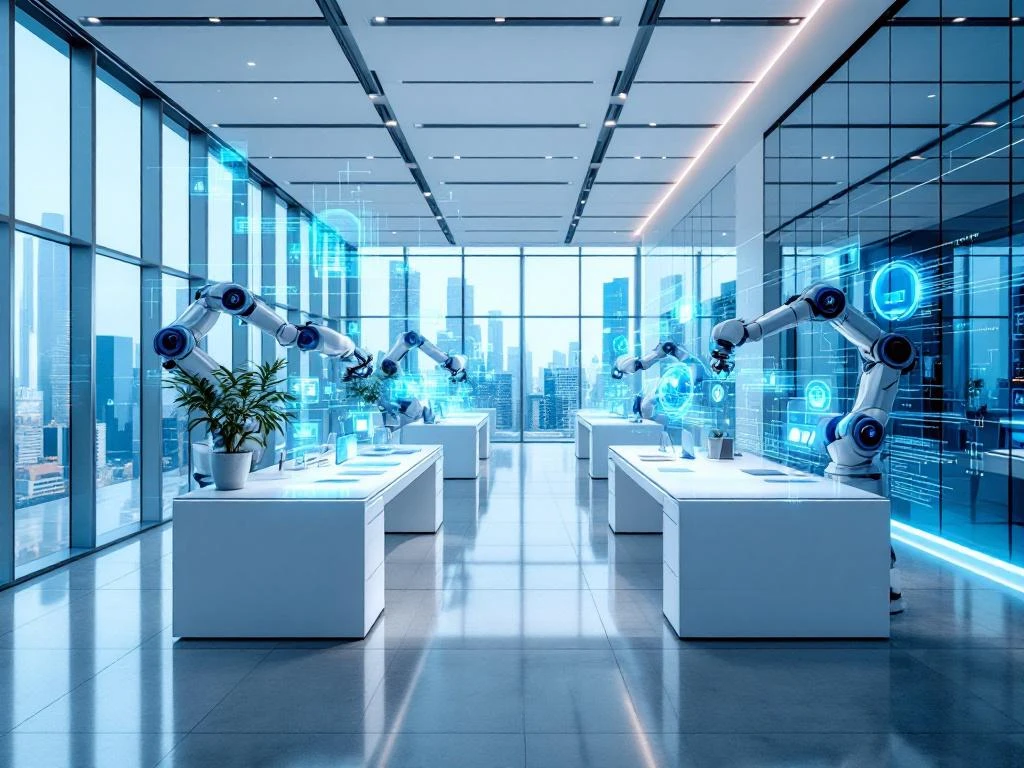
In een smart office kun je verschillende processen automatiseren, van eenvoudige taken zoals verlichting en temperatuurregeling tot complexe systemen voor werkplekbeheer en vergaderplanning. De meest toegankelijke automatiseringsopties zijn toegangsbeheer, klimaatbeheersing en werkplekboekingssystemen. Deze technologieën helpen je tijd te besparen, kosten te verlagen en de werkervaring van je team te verbeteren door handmatige taken weg te nemen en processen efficiënter te maken.
Wat is een smart office en waarom zou je processen automatiseren?
Een smart office is een werkplek die gebruikmaakt van slimme technologieën om dagelijkse processen automatisch te laten verlopen. Denk aan verlichting die zich aanpast aan het daglicht, temperatuur die zichzelf reguleert en vergaderruimtes die automatisch beschikbaar komen wanneer je ze nodig hebt.
Automatisering brengt concrete voordelen voor je bedrijf. Je werknemers hoeven minder tijd te besteden aan routinetaken en kunnen zich focussen op werk dat er echt toe doet. Daarnaast zorgt automatisering voor consistentie: systemen maken geen fouten door vermoeidheid of vergeetachtigheid.
Bedrijven kiezen steeds vaker voor geautomatiseerde kantooroplossingen omdat ze direct merkbare verbeteringen opleveren. Werknemers zijn tevredener wanneer ze niet hoeven te zoeken naar vrije werkplekken of handmatig de temperatuur hoeven aan te passen. Het kantoor voelt moderner aan en werkt gewoon beter.
Welke dagelijkse kantoorprocessen kun je het makkelijkst automatiseren?
De toegankelijkste automatiseringsopties zijn verlichting, temperatuurregeling, toegangsbeheer en basiswerkplekbeheer. Deze systemen zijn relatief eenvoudig te installeren en leveren direct zichtbare resultaten op.
Slimme verlichting past zich automatisch aan gedurende de dag. ’s Ochtends krijg je helder wit licht dat je wakker houdt, terwijl het licht zachter wordt naarmate de dag vordert. Sensoren zorgen ervoor dat lichten alleen branden waar mensen aanwezig zijn.
Temperatuurregeling werkt op dezelfde manier. Het systeem leert wanneer verschillende ruimtes gebruikt worden en past de temperatuur daarop aan. Je hoeft niet meer handmatig thermostaten bij te stellen: het kantoor heeft altijd de juiste temperatuur.
Toegangsbeheer met slimme badges of apps maakt het leven makkelijker. Werknemers kunnen deuren openen zonder sleutels en je hebt overzicht van wie wanneer het gebouw binnenkomt. Voor werkplekbeheer kun je beginnen met een simpel boekingssysteem waarmee mensen hun werkplek voor de dag kunnen reserveren.
Hoe werkt automatisering van vergaderingen en werkplekbeheer?
Slimme vergadersystemen en werkplekbeheer nemen de organisatorische rompslomp uit je handen. Deze systemen koppelen aan je agenda en regelen automatisch ruimtes, apparatuur en voorzieningen.
Vergaderruimtes kunnen zichzelf voorbereiden. Wanneer je een meeting plant, gaat automatisch het licht aan, start de presentatieapparatuur op en wordt de temperatuur aangepast. Na afloop schakelt alles weer uit. Sommige systemen detecteren zelfs of een vergadering daadwerkelijk plaatsvindt en maken de ruimte weer beschikbaar als niemand komt opdagen.
Werkplekboekingen werken via een app of website waar werknemers kunnen zien welke plekken beschikbaar zijn. Je kunt voorkeuren instellen voor bepaalde zones of apparatuur. Het systeem houdt rekening met sociale afstand wanneer dat nodig is en zorgt ervoor dat populaire plekken eerlijk verdeeld worden.
Ruimtebeheer wordt ook slimmer. Sensoren meten hoeveel mensen er in verschillende zones aanwezig zijn en geven inzicht in welke ruimtes het meest gebruikt worden. Deze informatie helpt je bij toekomstige inrichtingsbeslissingen.
Welke technische systemen heb je nodig voor kantoorautomatisering?
Voor kantoorautomatisering heb je een combinatie nodig van sensoren, software en een centraal beheersysteem. De hardware detecteert wat er gebeurt, de software verwerkt deze informatie en het beheersysteem stuurt alle apparaten aan.
Sensoren vormen de ogen en oren van je smart office. Bewegingssensoren detecteren aanwezigheid, temperatuursensoren meten het klimaat en lichtsensoren bepalen hoeveel daglicht er binnenkomt. Deze sensoren zijn klein, draadloos en eenvoudig te installeren zonder grote verbouwingen.
De software verbindt alle systemen met elkaar. Dit kan een app zijn waarmee werknemers werkplekken boeken, of een dashboard waarop je als beheerder alles kunt monitoren. Goede systemen werken samen met tools die je al gebruikt, zoals Outlook of Google Calendar.
Het centrale beheersysteem is het brein van je smart office. Dit kan een lokale server zijn of een cloudoplossing. Cloudsystemen zijn vaak handiger omdat je geen eigen IT-infrastructuur nodig hebt en updates automatisch plaatsvinden. Je kunt het systeem bedienen via een tablet, computer of smartphone.
Hoe Wout Monseurs helpt met smart office-automatisering
Wij begeleiden je van begin tot eind bij het implementeren van smartofficeoplossingen. Onze aanpak begint met een gesprek over jouw specifieke wensen en uitdagingen. We kijken naar je huidige kantoorinrichting en bepalen welke automatiseringsopties het beste bij jullie passen.
Ons team heeft jarenlange ervaring met het integreren van slimme technologieën in kantooromgevingen. We zorgen ervoor dat alle systemen naadloos samenwerken en dat je werknemers gemakkelijk kunnen wennen aan de nieuwe mogelijkheden. Van het advies tot en met de installatie en nazorg: we regelen het allemaal.
Wil je weten welke automatiseringsmogelijkheden geschikt zijn voor jouw kantoor? Neem contact met ons op voor een vrijblijvend gesprek. We denken graag met je mee over de beste oplossing voor jullie werkplek.
Veelgestelde vragen
Wat zijn de kosten van smart office automatisering en hoe snel verdien je de investering terug?
De kosten variëren sterk afhankelijk van de grootte van je kantoor en welke systemen je kiest. Basis automatisering zoals slimme verlichting en thermostaten kost enkele duizenden euro’s, terwijl uitgebreide werkplekbeheersystemen in de tienduizenden kunnen lopen. De terugverdientijd is meestal 1-3 jaar door energiebesparingen, verhoogde productiviteit en lagere operationele kosten.
Kan ik smart office technologie stap voor stap invoeren of moet alles tegelijk?
Je kunt zeker gefaseerd beginnen. We raden aan te starten met één of twee systemen zoals slimme verlichting en werkplekboekingen, en later uit te breiden naar complexere automatisering. Dit spreidt de kosten en geeft werknemers tijd om te wennen aan de nieuwe technologie. Zorg wel dat de systemen die je kiest later kunnen integreren met andere oplossingen.
Hoe lang duurt de installatie van een smart office systeem en hoeveel overlast veroorzaakt dit?
De meeste basisautomatisering kan binnen 1-2 weken geïnstalleerd worden met minimale overlast. Draadloze sensoren en systemen vereisen geen grote verbouwingen. We plannen de installatie meestal buiten kantooruren of in het weekend. Voor uitgebreide systemen kan de installatie 2-4 weken duren, maar het kantoor blijft gewoon operationeel.
Wat gebeurt er als het systeem uitvalt? Kunnen werknemers nog steeds normaal werken?
Alle smart office systemen hebben backup-opties en kunnen handmatig bediend worden als dat nodig is. Verlichting en toegangsdeuren hebben altijd een handmatige override. We bouwen redundantie in kritieke systemen in en bieden 24/7 support voor acute problemen. In de praktijk zijn uitvallen zeer zeldzaam dankzij cloudgebaseerde systemen met hoge uptime.
Hoe zorg je ervoor dat werknemers de nieuwe systemen daadwerkelijk gaan gebruiken?
Acceptatie begint met goede communicatie over de voordelen en eenvoudige training. We zorgen voor intuïtieve interfaces en apps die werknemers snel onder de knie hebben. Start met systemen die direct voordeel opleveren, zoals werkplekboekingen die zoeken naar vrije plekken overbodig maken. Betrek enthousiaste collega’s als ambassadeurs om anderen te helpen.
Zijn smart office systemen veilig en wat gebeurt er met de verzamelde data?
Moderne smart office systemen voldoen aan GDPR-wetgeving en gebruiken versleuteling voor alle datacommunicatie. Persoonlijke data wordt geminimaliseerd – systemen registreren aanwezigheid maar geen individuele bewegingen. We werken alleen met leveranciers die voldoen aan Europese privacy-standaarden en bieden transparantie over welke data verzameld wordt en hoe deze gebruikt wordt.
Kan smart office automatisering ook werken in een oud kantoorgebouw?
Ja, moderne systemen zijn specifiek ontworpen voor bestaande gebouwen. Draadloze technologie maakt installatie mogelijk zonder grote verbouwingen. We kunnen sensoren en apparaten vaak bevestigen aan bestaande infrastructuur. Soms zijn kleine aanpassingen nodig aan de elektra, maar structurele wijzigingen zijn zelden vereist. We maken eerst een technische scan om mogelijkheden en beperkingen in kaart te brengen.