

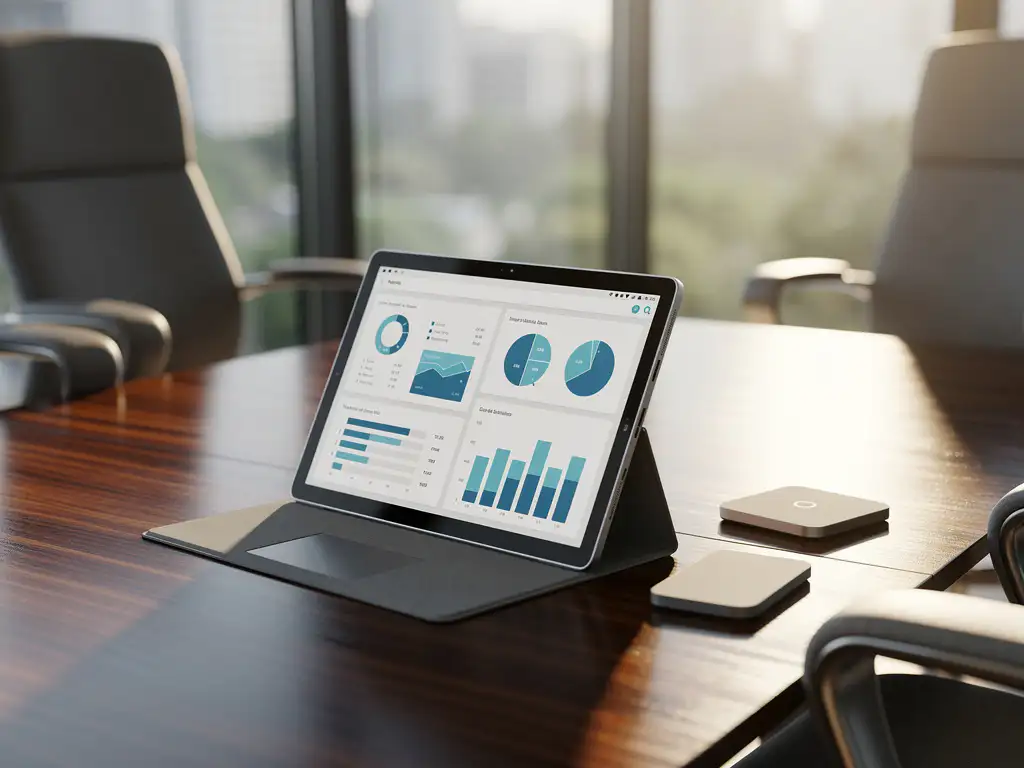
Smart office systems are revolutionizing the modern workplace by seamlessly integrating technology into daily office activities. From smart meeting rooms to automated climate control, these systems make offices more efficient and user-friendly. For organizations using Microsoft environments, compatibility is crucial to getting the most value out of their technology investments.
Microsoft has established itself as a dominant player in the business software market, making compatibility with its platforms a key consideration when selecting smart office solutions. This integration ensures seamless workflows and boosts employee productivity.
What are smart office systems, and why is Microsoft compatibility important?
Smart office systems are integrated technological solutions that combine IoT sensors, AI, and automation to make office environments smarter, more efficient, and more user-friendly. These systems include smart lighting, climate control, security systems, meeting room management, and workplace monitoring.
Microsoft compatibility is essential because most organizations use Microsoft products such as Office 365, Teams, Azure, and Windows as their primary work platform. When smart office systems integrate seamlessly with this environment, employees can continue to use their familiar tools while benefiting from advanced office automation.
The benefits of Microsoft-compatible smart office systems are significant. They eliminate the need for multiple logins and interfaces, reduce the learning curve for users, and ensure better data integration across different systems. In addition, IT departments can more easily manage these solutions within their existing Microsoft infrastructure.
Which Microsoft platforms support smart office integration?
Microsoft Teams, Azure IoT, Office 365, and Power Platform form the core of Microsoft’s smart office ecosystem and offer extensive integration capabilities for intelligent office solutions. These platforms work together to create a cohesive digital workplace.
Microsoft Teams serves as the central communication platform and integrates with meeting room systems, digital displays, and audiovisual equipment. This integration allows users to book and manage meeting rooms directly from Teams, while the systems automatically configure the appropriate settings.
The Azure IoT Platform provides the infrastructure for connecting and managing smart office devices. The platform supports thousands of different devices and sensors, from smart thermostats to occupancy sensors, and enables real-time monitoring and control via cloud-based dashboards.
Office 365 and Power Platform enable custom workflows and automations. For example, Power Automate can automatically dim the lights when a meeting starts, or adjust climate settings based on occupancy patterns detected by sensors.
How do smart meeting room systems work with Microsoft Teams?
Smart meeting room systems integrate directly with Microsoft Teams using Teams Rooms software and compatible hardware, allowing meeting rooms to be automatically configured and managed through the Teams interface. This integration enables one-touch meeting starts and automates audiovisual settings.
The integration works through Microsoft Teams Rooms-certified devices that communicate directly with the Teams cloud. When a meeting is scheduled in Teams, the meeting room system automatically receives the meeting details and configures itself accordingly. This includes establishing video and audio connections, adjusting screen displays, and enabling recording features if desired.
Modern meeting room solutions also offer advanced features such as automatic participant recognition, smart cameras that track speakers, and AI-powered noise cancellation. These systems can also integrate with other smart office components, such as automatically dimming the lights or adjusting the temperature when a meeting begins.
Booking systems are another key integration. Employees can reserve meeting rooms directly from Teams, with the system displaying real-time availability and automatically preventing conflicts. Advanced systems can even suggest alternative rooms based on meeting size and required equipment.
Which smart lighting and climate control systems are compatible with Microsoft?
Philips Hue for Business, LIFX Commercial, Schneider Electric EcoStruxure, and Honeywell Building Technologies offer Microsoft-compatible smart lighting and climate control systems that integrate via Azure IoT and the Power Platform. These systems can be controlled using Teams commands and automations.
Philips Hue for Business integrates with Microsoft Teams through custom apps and Power Automate workflows. The system can automatically trigger lighting scenarios based on meeting statuses, such as dimming the lights during presentations or creating an energetic lighting atmosphere during brainstorming sessions.
For climate control, suppliers such as Honeywell and Johnson Controls offer systems that integrate directly with Azure IoT. These solutions monitor occupancy patterns via sensors and automatically adjust temperature and ventilation to optimize energy consumption while maintaining comfort.
Advanced systems can also integrate with Outlook calendars to adjust climate settings in advance. If a large meeting is scheduled, the system can increase cooling to compensate for the extra heat generated by attendees. These predictive adjustments ensure consistent comfort and lower energy costs.
How do you choose the right smart office system for your Microsoft environment?
Start with a thorough analysis of your current Microsoft infrastructure and identify specific integration points—such as Teams usage, Azure services, and Office 365 workflows—to ensure compatibility and functionality. Next, evaluate vendors based on certifications, support, and scalability.
Key selection criteria include Microsoft certifications such as Teams Rooms compatibility, Azure IoT integration, and Power Platform connectivity. Verify that the system is supported by Microsoft’s partner ecosystem and receives regular updates to maintain compatibility.
Carefully consider the costs of implementing a smart office system, including hardware, software, installation, and ongoing maintenance. Many organizations underestimate the costs of integration and training, which can be significant for complex systems. Request detailed cost estimates that cover all aspects of the implementation.
Test the solution in a pilot environment before planning a full rollout. This helps identify compatibility issues, evaluate user experiences, and measure ROI. A successful pilot also provides insight into the training and support needed for a broader implementation.
How Wout Monseurs assists with smart office implementation
We offer a comprehensive smart office solution that integrates seamlessly with Microsoft environments, from design to implementation and maintenance. Our team has extensive experience with Microsoft Teams integrations and Azure IoT platforms, enabling us to recommend the optimal technology mix for your specific situation.
Our smart office services include:
- Desk booking systems that integrate with Outlook and Teams
- Smart meeting room solutions with Teams Rooms certification
- Integrated lighting and climate control systems compatible with Microsoft
- Real-time monitoring and analytics via Azure dashboards
- Complete project design, including smart office technology
As a family-owned business with over 60 years of experience, we understand that technology should enhance human productivity and well-being. That’s why we combine advanced smart office systems with ergonomic workplace design and sustainable solutions. Contact us for a no-obligation consultation about your smart office implementation and discover how we can transform your Microsoft environment into an intelligent, efficient workplace.
Frequently asked questions
What are the main challenges involved in implementing smart office systems in existing Microsoft environments?
The biggest challenges often include network infrastructure that is not suitable for IoT devices, complex integrations between different systems, and user resistance to new technology. In addition, legacy systems can cause compatibility issues. A phased implementation involving pilot projects and comprehensive user training helps overcome these challenges.
How long does a typical smart office implementation take, and what are the key phases?
A full smart office implementation takes an average of 3–6 months, depending on its scope and complexity. The phases include: analysis and design (2–4 weeks), infrastructure preparation (2–3 weeks), hardware and software installation (3–6 weeks), integration and testing (2–3 weeks), and user training and go-live (1–2 weeks).
What security measures are required for smart office systems that integrate with Microsoft platforms?
Essential security measures include multi-factor authentication, end-to-end encryption for all IoT communications, regular security updates, and network segmentation for IoT devices. Ensure that all systems comply with Microsoft’s security standards and use Azure Active Directory for centralized identity management.
Can smart office systems still function during Microsoft system failures or network outages?
Yes, modern smart office systems typically include offline functionality and local backup systems. Basic functions such as lighting, climate control, and access control continue to operate via local controllers. However, advanced features such as Teams integration and cloud-based analytics are temporarily unavailable during outages.
How do you measure the return on investment (ROI) of smart office investments?
ROI is measured through energy savings (10–30% reduction), increased workplace efficiency, reduced facility costs, and improved employee productivity. Use Azure Analytics to collect concrete data on space utilization, energy consumption, and system performance. Most organizations see a payback period of 18–36 months.
What maintenance and support are required for smart office systems?
Smart office systems require regular software updates, monitoring of IoT sensors, and preventive maintenance of hardware components. Schedule monthly system health checks, quarterly firmware updates, and annual sensor calibration. Ensure 24/7 monitoring and a rapid response service for critical systems such as access control.