

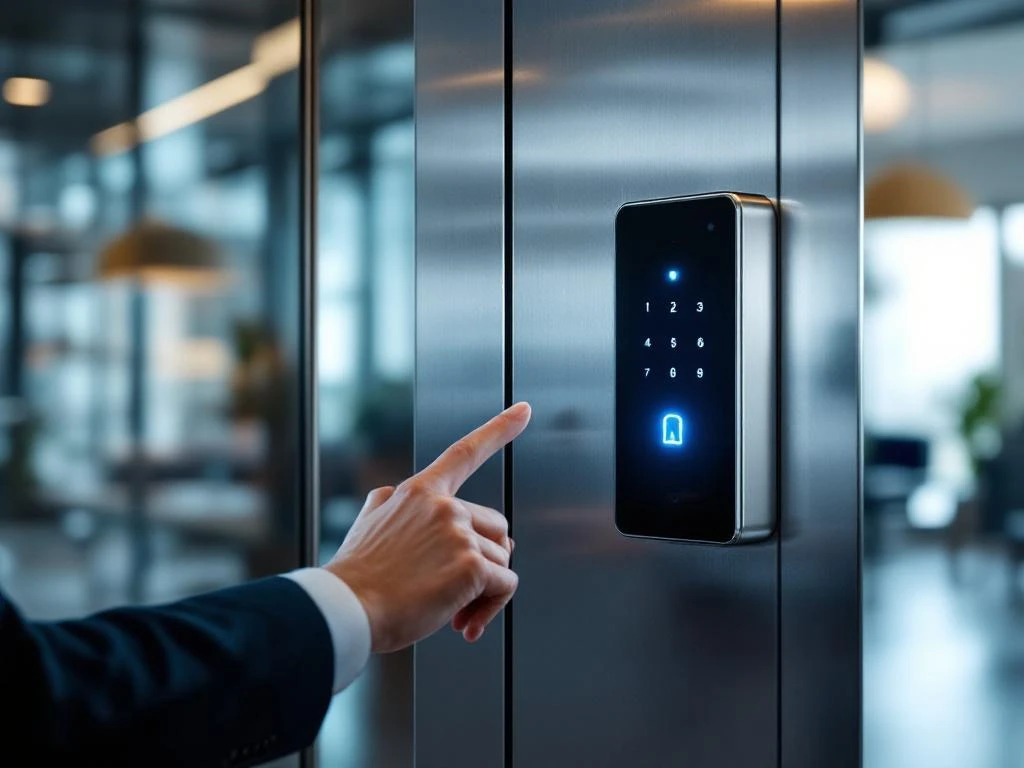
Smart office access systems are digital security solutions that replace traditional keys with modern technologies such as key cards, smartphone apps, or biometric scanners. These systems offer greater security, control, and flexibility for office environments. They enable you to manage access, monitor activity, and set different security levels for various areas within your office.
What exactly are smart office access systems?
Smart office access systems are automated security solutions that digitally control access to office buildings and specific areas. Instead of physical keys, these systems use electronic identification methods to grant employees, visitors, and suppliers access to different zones within the office.
These smart systems consist of various components: electronic locks, access readers, central management software, and identification tools such as badges or smartphone apps. The software tracks who enters and exits which rooms and when, giving you a complete overview of all movements within the office.
The main advantage over traditional key systems lies in their flexibility and control. When an employee leaves the company, you can immediately revoke their access without having to replace any locks. You can also grant temporary access to visitors or cleaning staff and set different access levels for each person or role.
What types of digital access systems are available for offices?
There are various types of digital access systems, each with its own specific advantages and applications. Keycard systems are the most commonly used type, in which employees hold a badge up to a reader to gain access. These systems are reliable and relatively affordable for most office environments.
PIN systems require users to enter a numeric code on a keypad. They are cost-effective because they do not require physical badges, but codes can be shared or forgotten. Biometric systems use fingerprints, palm scanners, or iris recognition for maximum security, making them ideal for highly sensitive areas.
Smartphone-based systems are rapidly gaining popularity. Employees use an app on their phones to unlock doors via Bluetooth or NFC technology. Facial recognition systems are the latest development and offer contactless access, which is particularly appreciated in the wake of the pandemic.
- Key cards: reliable and user-friendly for everyday use
- Smartphone apps: modern and flexible, no additional hardware required for users
- Biometric scanners: the highest level of security for critical areas
- PIN codes: cost-effective but less secure when used by many people
How do you choose the right access control system for your office?
Choosing the right access control system depends on various practical factors. Company size plays an important role: small offices can often get by with a simple PIN code system, while larger organizations require more advanced solutions with centralized management software.
The desired level of security determines which technology is most appropriate. Offices with sensitive information or valuable equipment benefit from biometric systems or multi-factor authentication. For standard office environments, key cards usually provide sufficient security.
Budget is, of course, an important consideration. Be sure to factor in not only the purchase price, but also installation costs, maintenance, and any subscription fees for cloud services. Also consider integration options with existing systems such as HR software, alarm systems, or time-tracking software.
User-friendliness for your employees is crucial to a successful implementation. A system that causes frustration on a daily basis will not be well received. Therefore, test different options and involve employees in the decision-making process.
What is the cost of smart office access systems?
The cost of smart office access systems varies widely depending on the type of system and the size of your office. Basic PIN code systems start at around €200–500 per door, including installation. Key card systems typically cost €500–1,500 per access point, plus €5–15 per badge.
Biometric systems are more expensive, with prices ranging from €1,000 to €3,000 per scanner. Smartphone-based systems often have lower hardware costs (€300–800 per door), but require monthly subscription fees of €5–20 per user for the app and cloud services.
In addition to the purchase price, you should also factor in installation costs of €100–300 per door, depending on the complexity of your building. Annual maintenance typically costs 10–15% of the purchase price. For complete systems in medium-sized offices (10–50 employees), you can expect total costs of €3,000–15,000.
Plan your budget realistically by also taking into account upgrades, software updates, and potential replacement costs after 5–7 years. Always request quotes from multiple suppliers and compare not only the price but also service and support.
How we help with smart office access systems
We offer comprehensive support for the selection, implementation, and maintenance of access control systems as part of our total office solutions. With over 60 years of experience, we understand that a good access control system must integrate seamlessly with your work processes and corporate culture.
Our personalized approach begins with a thorough analysis of your specific needs, security requirements, and budget. We recommend the system that best suits your organization and ensure professional installation by experienced technicians. After implementation, we provide ongoing support and maintenance.
- Free consultation and needs assessment to help you choose the right access system
- Professional installation and integration with existing office solutions
- Ongoing technical support and maintenance services
- Training for administrators and users of the new system
As a full-service project designer, we integrate access systems with other smart office technologies to create optimal workspaces. Contact us for a no-obligation consultation about the possibilities for your office.
Frequently asked questions
How long does it take to install a smart access system?
The installation time depends on the complexity and size of your office. For a simple system with 3–5 doors, you can expect it to take 1–2 business days. Larger installations with multiple zones and integrations can take 3–7 business days. We always schedule the installation to minimize disruption to your daily operations.
What happens in the event of a power outage or system failure?
Modern access control systems include built-in emergency provisions. Most electronic locks have a battery backup that lasts 8–24 hours. In addition, there are always mechanical override options available for emergencies. We also recommend installing a UPS (uninterruptible power supply) for critical access points.
Can employees work from home while still having access to specific office spaces?
Yes, with modern cloud-based systems, you can manage access rights remotely. You can grant employees temporary access for specific days or hours, even if they normally work from home. Using the management software, you can see in real time who is entering the office and revoke access immediately if necessary.
What about privacy and data protection in access control systems?
Access control systems are subject to GDPR regulations and must meet strict privacy requirements. We ensure that all data is stored in encrypted form and that only authorized administrators have access. Employees have the right to view their access data, and you must have a clear privacy policy in place for the use of the system.
Is it possible to integrate the access system with other office solutions?
Absolutely! Modern access control systems can integrate with HR software, time-tracking systems, alarm systems, and even lighting or climate control. This creates a fully integrated smart office ecosystem where the office automatically responds to the presence of employees. We always advise you on the best integration options for your situation.
What are the most common mistakes made when implementing an access control system?
The biggest mistake is failing to properly plan user permissions and access levels. Many companies grant everyone access to all areas, which undermines security. Additionally, the importance of training administrators is often underestimated. We help you develop a well-thought-out access policy and provide thorough training for everyone involved.
How do you maintain an access control system, and what are the signs that something is wrong?
Regular maintenance includes cleaning readers, checking batteries, and updating software. Signs of problems include slow response times, frequent access denials, or error messages in the system. We offer preventive maintenance and 24/7 support to quickly resolve issues before they disrupt operations.