

Ken je de frustratie van allerlei kabels die op en rond jouw bureau hangen? Denk aan kabels van computerschermen, internetkabels, loshangende stekkerdozen en acculaders. Iedereen heeft ermee te maken door de vele elektronische apparaten. En dit is niet goed voor de productiviteit. Bovendien kan het ook gevaarlijk zijn als er losslingerende kabels zijn. Mensen kunnen bijvoorbeeld blijven hangen en struikelen, waardoor ook kabels worden losgetrokken.
De oplossing? Goed kabelmanagement! In deze blog lees je niet alleen hoe je een einde maakt aan die kabel warboel, maar ook hoe je jouw kantoor transformeert in een georganiseerde en productieve werkplek. Met de volgende 6 tips kun je direct aan de slag!
1. Start met een georganiseerde werkplek
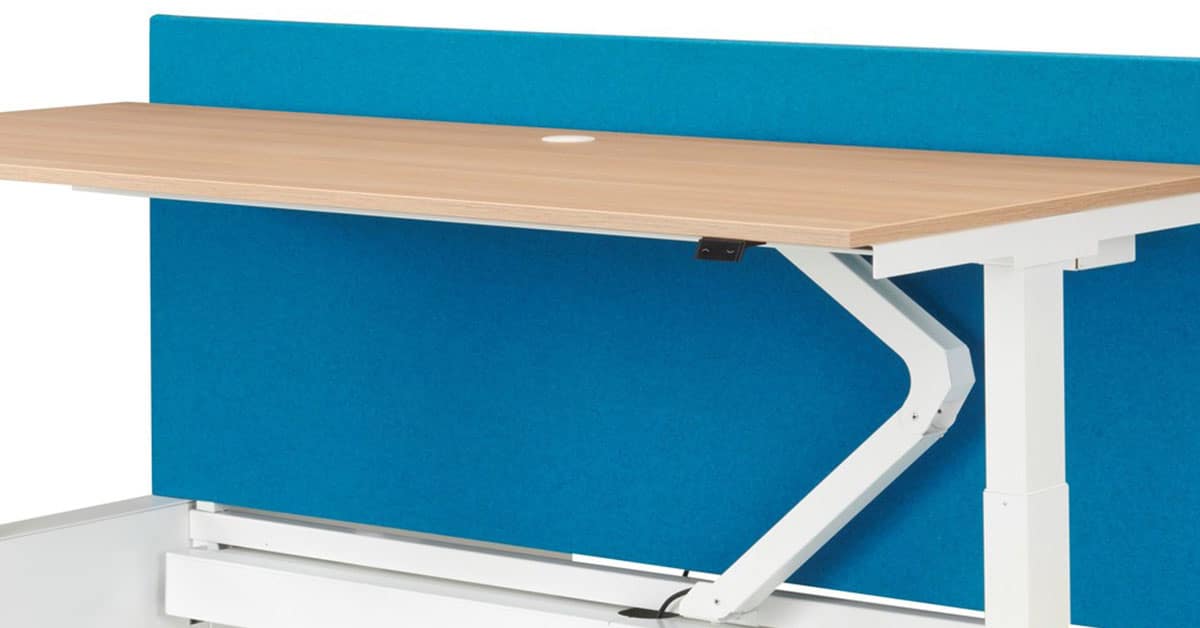
Kabelmanagement begint bij een goed georganiseerde werkplek. Het startpunt? Het kiezen van de ideale locatie voor al jouw elektronische apparaten. Denk ook aan de slimme positionering van stopcontacten en stekkerdozen, zodat je gemakkelijk toegang hebt. Dit vormt een belangrijk beginpunt voor goed kabelmanagement. Door kabels uit het zicht te houden, creëer je direct een opgeruimde en overzichtelijke werkplek.
2. Vervang lange kabels
Lange kabels raken snel in de knoop en zijn ingewikkelder te ordenen. Een simpele oplossing is het vervangen van deze kabels door kortere alternatieven. Dit zorgt voor een geordende werkruimte.
Houd wel rekening met het gebruik van de apparaten. Met apparaten die vaak verplaatst worden, zijn lange kabels alsnog handig.
3. Slimme hulpmiddelen voor kabelmanagement
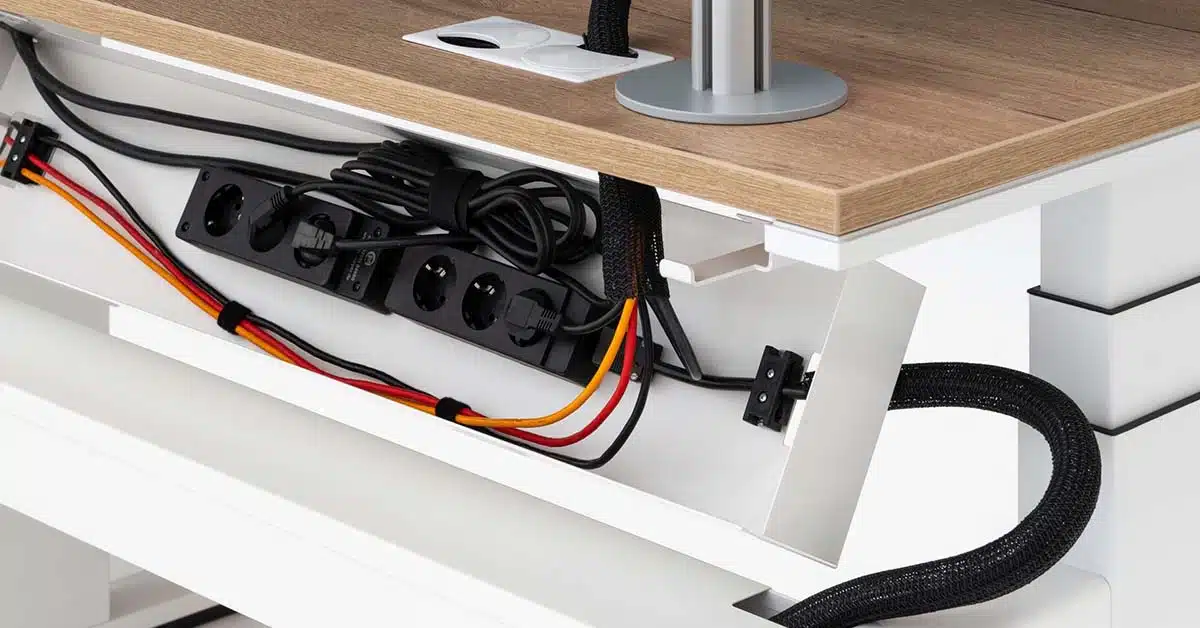
Kabelclips en kabelgoten vormen een eenvoudige oplossing voor het ordenen van draden. Deze zorgen voor goede geleiding van de kabels en voorkomen dat ze in de knoop raken. Let wel op: plaats ze onopvallend onder jouw bureau of langs de muur. Zo behoud je de gestroomlijnde look in jouw kantoor en zijn draden in het zicht verleden tijd!
4. Investeer in kabelbinders en klittenbandstrips
Een andere oplossing is het gebruik van kabelbinders en klittenbandstrips. Deze bieden een perfecte oplossing om kabels te bundelen en te voorkomen dat ze rondslingeren. Graag een uniforme uitstraling behouden? Kies voor neutrale kleuren of juist huisstijlkleuren die passen bij jouw kantoorinrichting.
5. Creëer een oplaadstation
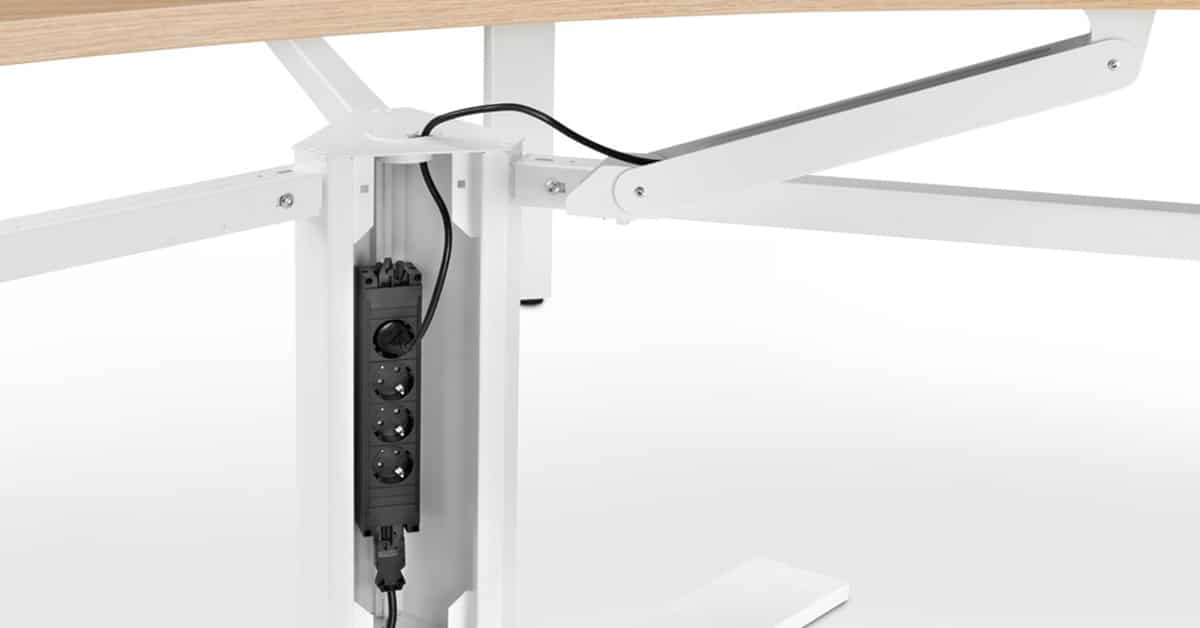
Creëer een speciale plek die toegewijd is aan het opladen van apparaten en plaats hier een oplaadstation. Een oplaadstation heeft slechts één stopcontact nodig en biedt meerdere USB-poorten voor jouw apparatuur. Het voordeel? Je hebt minder stopcontacten nodig en alles is mooi gecentreerd op één plek!
6. Label de kabels
Gebruik eenvoudige labels om aan te geven welke kabels naar welk apparaat leiden. Dit bespaart tijd wanneer een specifieke kabel moet worden losgekoppeld of vervangen.
Deskundig advies voor de ideale werkplek
Wout Monseurs is specialist op het gebied van kantoorinrichting. Bij ons kunt u terecht voor deskundig advies, kantoormeubelen en volledige projectinrichtingen. We houden rekening met alle aspecten, zoals de verlichting, stijlvolle meubels, akoestiek, raambekleding en het netjes organiseren door middel van kabelmanagement.
Plan een vrijblijvend gesprek in met een van onze deskundigen of neem contact met ons op. Ons team helpt u graag!