

Reserveer een werkplek met het Desk Booking systeem
Het hybride werken heeft ervoor gezorgd dat veel vaste werkplekken zijn vervangen door flexwerkplekken. Dit betekent alleen ook dat er wel eens chaotische taferelen ontstaan als er onderling niet goed wordt afgestemd wanneer men naar kantoor komt en er vervolgens te weinig bureaus beschikbaar zijn. Hiervoor is een simpele en gebruiksvriendelijke oplossing: een desk booking systeem. Met dit handige systeem kun je (dagen) van tevoren een flexwerkplek reserveren of gelijk op de bedrijfslocatie zelf. Collega’s kunnen dan gelijk zien of er nog werkplekken beschikbaar zijn.
Waar bent u naar op zoek?
Online een werkplek reserveren met je mobiel of computer
Wil je verzekerd zijn van een flexwerkplek wanneer je naar kantoor gaat? Reserveer dan een bureau met de app op je mobiel of met de software op je computer en voorkom teleurstelling.
Je ziet meteen welke werkplekken beschikbaar zijn, welke bezet/gereserveerd zijn en zelfs welke bureaus moeten worden schoongemaakt.
Reserveer een bureau met de tag
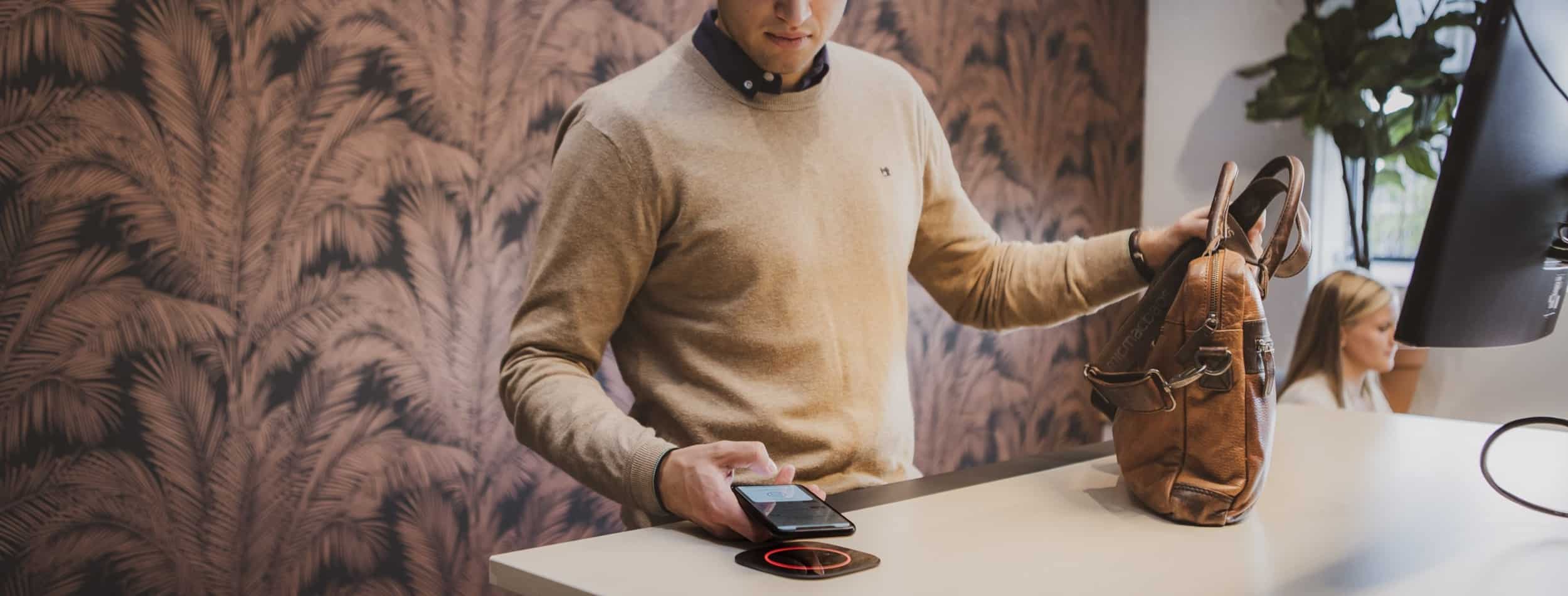
Je kunt op locatie een bureau reserveren met je persoonlijke “tag”. Deze tag kun je voor het gemak aan je sleutelbos hangen, zodat je hem altijd bij de hand hebt. En hier worden bovendien ook persoonlijke gegevens in opgeslagen, bijvoorbeeld jouw voorkeurshoogte van een elektrisch zit-sta bureau. Zodra je inlogt met je tag, wordt het bureau automatisch naar de juiste hoogte versteld.
Nieuw in onze showroom!
Ben je benieuwd naar dit Desk Booking systeem, maar wil je eerst zien hoe deze werkt? Kom dan gerust langs in onze showroom voor een demonstratie. Onze specialisten Mick Monseurs en Matt Jongeneelen laten je graag de mogelijkheden zien en geven u ook advies op maat voor uw kantoor.
Bekijk ook ons Room Booking Systeem in de showroom voor het reserveren van een complete werk/vergaderruimte.
Onze Desk Booking Specialist
mick@monseurs.com© 2026 Wout Monseurs